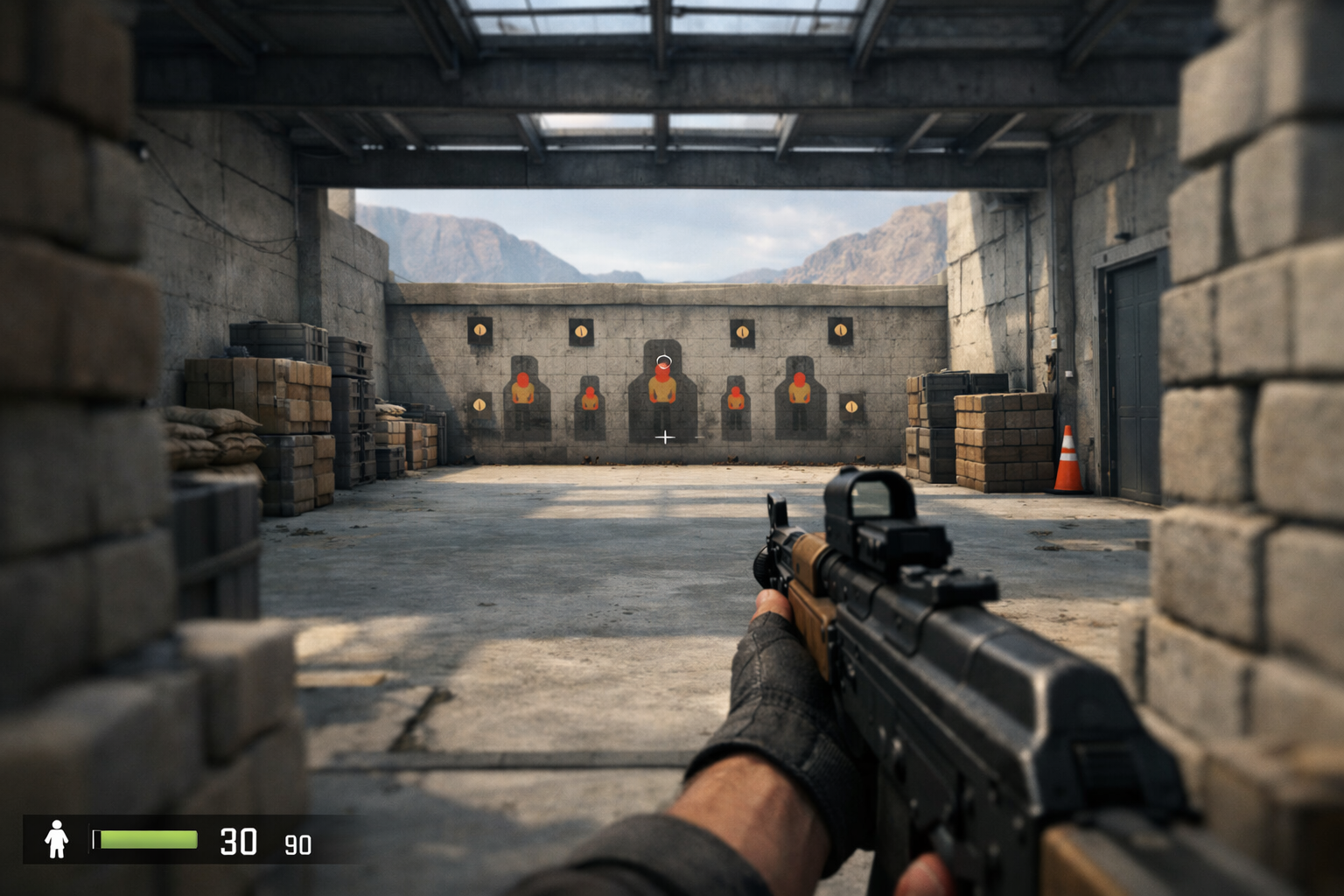
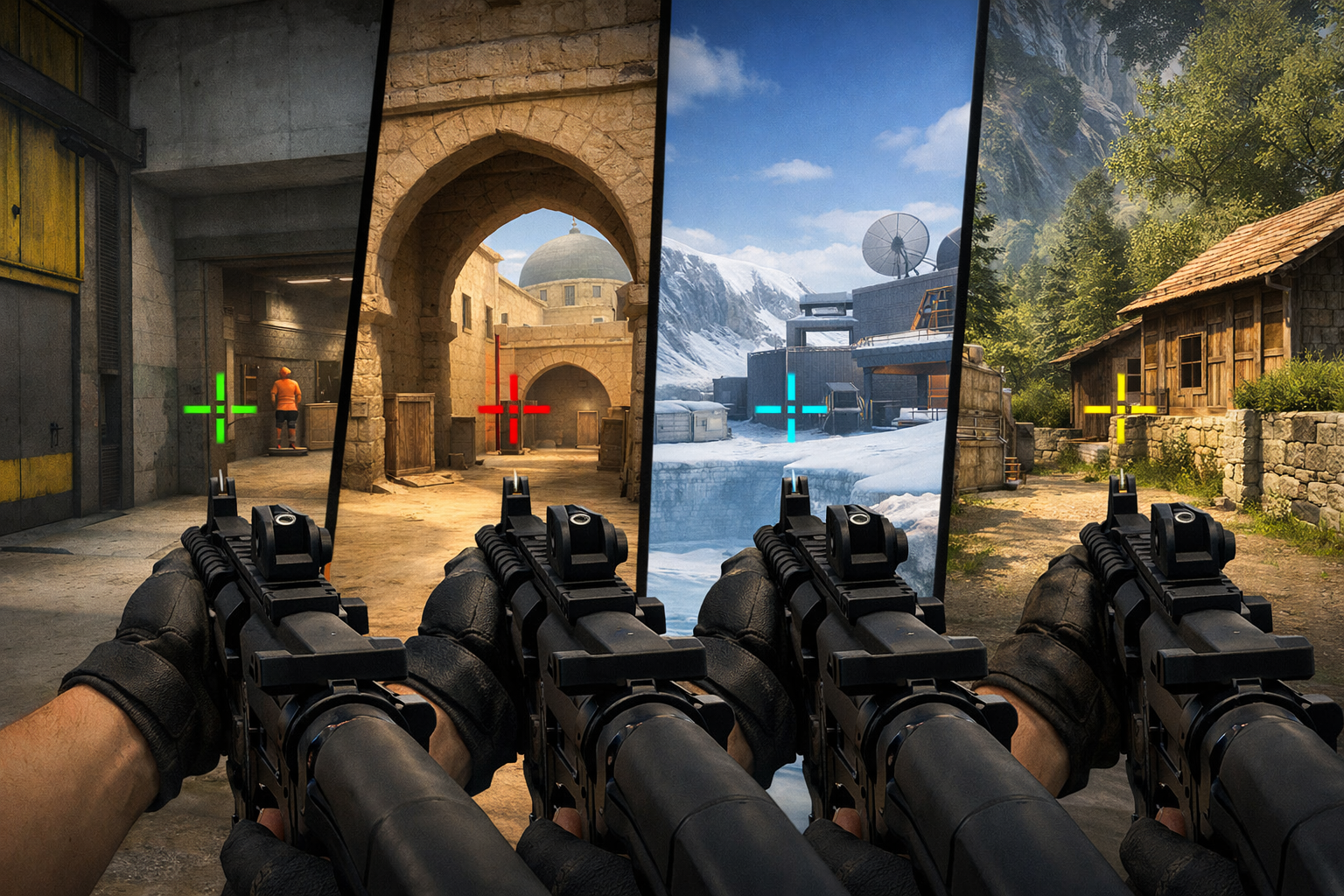
Learn how to make a small crosshair in CS2 with simple steps, smart settings, and easy testing tips for cleaner aim. For better consistency and control.
xertioN CS2 settings and crosshair explained, with practical context on sensitivity, video options, and how to adapt them.
Learn which ropz CS2 settings are worth copying, what to adapt for your own setup, and how to test his config without forcing it.
Learn how cs2 audio settings footsteps affect direction, distance, and clarity so you can hear enemy movement more reliably.
Learn how to choose the best crosshair color CS2 players can track easily, with simple tests, map-based tips, and tradeoffs.
Find the best budget monitor for CS2 with a clear comparison of refresh rate, panel type, and resolution for smooth play.
Learn what pro resolution CS2 players often use, what 4:3 and 16:9 mean, and how beginners can pick a safe setting to start with.
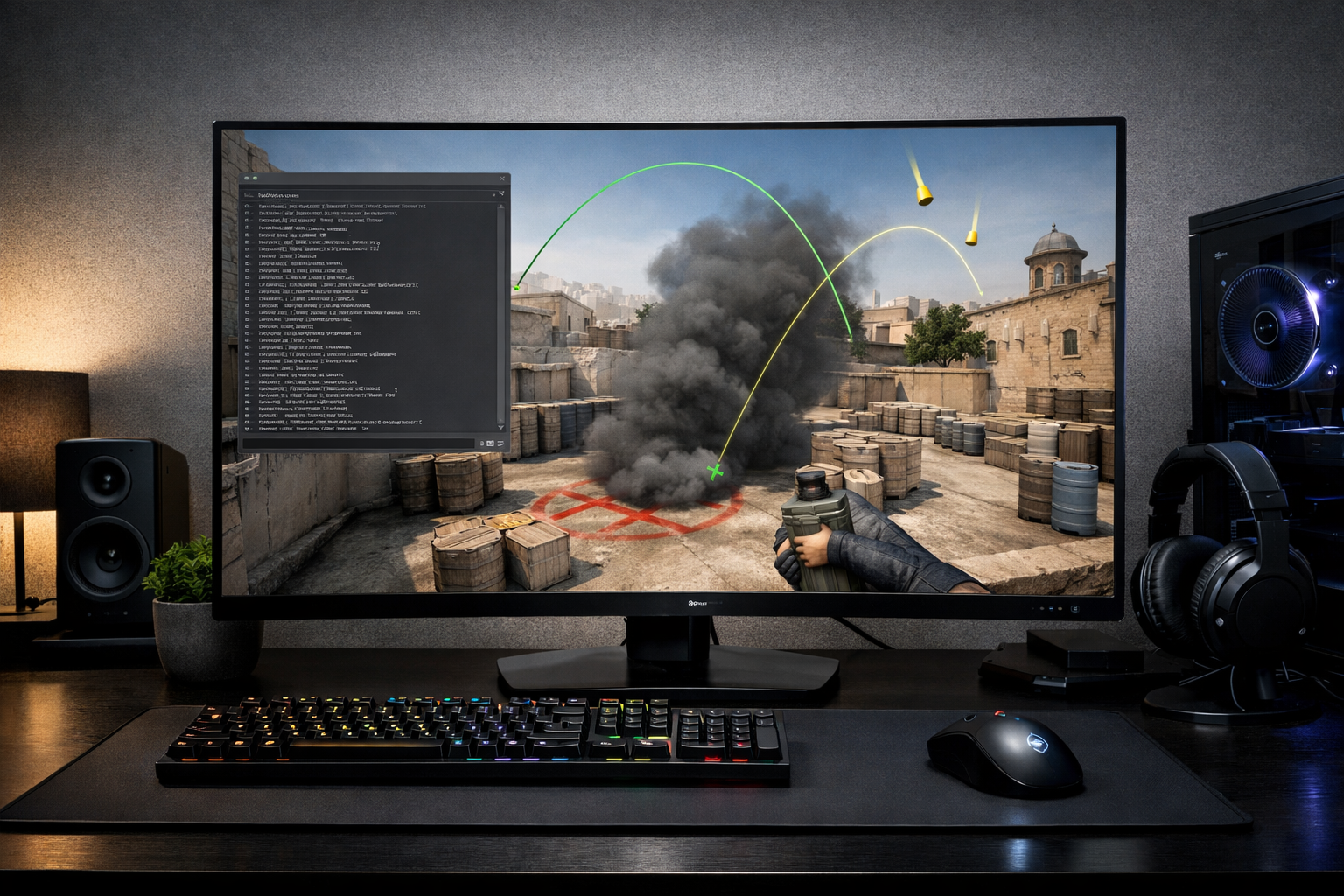
Learn how to build a practice config CS2 setup for nades, recoil, and movement with simple commands and a clean workflow.
Compare palm, claw, and fingertip to find the best mouse grip for CS2 aim, control, comfort, and consistency in real matches.
CS2 peeker’s advantage explained simply: what causes it, when it matters most, and how to play around it in real matches.
b1t CS2 settings and crosshair profile: what players look for, how to copy the style, and how to adjust it for your aim.
Learn why CS2 vs CSGO feel is different, from movement and shooting to visuals, input, and setup changes that affect consistency.