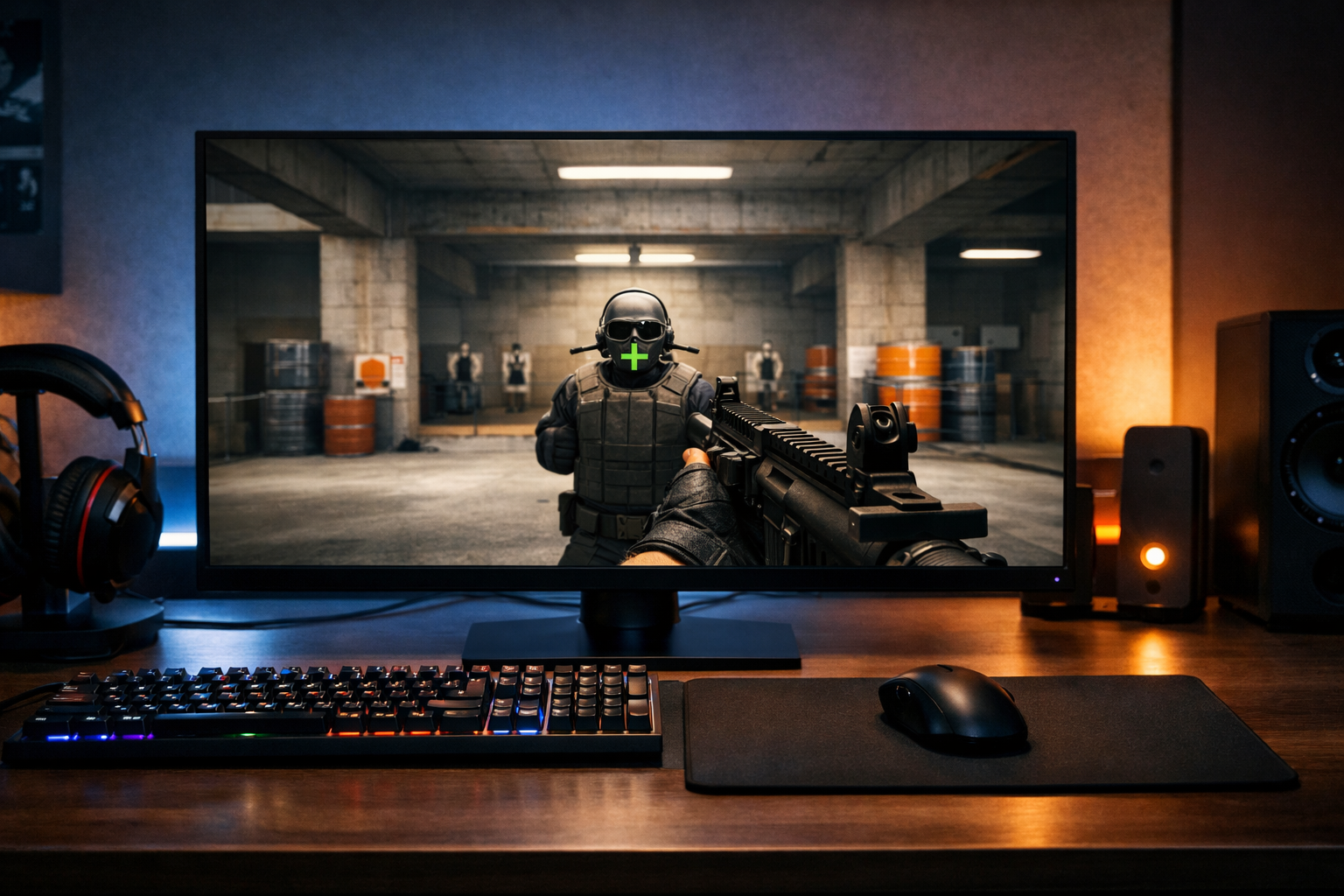
CS2 crosshair gap and thickness explained
Crosshair gap thickness CS2 refers to two core crosshair settings that shape how your aim point looks and feels. In simple terms, gap controls the space in the middle, while thickness changes how bold each line appears. Getting both right can make your crosshair easier to read during sprays, taps, and fast target switches.
TL;DR
- Gap changes the empty center space, while thickness changes line width.
- A balanced gap and thickness can improve crosshair readability in real fights.
- Adjust gap for target visibility first, then thickness for line clarity.
Most players change color or size first, but gap and thickness often have a bigger effect on clarity. If your crosshair feels hard to track, too busy, or too faint, crosshair gap thickness CS2 is usually the setting pair worth checking first.
These values do not directly improve aim, but they can make visual feedback cleaner. That matters when you are trying to place the center on a head, hold a tight angle, or recover after recoil.
If you want a broader view of how complete crosshair setups work, the CS2 crosshair hub gives useful context before you fine-tune individual values.
What gap and thickness mean in CS2
Gap is the empty space between the crosshair lines and the center point. A smaller gap brings the lines closer together, while a larger gap opens the middle and can make the center easier to see.
Thickness controls how wide each crosshair line appears. Thin lines can look precise and clean, while thicker lines can stay visible more easily against bright walls, utility, and player models.
When people talk about crosshair gap thickness CS2, they are really describing the balance between center visibility and line visibility. Too much of either can make the crosshair feel awkward.
A very tight gap with thick lines can crowd the middle of the screen. A wide gap with very thin lines can feel disconnected, especially when you flick or track at medium range.
Why crosshair gap thickness CS2 matters in real rounds
In live play, your crosshair is not viewed in a static menu. You see it through muzzle flash, movement, shadows, utility, and fast peeks. That is why crosshair gap thickness CS2 matters more than it may seem at first.
Gap affects how clearly you can identify the exact center. Many players prefer a slightly open middle because it helps them place the target inside the gap rather than covering it completely.
Thickness affects how stable the crosshair looks during motion. If the lines are too thin, they can blend into the map. If they are too thick, they can hide small target details at long range.
This tradeoff changes by situation. On Mirage window fights or Dust2 long taps, thinner lines can feel more exact. In close fights or messy retakes, a bit more thickness can often help the crosshair remain readable.
Resolution and monitor clarity also influence perception. On a sharp display, thin settings may still look clear. On blurrier motion or lower clarity setups, slightly thicker lines can be easier to follow than ultra-fine ones.
That is one reason many players pair crosshair tuning with display tuning. If you are also adjusting visibility, a fast panel like the BenQ ZOWIE XL2566K is often discussed because motion clarity can change how thin crosshair lines appear in action.
Common crosshair styles and how gap and thickness change them
Small static crosshairs usually use a tighter gap and moderate thickness. The goal is to keep the center compact without making the shape disappear during quick movement.
Open-center crosshairs use a larger gap so the enemy head or shoulder can sit inside the middle space. This style can feel cleaner for tapping and angle holding, especially if you dislike covering the target.
Minimal crosshairs often combine a small size with thin lines. These can look very precise, but they can also become hard to read on bright surfaces or during fast sprays.
Bolder crosshairs use more thickness to stay visible in chaotic fights. They can help with tracking and fast target acquisition, though they may feel less exact at long range.
Related terms players often confuse
Gap is not the same as size. Size changes line length, while gap changes the empty center space. You can have a large crosshair with a tight center, or a small crosshair with a wide center.
Thickness is also different from outline. Outline adds contrast around the lines, while thickness changes the actual width of the lines themselves. If your crosshair is visible but feels bulky, thickness may be the issue rather than outline.
Static and dynamic behavior are separate as well. A dynamic crosshair can expand with movement or firing, but the base gap and thickness still shape how readable it feels.
How to interpret pro-style examples without copying blindly
Many players look at pro settings for a starting point, which can be useful. Still, crosshair gap thickness CS2 should be judged by your own screen, resolution, and visual preference rather than copied without context.
For example, a setup that looks balanced on one monitor may appear too thin or too open on another. Mouse feel can also change perception, because faster swipes often make very fine crosshairs harder to track visually.
If you want a reference point, browsing a pro settings example can show how a competitive player structures a full setup. The key is to treat it as a baseline, not a rule.
It also helps to remember that pros often build around habit. A crosshair that supports one player’s timing and visual comfort may not suit your own peeking style or common engagement range.
What you should do with this information
The practical goal is simple: make the center easy to place and the lines easy to see. That usually means adjusting gap first for target visibility, then thickness for readability.
A useful approach is to test one change at a time:
- Reduce gap if the center feels too open at close range.
- Increase gap if the target gets covered too often.
- Reduce thickness if the crosshair feels heavy at long range.
- Increase thickness if the lines disappear during movement.
Use a workshop-style routine in live aim practice, then check the result in actual matches. A setting that looks perfect in a menu can feel very different when utility, recoil, and pressure are involved.
If you want to experiment quickly, the CS2 crosshair generator is the easiest next step. It lets you compare shapes faster and turn the idea of crosshair gap thickness CS2 into something you can judge on screen.
The best outcome is not the smallest or most pro-looking crosshair. It is the one that keeps your point of aim readable without distracting you. For most players, that balance sits somewhere in the middle rather than at an extreme.
In short, crosshair gap thickness CS2 is about visual balance. Gap defines the center space, thickness defines line weight, and both settings work together to shape how confident your aim feels in real fights.
FAQ
What does crosshair gap do in CS2?
Crosshair gap changes the empty space in the middle of your crosshair. A smaller gap creates a tighter center, while a larger gap opens the middle so targets are easier to see. It mainly affects how clearly you can place the center on heads and tight angles.
Is thicker crosshair better for CS2 aim?
Not always. Thicker lines can be easier to see during movement, sprays, and utility-heavy fights, but they can also cover more of the target at range. In many cases, the best choice is enough thickness for visibility without making the crosshair feel bulky.
Should I change gap or thickness first?
Start with gap first because it changes how the center aligns with targets. Once the middle space feels comfortable, adjust thickness to improve visibility. This order usually makes testing easier because you separate center placement from line readability.