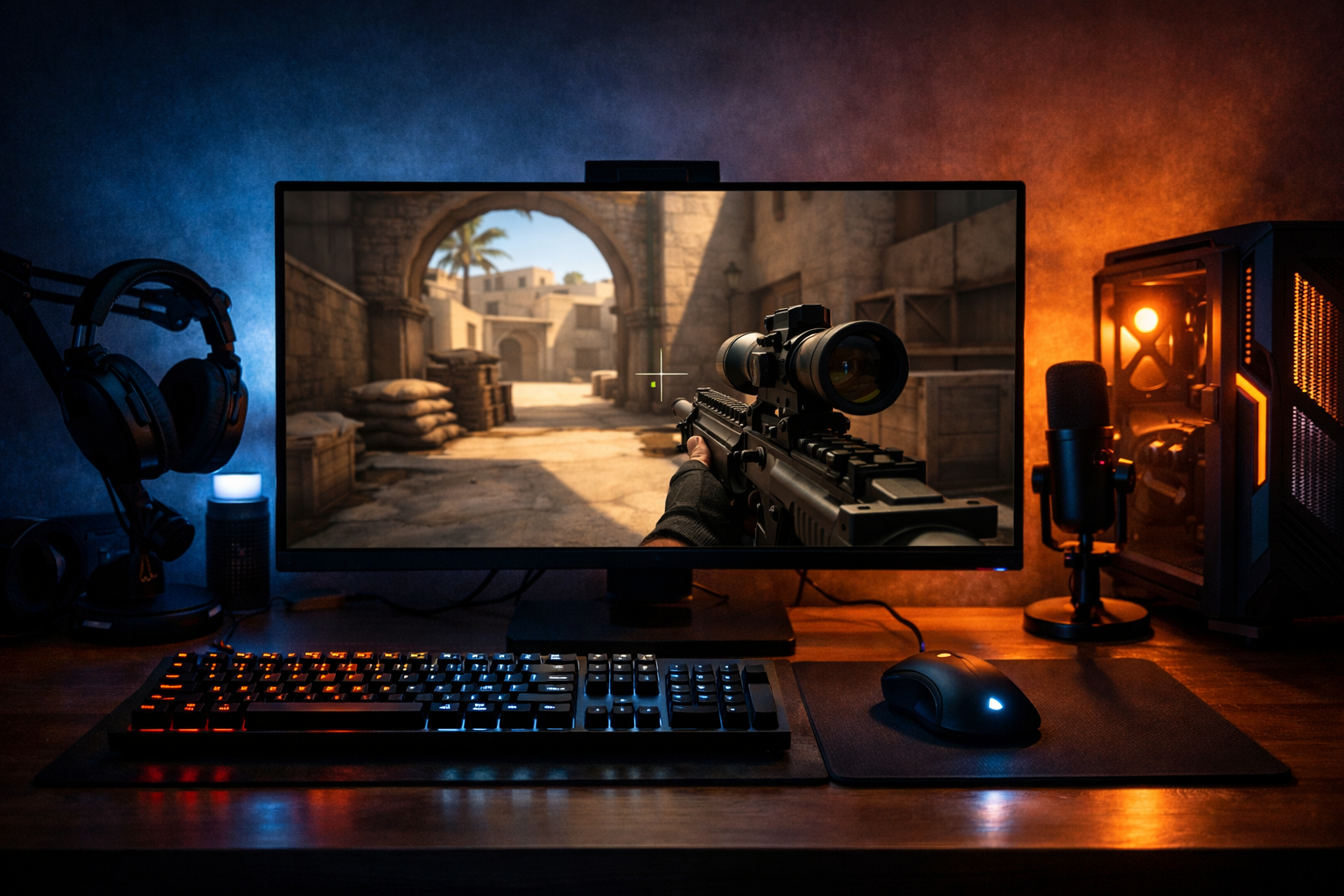
Xertion cs2 settings and crosshair explained
xertioN CS2 settings are popular because many players want a simple pro reference point without copying blindly. xertioN CS2 settings can help you understand how a high-level rifler balances visibility, speed, and control, especially when you compare the crosshair with your own habits.
TL;DR
- xertioN CS2 settings are best used as a baseline, not a perfect copy.
- The crosshair is the easiest setting to test first because its impact is immediate.
- Interpret pro settings by role, comfort, and visibility rather than reputation alone.
Players usually search for xertioN CS2 settings for one reason: they want a fast way to benchmark their own setup against a proven competitive style. That does not mean you should copy every value as-is, but it can give you a useful baseline for crosshair clarity, mouse feel, and visual comfort.
One of the first things most readers care about is the crosshair. If you want to compare styles before changing anything, the CS2 crosshair database helps you see how different competitive setups look in real play. That matters because a crosshair that looks clean in a menu can feel very different during sprays, peeks, and fast transfers.
Why xertioN CS2 settings get so much attention
xertioN CS2 settings attract interest because they are tied to a rifler role that demands quick target acquisition and stable tracking. Many players who entry or take early duels want settings that support fast reactions without making recoil control feel loose.
That is also why the crosshair gets more attention than almost any other setting. In many cases, a crosshair change is easier to notice than a small sensitivity tweak, so players often start there before adjusting deeper parts of their setup.
There is also a practical reason. Pro settings give structure to testing. Instead of changing random values, you can start from xertioN CS2 settings, play a few matches, and then adjust only the parts that clearly feel off for your aim style.
The key attributes to look at
When people discuss xertioN CS2 settings, they usually focus on four attributes: crosshair shape, sensitivity feel, video clarity, and keyboard response. Each one affects how the game feels in duels, but each should be interpreted in context.
- Crosshair: influences visibility, precision, and spray reference
- Sensitivity: affects turning speed, micro-corrections, and consistency
- Video settings: can improve clarity and reduce visual clutter
- Keyboard choice: can shape movement feel and input response
The crosshair is the easiest place to start because it gives instant feedback. A compact crosshair often helps with head-level focus, but if it is too small for your monitor size or resolution, it can disappear during bright fights or utility-heavy rounds. If you want to build a similar look safely, the crosshair generator is a practical tool.
Sensitivity is more personal. Even if xertioN CS2 settings feel balanced for one player, your desk space, mouse grip, and role can change the result. A lower sensitivity can support steadier rifle aim, while a slightly higher one can feel better for fast clears and reactive transfers.
Video settings matter because they shape what you notice first on screen. Many competitive players prefer settings that can reduce distractions and keep enemy models readable. That does not mean every low or stretched setup is automatically better, but clarity often matters more than visual detail in CS2.
Keyboard and gear choices are often overlooked in these searches. If you are also reviewing input feel, a board like the Razer Huntsman V3 Pro is relevant because many players look for fast, responsive movement input when refining a competitive setup.
How to read these settings without copying blindly
The biggest mistake with xertioN CS2 settings is treating them like a guaranteed upgrade. Settings can support performance, but they do not replace timing, crosshair placement, or decision-making. A setup that fits an aggressive rifler can feel awkward if you play slower anchor positions.
Start by asking what problem you are trying to solve. If your issue is losing the crosshair in fights, copy the crosshair style first. If your issue is overflicking, sensitivity deserves more attention than resolution or HUD details.
It also helps to test one variable at a time. Change the crosshair and keep your sensitivity stable for several sessions. Then, if needed, adjust mouse settings in small steps. That makes it easier to tell whether xertioN CS2 settings are actually helping or just feeling new.
Another useful approach is comparison. Looking at another pro page, such as Perfecto CS2 settings, can show how role differences may influence setup choices. A player known for different responsibilities may prefer a slightly different balance between speed and control.
What the crosshair choice says about playstyle
A crosshair is not just a cosmetic preference. In CS2, it often reflects how a player wants to read duels. A tighter crosshair can encourage precise first-bullet focus, while a more visible one can help maintain reference during movement and spray adjustments.
When players search xertioN CS2 settings, they are often really asking whether this crosshair style fits rifling. In many cases, the answer is yes if you value a clean center point and want minimal distraction. It can be especially useful for players who take frequent medium-range fights.
Still, visibility should come before imitation. If your monitor, brightness, or resolution makes a pro-style crosshair hard to track, increase thickness or size slightly. The goal is to preserve the intent of xertioN CS2 settings, not to force an exact copy that hurts consistency.
If you want another player reference for contrast, broxah CS2 settings can be useful as a second comparison point. Seeing two different profiles often makes it easier to understand which parts of a setup are personal and which are broadly practical.
Using xertioN CS2 settings as a starting point
xertioN CS2 settings work best as a starting point, not a final answer. Use them to narrow your testing range, especially if you want a cleaner crosshair and a more competition-focused setup. Then adjust around your own mechanics, role, and comfort.
A simple process works well: copy the crosshair, play a few sessions, review whether target visibility improved, and only then touch sensitivity or video options. That keeps your testing focused and avoids the common trap of changing five things at once.
If your aim already feels stable, small changes are enough. If your setup feels inconsistent across rifles, pistols, and transfers, xertioN CS2 settings can give you a more structured baseline to build from. The best result is usually a setup that feels familiar after a few days, not one that feels dramatic for ten minutes.
Use the profile as a reference, then refine it with purpose. That is the most practical way to get value from xertioN CS2 settings and crosshair choices without losing the parts of your game that already work.
FAQ
Should I copy xertioN CS2 settings exactly?
Usually no. Pro settings can offer a strong baseline, but your sensitivity, monitor setup, and role may require small changes. Start with the crosshair or one core setting, then test it for several matches before deciding whether it actually improves consistency.
Why do players focus on the crosshair first?
The crosshair gives immediate visual feedback and is easy to compare in live matches. If it feels clearer during peeks and sprays, you notice it quickly. Sensitivity changes can take longer to judge because they affect muscle memory over multiple sessions.
Are xertioN CS2 settings good for riflers only?
They are most relevant for players who value rifle consistency and clean visual focus, but they can still help others. The main idea is to study the balance between clarity and control, then adapt that balance to your own role and mechanics.