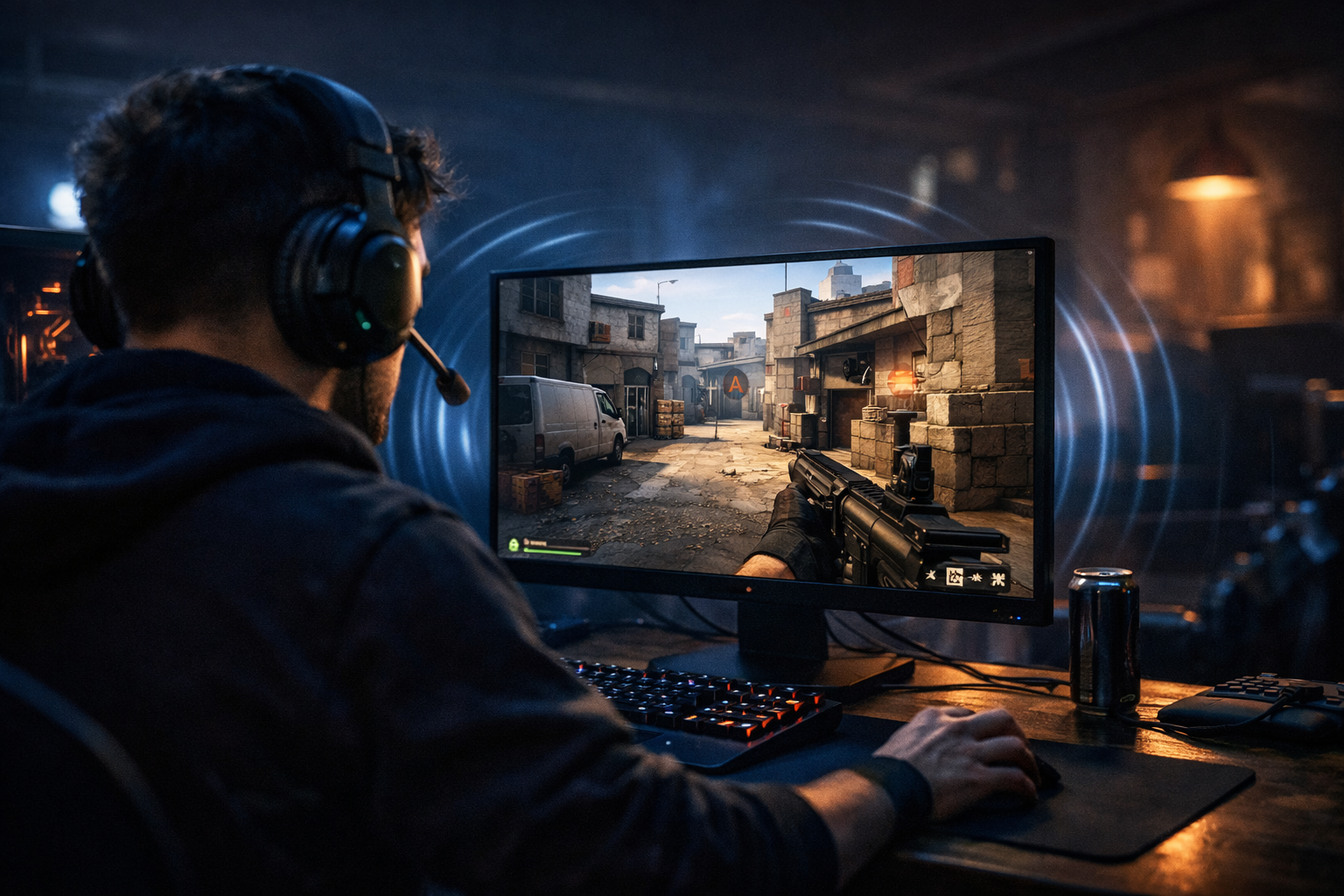
How cs2 audio settings for footsteps affect directional sound
CS2 audio settings footsteps matter because they shape how clearly you hear movement and where it comes from. In simple terms, good audio setup helps you separate left, right, near, and far sounds more reliably, which can improve reactions in fights and rotations.
TL;DR
- CS2 footsteps are easiest to read with clean stereo imaging and stable volume.
- Directional sound helps most in isolated mid-round situations, not during heavy utility chaos.
- The best improvement comes from pairing simple audio settings with map-specific practice.
Many players search for cs2 audio settings footsteps when they want cleaner directional cues, but the real answer is not one magic option. Footstep clarity in CS2 comes from how the game mixes sound, how your headset presents stereo space, and how consistently you interpret those cues during rounds.
That is why two players can hear the same step and react differently. One trusts the angle immediately, while the other hesitates because the sound feels wider, softer, or slightly behind the real position.
If you want a broader setup reference after reading this, the main CS2 config hub is a useful next stop for comparing player pages and gear pages in one place.
What practical advantage do better footstep cues give you?
The practical outcome is faster decisions with less guessing. When your cs2 audio settings footsteps are easier to read, you can hold tighter angles, rotate earlier, and avoid overchecking the wrong side.
In CS2, footsteps are rarely just about hearing that someone exists. They are about estimating lane, timing, and whether a player is committing, stopping, dropping, or baiting sound.
A simple example is Mirage connector pressure. If you hear steps shift from distant to immediate on your left channel, you can often tell whether the player is moving up aggressively or just making presence before stopping. That changes whether you swing, call for help, or fall back.
This is also why many players prefer stable stereo imaging over heavy virtual surround effects. A cleaner left-right picture can make short, sharp movement cues easier to place during fast fights.
Why direction in CS2 can sound clear one round and confusing the next
CS2 does not only ask whether you heard a sound. It asks your ears to judge angle, distance, elevation, and room shape at the same time. That is where confusion starts.
Footsteps bounce through map spaces differently depending on walls, tunnels, doors, and open areas. A step in a narrow corridor can feel more direct, while a step near a larger opening can seem wider and less exact.
Your headset also matters, but not because expensive gear automatically fixes everything. What matters more is imaging consistency, meaning how reliably the headset places sounds between left and right without smearing them together.
That is one reason lightweight competitive mice and simple audio setups often appear together in player setups. If you like checking how pros keep their overall gear choices practical, you can browse a page like REZ CS2 settings for context, even though individual audio preference can still vary.
The core idea: stereo placement beats exaggerated effects
For most players, stereo is easier to learn than boosted surround processing. Extra enhancement can make footsteps sound bigger, but bigger is not always more accurate.
When sound processing adds too much width or echo, front-left and rear-left cues can blur together. That can lead to the classic mistake of turning too far or checking behind when the enemy is still ahead on an off-angle.
This is why cs2 audio settings footsteps should focus on clarity first. You want enough detail to hear movement changes, but not so much processing that every step feels dramatic and vague.
Volume balance matters more than many players expect
If your overall game volume is too low, subtle movement gets lost. If it is too high, gunfire and utility can become fatiguing, which makes you less consistent at reading later-round cues.
A balanced level helps you keep footsteps audible without making the whole mix harsh. In many cases, consistency across sessions matters more than chasing tiny changes every day.
When audio settings matter most, and when they will not save you
CS2 audio settings footsteps matter most in mid-round information spots. Think lurking, retakes, late rotates, and anchor positions where one sound cue can decide whether you hold or move.
They matter less when several loud events overlap. If grenades, spam, and multiple rifles are going off, even strong directional audio can only tell you so much.
There is also a skill limit to audio interpretation. Good settings can help, but they cannot replace map knowledge. If you do not know the common pathing options from a sound source, the cue is still incomplete.
For example, hearing one step near B on Ancient does not always tell you the exact peek timing. It may only tell you that pressure exists. You still need to combine that with utility timing, teammate info, and likely spacing.
Another limitation is expectation bias. If you already believe the enemy is on one side, you can misread a neutral cue and confirm your own guess. That is not a settings problem. It is a decision problem.
- Audio helps most when the sound is isolated.
- Audio helps less during heavy utility and spam.
- Map knowledge turns sound into usable information.
- Overprocessing can make direction less reliable.
So the goal is not perfect certainty. The goal is reducing bad guesses often enough to improve your round decisions.
How to make cs2 audio settings footsteps easier to read in real matches
The best approach is simple: use a clean stereo setup, keep your volume stable, and train yourself on repeatable map situations. That gives cs2 audio settings footsteps a practical purpose instead of turning them into endless menu tweaking.
Start by avoiding stacked enhancements from several places at once. If your headset software, Windows settings, and other audio tools all add effects, directional cues can become less natural.
Then test one scenario repeatedly. Stand in a common position with a friend moving through a known path. Listen for three things only: left-right placement, distance change, and whether the sound becomes sharper or softer near cover transitions.
A good practical drill is to repeat the same route from two elevations or two entrances. That teaches you what the game actually gives you, instead of what you assume it gives you.
If you are comparing how competitive players build stable setups around consistency, a page like sh1ro CS2 settings can be a useful reference point for the broader setup mindset.
Your headset comfort also matters during long sessions. If you are curious about lightweight gear choices around competitive play, the SteelSeries Aerox 3 Wireless page is a relevant gear example, even though it is a mouse rather than an audio device.
One more useful habit is to review your own mistakes in demos. If you swung the wrong side after a sound cue, ask whether the cue was unclear or whether you rushed the interpretation. That distinction helps more than random setting changes.
- Use stereo before trying extra surround effects.
- Keep one consistent volume range.
- Practice repeated routes on familiar maps.
- Review wrong reads in demos.
Your best next step after changing audio
Once your setup feels clean, stop changing it for a while. The next gain usually comes from learning how CS2 presents movement in specific map spaces, not from chasing another slider.
Focus on two maps and a few common sound situations first. Learn what a close swing, a drop, a ladder move, and a stop-start bait sound like from your usual positions.
If you want another player setup page to compare overall competitive preferences, you can also check Stewie2K CS2 settings and see how setup research can support your own testing process.
The short version is clear: cs2 audio settings footsteps work best when they stay simple, consistent, and tied to map knowledge. Better sound helps, but better interpretation is what turns footsteps into useful direction calls.
FAQ
Do stereo settings work better than surround in CS2?
For many players, yes. Stereo often gives cleaner left-right placement and makes footsteps easier to interpret quickly. Virtual surround can help some users, but it can also widen sounds too much and blur exact direction, especially in fast fights.
Why do footsteps sound wrong even with good settings?
Good settings cannot remove every source of confusion. Map geometry, overlapping sounds, elevation changes, and your own expectations can all affect how a step feels. In many cases, the issue is interpretation under pressure rather than a broken audio setup.
How should I practice directional audio in CS2?
Use a private server or a friend and repeat common routes from fixed positions. Focus on left-right placement, distance changes, and how sounds shift near walls or openings. Repeating the same situations builds recognition faster than changing settings every session.