Download their full CS2 settings

CS2 Pro settings

CS2Config is a database of professional Counter-Strike 2 player settings. Here you can find the full CS2 configs, crosshair codes, sensitivities, viewmodel settings and gear used by the best CS2 players in the world.

Browse player profiles, copy their settings instantly, or download their full CS2 config files.
CS2 Pro settings

Popular CS2 pro players settings & config

What is CS2CONFIG?

CS2Config is a website dedicated to professional Counter-Strike 2 settings. Our goal is to make every pro player’s configuration easy to find in one place.

Instead of searching through Twitch streams, YouTube videos, or old forum posts, you can quickly access verified settings directly on our site.

Each player profile includes their crosshair, sensitivity, resolution, viewmodel settings, video settings and gaming gear.

If a pro player updates their settings, we update the profile as soon as the changes become public.

Not just their configs...

Besides configs, you can also explore the full gaming setups used by professional CS2 players.

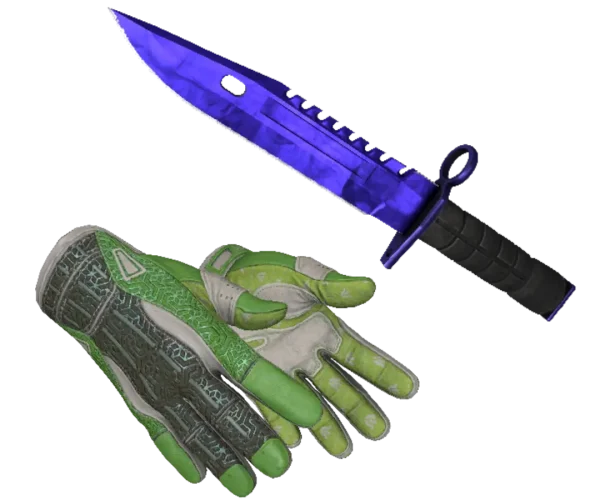
This includes their mouse, keyboard, monitor, mousepad and sometimes even their in-game skins. Many players like to use the same gear as the pros to improve their consistency and comfort.

If you find a product you like, you can click the gear item and instantly visit the store where it is available.

You can even click on the gear or skins and get transferred to the site where you’ll be able to buy that product instantly, removing the struggle of having to find the exact product by yourself if you’d like to try it out.

Here's how to find your perfect sensitivity

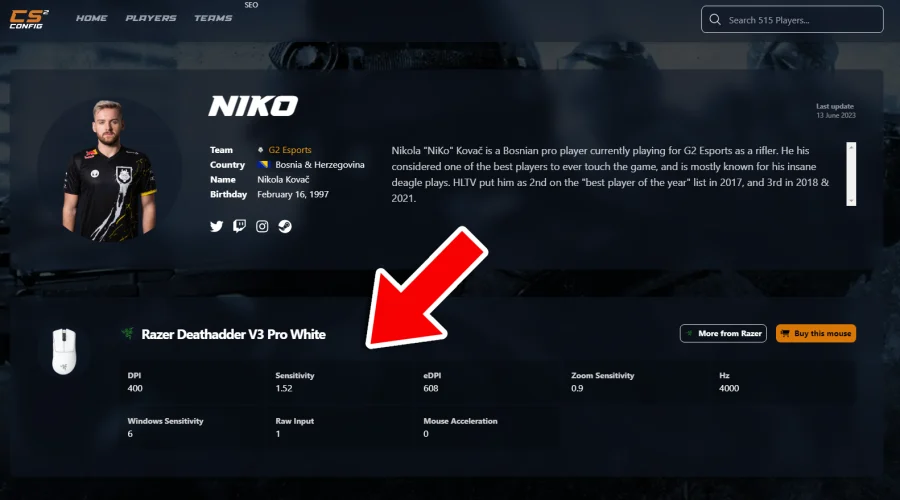
It can be very frustrating when it comes to sensitivity… one day it feels like you’ve found the perfect one, and the next day everything feels either too slow, or too fast. This can be very bad as your muscle memory is resetting everytime you change sens. That’s why it’s very important to NOT change your sens, but to just keep going. Maybe play some deathmatch if you’re feeling off instead of switching settings. Remember that sens is personal preference. Some people like a higher sens while other like very slow ones. We recommend using our site to find the perfect sensitivity for yourself. Simply visit some pro player’s profiles, and start trying out their sensitivities. This can be a very good way to find what you really like pretty fast. First try something really low like NiKo’s sens (1.52 ingame, 400 DPI), and then try a high sens like s1mple’s (3.09 ingame, 400 DPI), and then you start tweaking from there!

You can also try something in the middle like 2.2 ingame, 400 DPI, which KennyS is using for example. Whenever you have decided which one you like the most, start to slowly turn up or slow down the sens for your personal liking. This is the absolute best way to find the perfect sens if you ask us. Keep in mind that you’ll also have to practice a lot so you’re getting used to the new sensitivity!

Many players also compare sensitivity using eDPI (DPI × in-game sensitivity), which makes it easier to compare settings between different players.


Which CS2 pro player has the best settings?

This is one of the most common questions in the Counter-Strike community.

The truth is that there is no single “best” CS2 config. Every professional player uses slightly different settings depending on their playstyle and preferences.
However, many players like to start with configs from well-known pros who use fairly balanced settings.

For example:

ZywOo uses a very common setup with a stretched resolution (1280×960) and a sensitivity of 2.00 at 400 DPI. His settings are often considered a good middle ground that works for many players.
Another example is m0NESY, who uses almost identical sensitivity and resolution settings.
While these setups are popular, the best way to find your ideal configuration is still to try different settings and decide what feels best for your own playstyle.

Pro player settings database

CS2Config tracks the settings of hundreds of professional Counter-Strike players across major teams and tournaments.

The database includes crosshair codes, sensitivity, resolution, viewmodel settings, radar settings, and gaming gear used by top CS2 players around the world.

FAQ

What are CS2 configs?

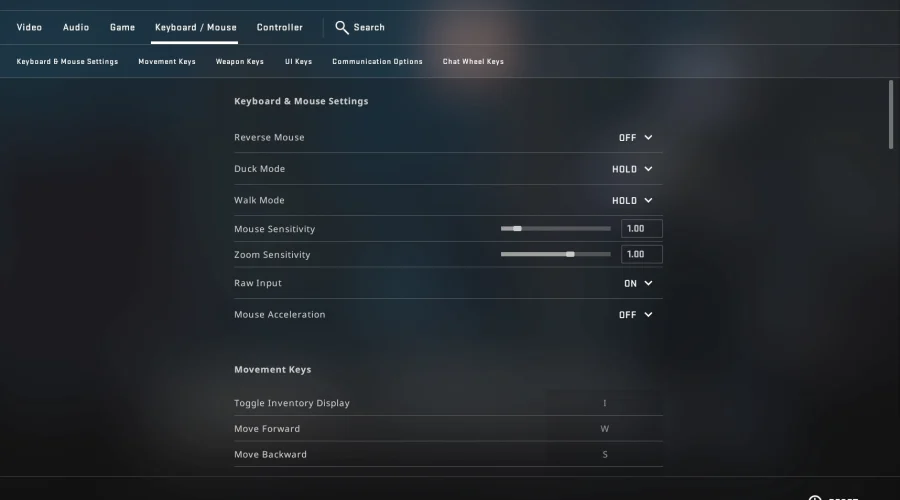
A CS2 config is a configuration file that stores your game settings. This includes things like crosshair settings, sensitivity, resolution, viewmodel settings, radar settings, and video options. Many players use pro player configs as a starting point for their own setup.

Professional players spend thousands of hours optimizing their settings. Because of this, many players use pro configs as a reference point when trying to improve their own gameplay or find comfortable settings.

Yes. On CS2Config you can either copy individual settings directly from a player profile or download the full config file when available.

Most professional players use relatively low sensitivity compared to casual players. A common range is around 400 DPI with 1.5–2.5 in-game sensitivity, although preferences vary between players.

Many professional players use 1280×960 stretched resolution, although some prefer native resolution or other stretched formats. Resolution choice mainly comes down to personal preference and visibility.

Player settings are updated whenever changes become publicly available. This can happen through tournament matches, streams, interviews, or public configuration files.