
wiz
| Team |
 Free Agent Free Agent
|
|---|---|
| Country |
 United States United States
|
| Name | Jerric Jiang |
| Birthday | February 21, 2001 |
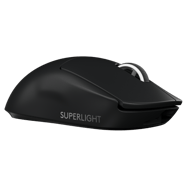

Logitech G Pro X Superlight Black
DPI
Sensitivity
eDPI
Zoom Sensitivity
Hz
Windows Sensitivity
- wiz uses these CS2 mouse settings: 800 DPI , sensitivity 1.2 (≈960 eDPI).
- wiz sets mouse polling rate to 1000 Hz for smoother input in CS2.
- Windows sensitivity is 6 to match their in-game feeling.
Crosshair
Style
Follow Recoil
Dot
Length
Thickness
Gap
Outline
Outline Thickness
Color
Red
Green
Blue
Alpha
Alpha Value
T Style
Deployed Weapon Gap
Sniper Width
- You can copy wiz’s CS2 crosshair instantly with the code CSGO-Tihpo-bHmML-VU63C-Swu3r-QQSFE.
- This crosshair uses Follow Recoil set to No , length 1.5 and outline No .
- Alpha Value is 255, T Style is No and Deployed Weapon Gap is No.
- wiz prefers a clear, static crosshair that stays readable on all CS2 maps.
Viewmodel
FOV
Offset X
Offset Y
Offset Z
Presetpos
- wiz uses a CS2 viewmodel FOV of 68 to keep the weapon visible without blocking enemies.
- Offsets 2.5/2/-2 are tuned for maximum visibility around the crosshair.
HUD
HUD scale
HUD Color
- wiz uses a HUD Scale of Unknown for a clear interface.
- HUD Color is set to Unknown.
Radar
Radar Centers The Player
Radar is Rotating
Toggle Shape With Scoreboard
Radar Hud Size
Radar Map Zoom
- Radar Centers The Player is set to Unknown.
- Radar Rotation is set to Unknown.
- Toggle Shape With Scoreboard is set to Unknown.
- Radar HUD Size is Unknown.
- Radar Map Zoom is Unknown.
BOB
Lower AMT
AMT Lat
AMT Vert
Cycle
- wiz reduces weapon bob in CS2 (lower amt 5 , lat 0.33, vert 0.14 ) to keep the screen as stable as possible while moving.
- Lower bob helps with tracking targets and spraying without too much visual shake.
Launch options & config file
Video
Resolution
Aspect Ratio
Scaling Mode
Brightness
Display Mode
- wiz plays CS2 on 1280x960 (4:3) with Stretched scaling.
- Display mode is set to Fullscreen for maximum focus and responsiveness.
- Brightness is kept around 130% so enemies don’t blend into dark areas.
Advanced video
Global Shadow Quality
Model / Texture Detail
Shader Detail
Boost Player Contrast
Multisampling Anti-Aliasing Mode
Texture Filtering Mode
Wait for Vertical Sync
NVIDIA Reflex Low Latency
Particle Detail
Ambient Occlusion
FidelityFX Super Resolution
NVIDIA G-Sync
Maximum FPS In Game
Dynamic Shadows
High Dynamic Range
- wiz tunes CS2 graphics for high FPS rather than pure visuals.
- Shadow quality, model detail and particle detail are kept at readable competitive values to reduce clutter.
- Multisampling Anti-Aliasing Mode is set to Unknown.
- Boost Player Contrast is Unknown so enemies stand out more clearly.
- NVIDIA Reflex Low Latency is Unknown and NVIDIA G-Sync is Unknown.
- Maximum FPS In Game is capped at Unknown.
- Dynamic Shadows are Unknown, Ambient Occlusion is Unknown, HDR is Unknown and FidelityFX Super Resolution is Unknown.
Monitor Game Settings
- wiz uses monitor gaming settings that make enemies easier to spot in CS2.
Monitor Picture
- wiz keeps monitor picture settings focused on clarity rather than “pretty” colours.
Skins
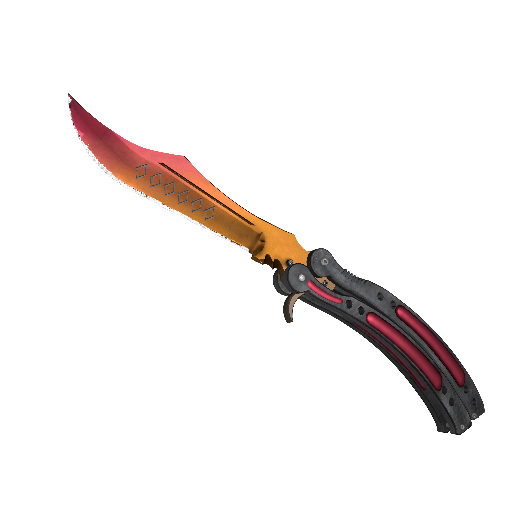
★ Butterfly Knife | Fade (Factory New)
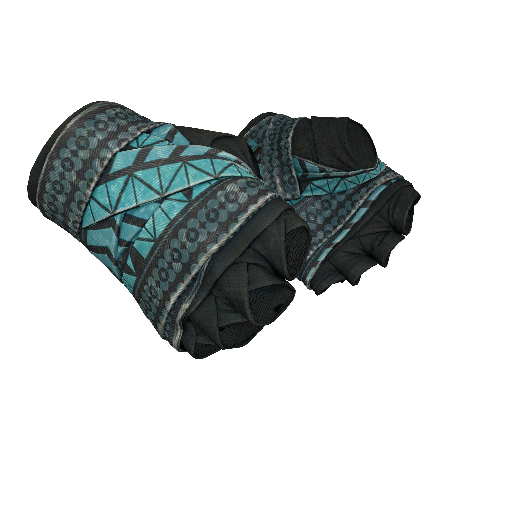
★ Hand Wraps | Overprint (Field-Tested)
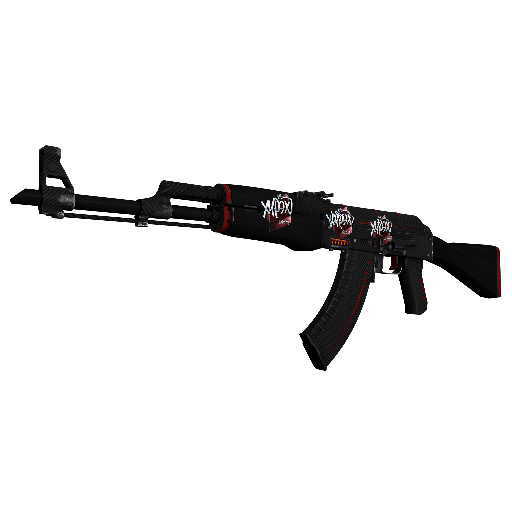
StatTrak™ AK-47 | Redline (Minimal Wear)
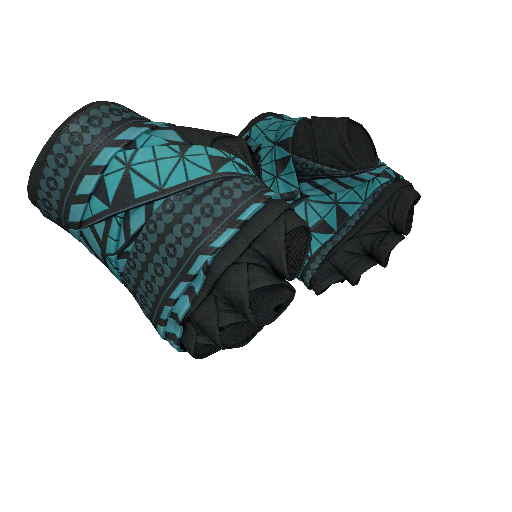
★ Hand Wraps | Overprint (Field-Tested)
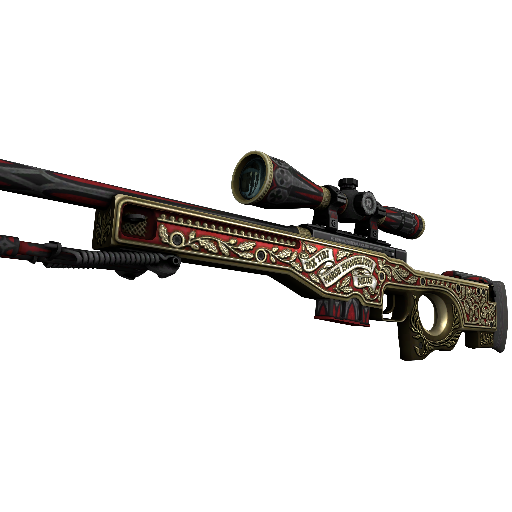
AWP | The Prince (Minimal Wear)
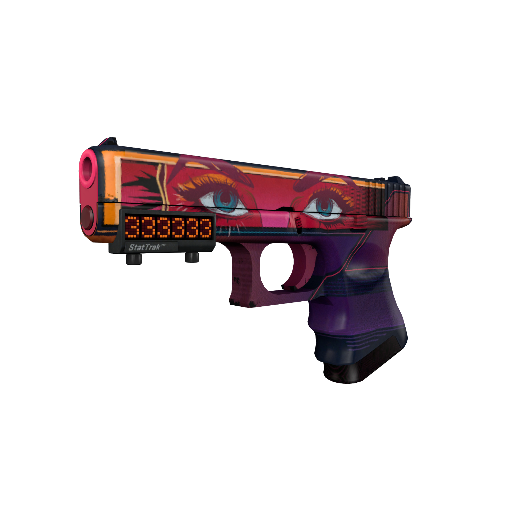
StatTrak™ Glock-18 | Vogue (Factory New)
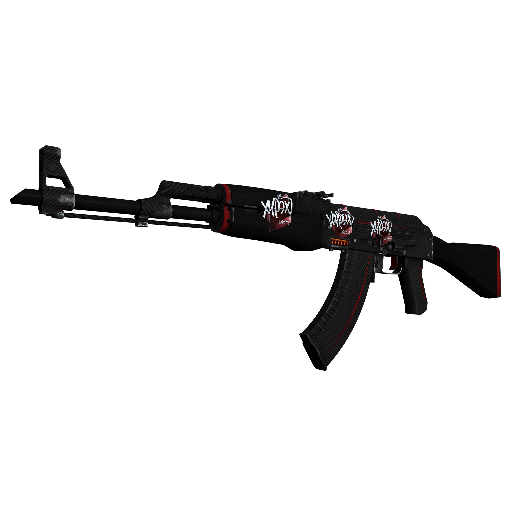
StatTrak™ AK-47 | Redline (Minimal Wear)
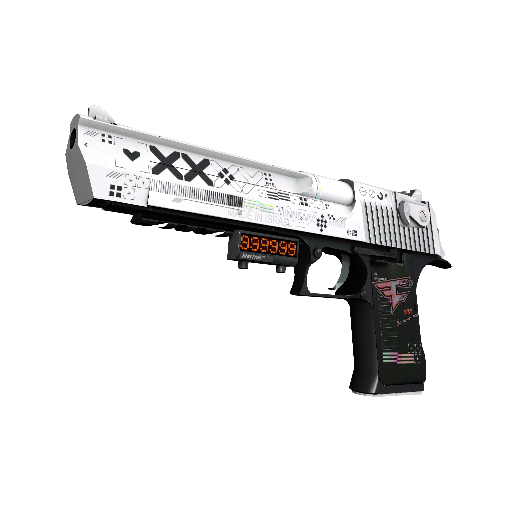
StatTrak™ Desert Eagle | Printstream (Minimal Wear)
Gear

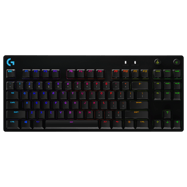
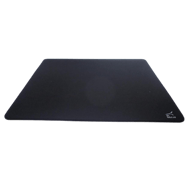
More CS2 pro player settings






FAQ – wiz CS2 settings
What mouse does wiz use?
wiz uses the Logitech G Pro X Superlight Black.
What sensitivity does wiz use?
wiz uses sensitivity 1.2.
What DPI does wiz use?
wiz uses 800 DPI.
What eDPI does wiz use?
wiz uses 960 eDPI.
What Hz does wiz use?
wiz uses 1000 Hz.
What crosshair code does wiz use?
The crosshair code is CSGO-Tihpo-bHmML-VU63C-Swu3r-QQSFE.
What crosshair settings does wiz use?
wiz uses a crosshair with style Classic Static, gap -3, thickness 1, and length 1.5.
What resolution does wiz use?
wiz plays on 1280x960.
What aspect ratio does wiz use?
wiz uses a 4:3 aspect ratio.
What brightness does wiz use in CS2?
wiz uses in-game brightness 130%.
What viewmodel does wiz use?
wiz uses viewmodel FOV 68, offset X 2.5, offset Y 2, and offset Z -2.
What HUD settings does wiz use?
wiz uses HUD Scale Unknown and HUD Color Unknown.
What radar settings does wiz use?
wiz uses Radar Zoom Unknown, Radar HUD Size Unknown, and Radar Rotating Unknown.
What team does wiz play for?
wiz currently plays for Free Agent.
wiz CS2 Settings Summary
Here you can quickly see the most important CS2 settings used by wiz, including mouse, sensitivity, crosshair code, resolution, HUD settings, radar settings, and graphics card setup.