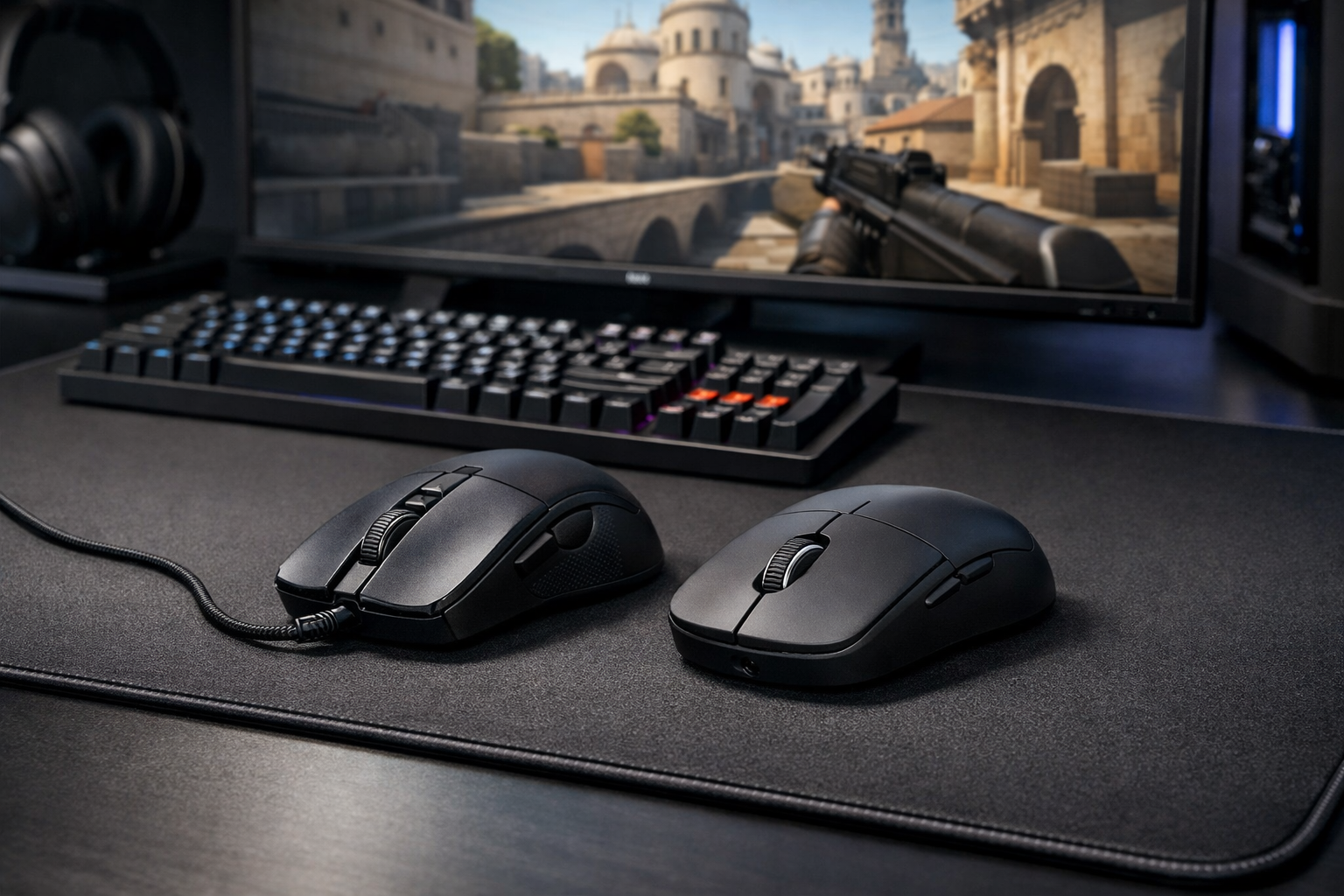
Wireless vs wired mouse cs2: which one makes more sense?
Wireless vs wired mouse CS2 is mostly a tradeoff between freedom of movement and simple, always-on reliability. For most players, modern wireless mice are fast enough for CS2, while wired mice still make sense if you want lower cost, zero charging, and a consistent setup.
TL;DR
- Wireless usually feels better for low-sens players because it removes cable drag.
- Wired remains a strong CS2 option if you want lower cost and no charging.
- Shape, weight balance, and mousepad pairing often matter as much as connection type.
Choosing between a wireless and wired mouse in CS2 is less about raw marketing claims and more about how each option feels during real rounds. The core difference is simple: wireless removes cable drag, while wired removes battery management and usually costs less.
If you are still building your setup, it also helps to compare your mouse choice with the surface under it. A good mousepad for CS2 can change glide and stopping power as much as the mouse itself.
Wireless and wired in CS2: what each option really gives you
A wired mouse connects directly through a cable and draws power continuously. In CS2, that means no charging routine, no battery percentage checks, and no concern about forgetting to plug in before a long session.
A wireless mouse uses a low-latency receiver and an internal battery. In many cases, the main benefit is cleaner movement during wide swipes, micro-corrections, and fast flicks because the cable is no longer pulling against your hand.
That is why wireless vs wired mouse CS2 discussions often focus on feel first, not just specs. If your aim relies on low sensitivity and large arm movements, cable drag can be more noticeable than it is for a high-sens wrist aimer.
| Factor | Wireless mouse | Wired mouse |
|---|---|---|
| Movement feel | Free from cable drag | Can feel slightly restricted by cable |
| Latency | Often excellent on modern models | Consistently strong and simple |
| Weight | Can be very light, but battery affects design | Often light with no battery inside |
| Maintenance | Needs charging | No charging needed |
| Price | Usually higher | Usually lower |
For players comparing shapes and lightweight options, the Finalmouse Ultralight X is one example of how modern wireless designs aim to reduce the old gap between wireless convenience and competitive performance.
The practical differences that matter most in matches
Latency used to be the main reason competitive players avoided wireless. That gap is much smaller now. Many modern wireless mice can perform well enough for CS2, so the bigger question is whether you notice cable resistance more than you dislike charging.
In aim duels, cable drag usually shows up during repeated horizontal swipes and quick resets to center. It can be subtle, but subtle matters in CS2 because your crosshair placement and first-bullet timing depend on consistent hand movement.
Wired mice still have a practical edge in simplicity. You plug them in, they work, and they stay at full performance without a battery cycle in the background. For some players, that predictability is more valuable than the extra freedom of wireless.
Weight is another point where the answer is not automatic. Some wireless mice feel extremely light, but battery placement can still affect balance. Some wired mice feel more neutral in hand, even if the cable adds a small amount of resistance.
Where wireless usually feels better
Wireless often feels better for low-sensitivity players who make broad arm movements. If you clear angles with long swipes or track through multi-kill transfers, the lack of cable contact can make movement feel smoother and less interrupted.
It can also help if your desk setup is tight or your cable routing is poor. In those cases, wireless removes one more variable from your aim routine.
Where wired still holds up well
Wired still holds up if you want a stable setup with fewer habits to manage. There is no charging schedule, no battery anxiety, and no need to think about receiver placement or wireless interference.
It also remains a strong value option. If your budget is limited, spending less on the mouse can leave room for a better pad, skates, or even time spent refining your CS2 crosshair settings.
Who should choose wireless, and who should stay wired?
Wireless vs wired mouse CS2 decisions become easier when you match the choice to your habits. The best option is the one that fits how you aim, how often you play, and how much setup friction you are willing to accept.
Choose wireless if you play on low sensitivity, dislike cable feel, and want the cleanest possible swipe path. It also makes sense if you already know you prefer lightweight gear and do not mind charging every few days.
Choose wired if you want lower cost, simple reliability, and no battery management. It is also a sensible pick if you already use a bungee or if cable drag has never bothered you during matches.
- Wireless suits low-sens arm aimers and players who hate cable contact.
- Wired suits budget-focused players and anyone who wants zero charging.
- Wireless can feel cleaner on large flicks and resets.
- Wired can feel more straightforward in long practice sessions.
If you like seeing how competitive players build around lightweight gear, you can check Brollan’s CS2 settings for a practical reference point on setup choices around aim and comfort.
Brand preference can matter too, especially if you already like a certain shape philosophy. Browsing the Finalmouse lineup can help you compare whether a premium wireless route matches what you actually want from your CS2 mouse.
The tradeoffs most players overlook
The biggest mistake in wireless vs wired mouse CS2 debates is assuming one category is automatically better. In reality, shape, sensor position, click feel, skates, and mousepad pairing can affect your aim more than the connection type alone.
A bad wireless shape will not become good just because it has no cable. A great wired shape can still outperform a more expensive wireless mouse if it fits your grip and gives you better stopping control.
Another overlooked factor is routine. Wireless works best when charging becomes automatic, like plugging in after sessions. If you know you forget small maintenance tasks, wired may fit your habits better and keep your setup stress-free.
Desk environment matters as well. On a clean desk with a good receiver position, wireless can feel excellent. On a cluttered desk with inconsistent charging habits, the practical advantage can shrink quickly.
Verdict: which one makes more sense for CS2?
For most players, wireless is now a legitimate competitive choice in CS2 and often the better feel-based option. If cable drag bothers you, the upgrade in movement freedom can be easy to notice.
Wired still makes more sense if you want dependable performance at a lower price and do not want to think about battery life. It is not outdated. It is simply the more straightforward option.
The balanced answer is this: wireless is usually better for comfort and unrestricted swipes, while wired is usually better for value and simplicity. Wireless vs wired mouse CS2 comes down to whether movement freedom matters more to you than maintenance-free reliability.
If you are deciding today, start with your sensitivity and habits. Low-sens players often benefit more from wireless, while players who value consistency, budget, and zero upkeep can stay wired without feeling disadvantaged.
FAQ
Is wireless mouse latency bad for CS2 now?
Not usually. Many modern wireless mice can offer latency that feels fully usable for CS2. For most players, the bigger difference is movement feel, battery routine, and shape comfort rather than a clear in-game delay.
Do low sensitivity players benefit more from wireless?
Often, yes. Low-sensitivity players make larger arm swipes, so cable drag can be easier to notice during flicks, tracking, and resets. Wireless can make those movements feel cleaner, especially on larger mousepads.
Should I buy wired if my budget is limited?
In many cases, yes. A wired mouse can give you reliable performance for less money, and that can leave room for a better mousepad or skates. If cable drag does not bother you, wired remains a sensible CS2 choice.