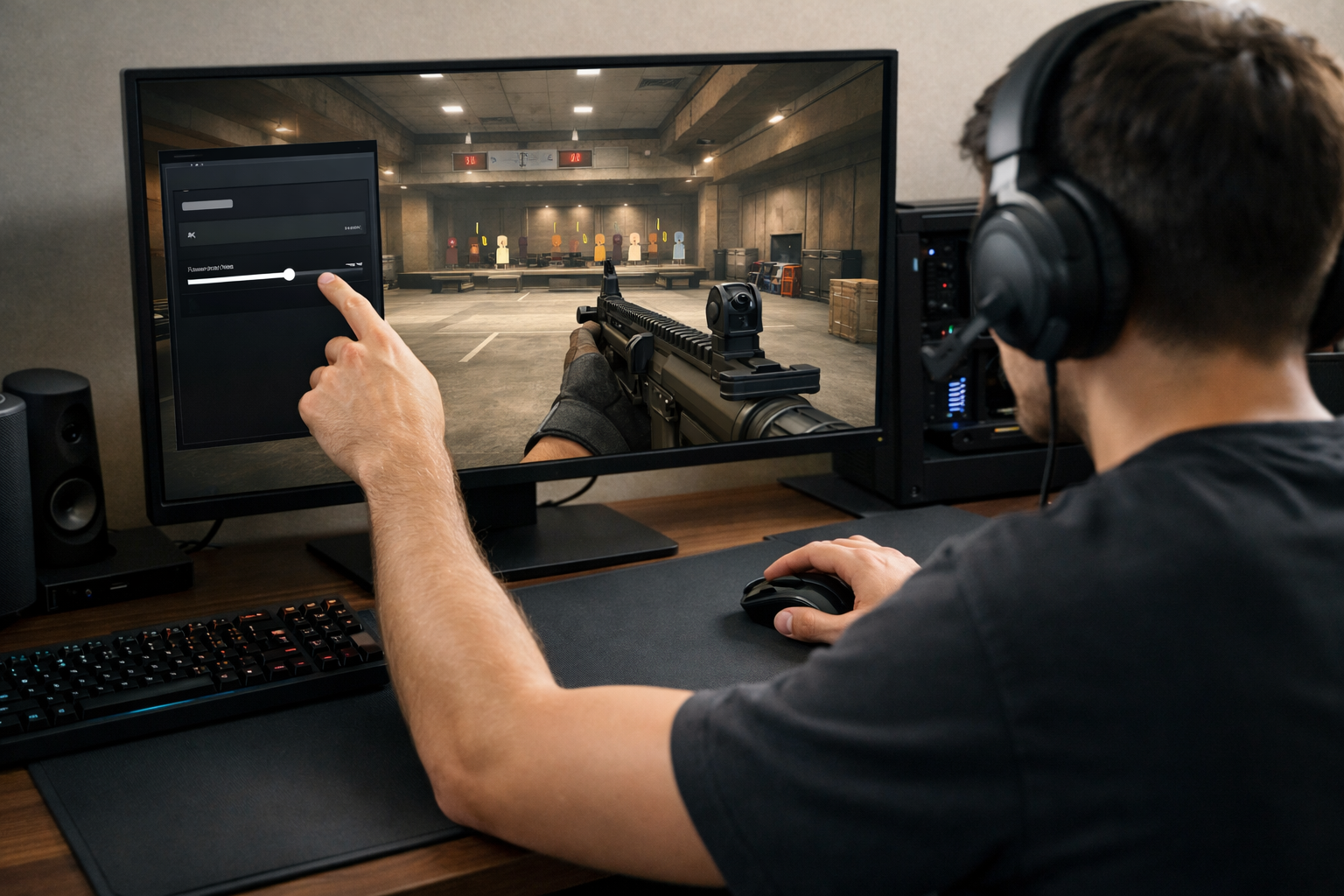
CS2 sensitivity guide for better aim
This CS2 sensitivity guide gives you a practical way to find a sens that fits your aim style. CS2 sensitivity guide advice works best when you adjust in small steps, test with purpose, and keep your mouse control consistent.
TL;DR
- Start with a moderate sensitivity and change only one variable at a time.
- Test your sens with micro-adjustments, flicks, and short tracking drills.
- Fine-tune in small steps and keep a repeatable warm-up before matches.
A good sensitivity should help you turn comfortably, stop on targets cleanly, and stay stable in sprays. If your sens feels random from match to match, your aim can break down even when your crosshair placement is solid.
Before changing anything, keep one goal in mind: build repeatable mouse movement. That means choosing a starting point, testing it in the same way, and only making small changes when a clear problem shows up.
If you want more settings context after this, browse the wider CS2 guides hub for related setup advice.
Set the right goal before changing sensitivity
The point of a CS2 sensitivity guide is not to push everyone toward one number. The real goal is to find a range that lets you clear angles, track moving targets, and control recoil without feeling rushed.
In many cases, players change sensitivity too often because they confuse bad habits with bad settings. A missed flick can come from poor timing, weak crosshair placement, or panic, not only from the sens itself.
Start by deciding what problem you want to solve. If you often overshoot heads, your sens may be too high. If you struggle to turn, clear close corners, or react to fast swings, it may be too low.
Your desk space and mousepad also matter. A smaller pad can limit lower sensitivities, while a larger surface gives you more room for controlled swipes. If your setup feels cramped, check this guide to the best mousepad for CS2.
Build a starting point that feels controllable
Most players do better when they begin with a moderate sensitivity instead of an extreme one. Very high sens can make micro-adjustments shaky, while very low sens can make fast turns and multi-target fights harder.
A practical starting method is simple: pick a sens that lets you do a comfortable wide turn without lifting your mouse too often, then test whether you can still make small corrections on a distant target.
- Use one DPI setting and keep it unchanged while testing.
- Set a starting in-game sensitivity that feels neither sluggish nor twitchy.
- Play short aim sessions before making any judgment.
- Adjust in small steps, not large jumps.
- Keep the same resolution and mouse grip during testing.
This CS2 sensitivity guide works best when you remove extra variables. Do not change your mouse, pad, sens, and crosshair all at once. If your mouse sensor or shape feels inconsistent, a better fit can help, and this best mouse for CS2 breakdown is a useful next step.
Many players also like to compare their range with pro setups for perspective, not for copying. Looking at a page like electronic CS2 settings can show how a stable setup is structured, even if your final sens ends up different.
Apply your sensitivity in real aim situations
Once you have a starting point, test it in situations that match real CS2 fights. A sensitivity that feels fine in empty movement can still fail when you need to stop, flick, and spray under pressure.
Use three aim checks
First, test micro-adjustments. Hold an angle and make tiny corrections onto a head-level target. If your crosshair keeps floating past the target, the sens may be too high or your hand may be too tense.
Second, test flick control. Snap from one target to another at medium distance. You do not need flashy flicks. You need the ability to stop the crosshair near the target without a second large correction.
Third, test tracking during short strafes. Follow a moving target for a brief burst, then stop and reset. If your aim feels delayed and heavy, your sens may be too low for your current arm speed.
Match the test to your role and habits
Entry players often need quick first-contact adjustments, while anchor players may value steadier holds and cleaner micro-corrections. That does not mean each role needs a fixed sensitivity, but your common fights should shape your testing.
This is also where the CS2 sensitivity guide may not apply in the same way to every player. If you have very limited mouse space, wrist-only aim, or physical discomfort with larger swipes, your ideal range can be different from the common advice.
Use deathmatch, aim maps, or short practice blocks with one purpose per session. Do not judge a new sens after one bad round. Look for patterns across several sessions instead of reacting to isolated misses.
Fine-tune without ruining your muscle memory
The biggest mistake is making dramatic changes after every rough game. Muscle memory in CS2 is really about building consistent movement patterns, and those patterns need time to settle.
When you adjust, move in small increments. A slight reduction can improve stopping power on flicks. A slight increase can help if you constantly run out of pad space or feel late on close-range turns.
Give each change enough reps to reveal a trend. In many cases, 20 to 30 minutes of focused practice plus a few matches is more useful than endless tweaking in menus.
Keep notes on what you feel. Write down whether you are overshooting, undershooting, struggling in sprays, or lifting your mouse too often. That makes your next adjustment logical instead of emotional.
Also check your frame rate and input feel before blaming sensitivity. If performance is unstable, aim can feel inconsistent even with a good sens. Hardware setup can affect that, especially if your system struggles in fights, so broader settings guides can help you troubleshoot.
Lock it in and build a repeatable routine
Once your sensitivity feels mostly right, stop searching for perfect and start building consistency. The best result from a CS2 sensitivity guide is not a magic number. It is a routine that keeps your aim stable over time.
Use the same warm-up order each day: a few minutes of micro-corrections, a few minutes of flicks, then short live practice. That routine teaches your hand the same movement patterns before matches.
If you still feel uncertain, compare your setup choices with trusted examples, then return to your own testing. Use internal resources as the next step, not as a shortcut. The goal is to understand why your sens works.
Stick with one setting long enough to judge it fairly. If your crosshair lands more cleanly, your sprays start with better control, and your turns feel natural, you are close. From there, protect consistency and let practice do the rest.
FAQ
How often should I change my CS2 sensitivity?
Only change it when you notice a clear, repeated issue across several sessions. If you overshoot often, run out of mousepad space, or cannot make small corrections, a small adjustment can help. Avoid changing sensitivity after one bad match or a few missed shots.
Is lower sensitivity always better for aiming?
No. Lower sensitivity often helps with stability and precise micro-adjustments, but it can also make fast turns and close-range reactions harder. The best choice is the one that gives you both control and comfortable movement on your desk setup.
Should I copy a pro player's sensitivity exactly?
Usually no. Pro settings can give you a useful reference point, but your mousepad size, grip, arm movement, and comfort level matter just as much. Use pro setups to understand common ranges, then test your own sensitivity in real CS2 situations.