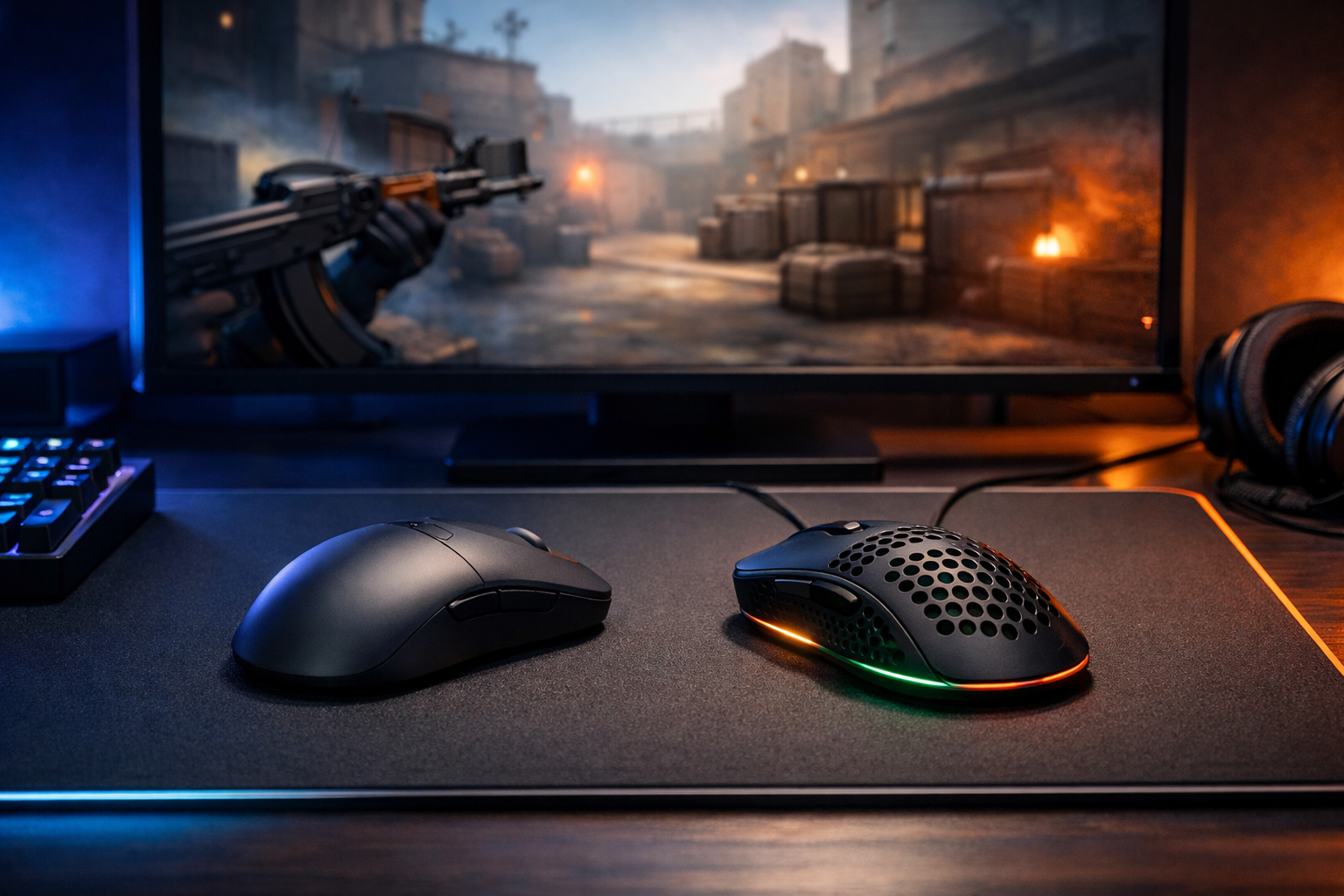
Best mouse for cs2: ultralight vs stable shapes
The best mouse for CS2 is the one that matches your grip, sensitivity, and need for control under pressure. If you are choosing between ultralight speed and a more stable shape, this comparison will help you narrow down the best mouse for CS2 without guessing.
TL;DR
- The best mouse for CS2 depends more on shape and grip match than on headline specs.
- Ultralight mice favor speed and low fatigue, while fuller mice favor stability and controlled stopping.
- Before replacing your mouse, check your mousepad, sensitivity, and crosshair setup too.
Picking a mouse for Counter-Strike 2 is rarely about one headline spec. In practice, shape, weight balance, click feel, and how the shell supports your grip matter more than flashy marketing. That is why the best mouse for CS2 can look different for a low-sens arm aimer than it does for a high-sens wrist player.
If you want to compare your setup against a competitive reference, checking a player page like blameF settings can help you see how mouse choice fits into a full CS2 setup. A mouse never works in isolation. It interacts with sensitivity, mousepad speed, and crosshair discipline.
Two valid paths: ultralight speed or planted control
Most players searching for the best mouse for CS2 are really deciding between two categories. The first is the ultralight route, built around fast starts, easy micro-corrections, and less fatigue in long sessions. The second is the more planted route, where a slightly heavier or fuller shape can make flicks feel calmer and stopping power feel cleaner.
Ultralight mice often feel more responsive when you need to clear angles quickly or adjust during spray transfers. A fuller, steadier mouse can often feel better when your priority is consistent crosshair placement and controlled first-bullet aim. Neither option is automatically better. The right choice depends on how you move the mouse and how much stability you want.
| Factor | Ultralight option | Stable fuller option |
|---|---|---|
| Weight feel | Fast, low effort, easy to lift | More planted, calmer stopping |
| Best for | Quick micro-adjustments and low fatigue | Controlled tracking and steadier flick endings |
| Grip match | Often claw or fingertip | Often palm or relaxed claw |
| Main tradeoff | Can feel too lively for some players | Can feel slower in repeated lifts |
A strong example of the ultralight side is the Finalmouse Ultralight X. It represents the kind of mouse many players consider when they want minimal weight and a very quick hand feel. If that style interests you, the broader Finalmouse lineup is also worth comparing for shape and sizing differences.
What changes in actual CS2 rounds
The best mouse for CS2 should help in the moments that decide rounds, not just feel impressive on a desk. In CS2, that usually means three things: clean crosshair placement, reliable micro-corrections, and confidence when stopping on a target. Weight and shape affect all three.
With an ultralight mouse, small corrections can feel easier because less force is needed to start moving. That can help when an opponent wide swings and you need a fast adjustment. The downside is that some players can overcorrect, especially if their mousepad is also fast.
With a fuller or slightly heavier mouse, the movement can feel more anchored. That often helps players who value a controlled stop at the end of a flick. It can also reduce the sense that the mouse is floating during tense duels, though repeated lifts may feel more tiring over time.
Sensor performance matters less than shape now
Modern gaming mice usually have strong enough sensors for CS2. For most players, the difference between good current sensors is much smaller than the difference between a shape that fits and one that fights your hand. That is why the best mouse for CS2 is usually decided by comfort and consistency first.
Click tension and side button placement still matter, but they are secondary unless they actively bother you. If your hand never settles naturally on the shell, even excellent specs will not save the experience.
Mousepad pairing can change the verdict
A very light mouse on a very fast pad can feel amazing for some players and too loose for others. If your aim feels slippery, the issue may be the combination rather than the mouse alone. Pairing choices matter, which is why a guide on the best mousepad for CS2 can be useful before you replace hardware too quickly.
Which type fits your grip and sensitivity
If you use fingertip or aggressive claw grip, an ultralight mouse often makes sense. Those grips usually benefit from quick lift-offs, easy repositioning, and a shell that does not feel bulky. Players on lower sensitivity can also like ultralight designs because repeated arm movement becomes less tiring.
If you use palm grip or relaxed claw, a fuller shape can often feel more secure. That extra support can make long holds and angle discipline feel steadier. For players who rely on controlled first-bullet aim rather than constant reactive movement, that can be a real advantage.
- Choose ultralight if you want speed, low fatigue, and easy lift-offs.
- Choose a fuller stable mouse if you want calmer stopping and more hand support.
- Prioritize shape over small sensor spec differences.
- Recheck your pad and sensitivity before blaming the mouse.
Sensitivity also changes the answer. High-sens players can sometimes prefer a bit more stability because tiny hand movements already create large cursor changes. Low-sens players often enjoy lighter mice because they move farther and lift more often. That is not a rule, but it is a useful starting point.
A balanced verdict before you buy
If you want the shortest answer, the best mouse for CS2 is not one universal model. It is the mouse that gives you repeatable aim under pressure, and that usually comes down to shape first, then weight, then pad pairing. Many players will perform better with a mouse that feels predictable than with one that only feels fast.
For players who like a nimble, low-fatigue feel, ultralight options can be the better pick. For players who want a more grounded stop and a shell that fills the hand, a stable shape can be the smarter choice. The best mouse for CS2 is the one that lets you place the crosshair naturally and stop on heads without fighting your own hardware.
Before buying, compare your current setup honestly. If your aim issue is visual clarity or crosshair feedback, a mouse swap may not solve it. In that case, reviewing different CS2 crosshair options can be a better next step and may improve consistency faster than changing gear again.
So which side wins? Ultralight mice often suit players who value speed and frequent repositioning. Fuller, steadier mice often suit players who want control and a more locked-in feel. If you are still undecided, start with shape and grip match, because that is the most reliable way to find the best mouse for CS2 for your own game.
FAQ
Is an ultralight mouse always better for CS2?
No. An ultralight mouse can feel faster and easier to reposition, but some players aim better with a fuller, more planted shape. Your grip style, sensitivity, and mousepad all affect whether lower weight helps or makes your aim feel too loose.
What matters most when choosing a CS2 mouse?
Shape usually matters most because it affects comfort, grip security, and how naturally you stop on target. Weight is important, but a lighter mouse with a poor shape can feel worse than a slightly heavier mouse that supports your hand properly.
Should I change my mouse or mousepad first?
If your aim feels inconsistent, check the full setup before buying anything. A fast pad can make a light mouse feel unstable, while a slower pad can add control. In many cases, the mousepad and sensitivity combination changes the result more than expected.