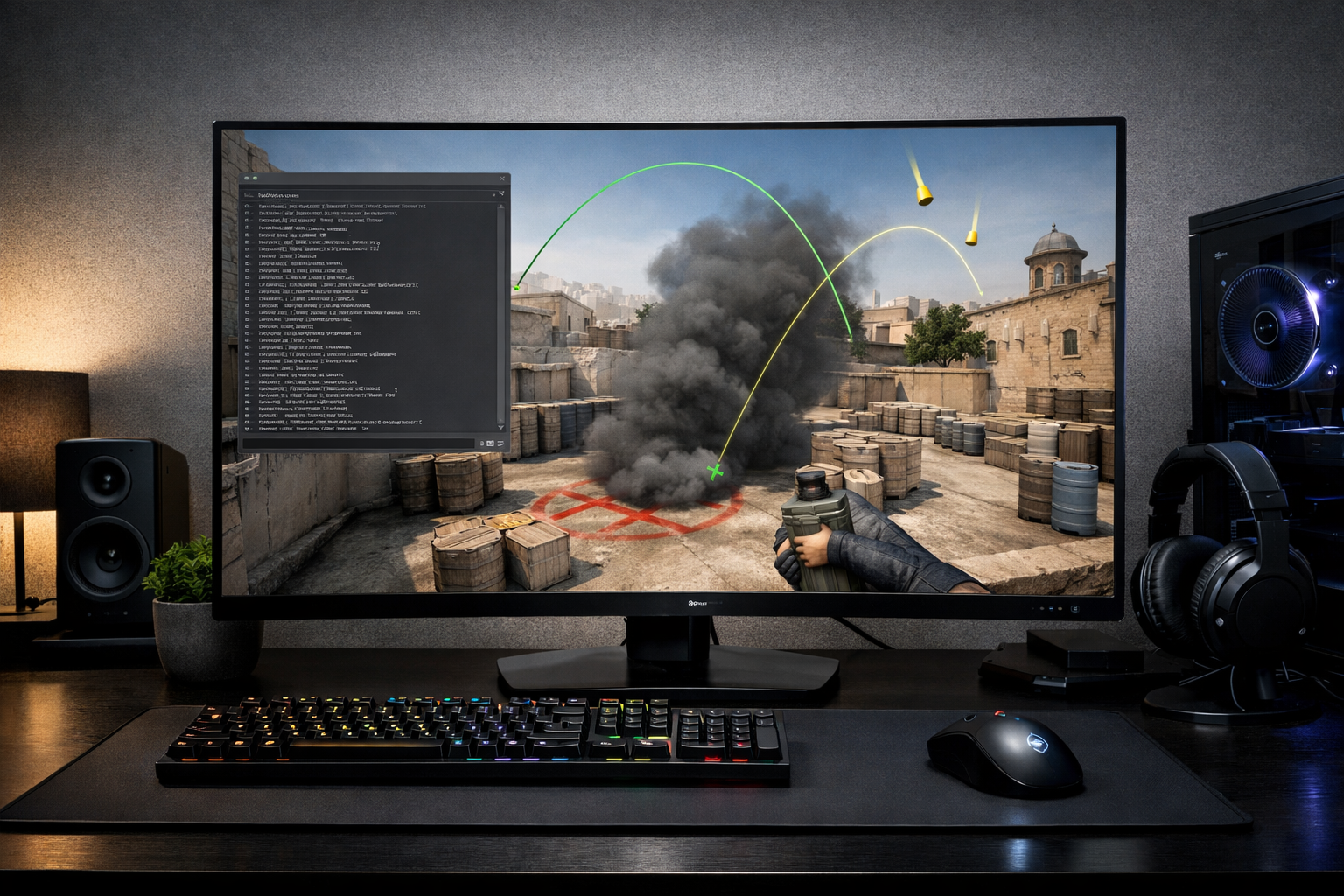
How to set up a practice config in cs2
A practice config CS2 setup is a custom set of commands that makes offline training faster and easier. If you want quick grenade resets, infinite warmup, and clear bot control, practice config CS2 files help you get there without typing commands every round.
TL;DR
- A practice config CS2 setup saves time by automating common offline training commands.
- Build the file around one goal first, such as nades, recoil, movement, or bot drills.
- Test it in one real scenario, then trim unused commands to keep the config reliable.
If you only want the short version, build one autoexec-style file with your training commands, save it in the correct config folder, then load it before offline practice. That gives you a repeatable setup for smokes, recoil work, movement, and angle clearing.
A good practice config CS2 setup removes downtime. You spend less time restarting rounds and more time repeating the exact action you want to improve.
Set the goal for your practice config CS2 setup
Before adding commands, decide what the config needs to solve. Most players want faster grenade practice, easier bot control, unlimited round time, and simple restarts.
This matters because one bloated file can become annoying to use. A focused practice config CS2 file should support a few training jobs well instead of trying to control every server setting.
For broader setup help, the main CS2 guides hub is a useful next stop if you want to organize other parts of your game as well.
Think in terms of outcomes. Do you want to repeat one smoke ten times, practice spray transfers, or clear a site with bots holding fixed spots? Your answer changes which commands belong in the file.
- Grenade practice: infinite ammo, grenade trajectory, round restart
- Recoil practice: ammo support, bot placement, easy resets
- Movement practice: long round time, no pressure, fast restart
- Angle clearing: bot kick, bot stop, bot add, freeze control
Build the file in a practical order
Start with the basic server permissions. In most cases, you need commands that allow cheats in a private practice session, extend round time, and remove buy restrictions.
Then add the commands you will use every session. Common examples often include infinite warmup, grenade camera help, ammo support, and bot control. Keep the file readable so you can edit it later.
A simple workflow works best. Open a text file, add one command per line, save it with a clear name, and place it in the CS2 config location used by your game install.
Do not treat the first version as final. A practice config CS2 file usually gets better after a week of real use, when you notice which commands you actually need.
What to include first
Begin with commands that save the most time between repetitions. Round restart, long round timers, buy anywhere, and ammo-related settings usually give the biggest benefit.
After that, add visibility and feedback tools for grenade work. Those commands can help you understand lineups and landing points faster, especially when you are learning new utility paths.
Keep the file easy to edit
Use short comment labels if your setup supports them, and group commands by purpose. One block for nades, one for bots, and one for movement is easier to maintain than a random list.
If you like copying ideas from structured player setups, pages such as Magisk’s CS2 settings can show how organized config habits make later changes simpler, even though a practice file serves a different purpose.
Load it in game and apply it to real drills
Once the file is saved, launch CS2, open a private map, and execute the config through the console. If the commands are valid, your session should immediately feel easier to control.
Now apply it to one real drill instead of testing everything at once. For example, load Mirage, throw the same window smoke repeatedly, restart quickly, and adjust your lineup until the result is consistent.
This is where practice config CS2 setups become useful rather than theoretical. The file should reduce friction during repetition, not just look complete on paper.
You can also use the same workflow for recoil sessions. Spawn bots, place them at useful distances, and repeat short spray patterns with quick resets between attempts.
If you want another example of a clean, repeatable setup mindset, check rain’s CS2 settings. The goal is not to copy a practice file from a pro, but to see how consistency supports performance.
Test the config, trim mistakes, and know when it does not apply
After a few sessions, remove anything you never use. Many players keep adding commands until the file becomes messy, and that can slow down troubleshooting when something stops working.
Watch for common mistakes. Wrong file location, incorrect file extension, disabled console access, or outdated commands can all prevent a practice config CS2 setup from loading properly.
It also helps to separate training types. In many cases, one file for utility and another for bots is cleaner than one oversized config.
There are times when this advice may not apply fully. If you mostly use workshop-style training maps or community servers with their own presets, you may only need a very small config for personal binds and restarts.
Keep testing with one map and one drill at a time. If a command does not clearly help your routine, cut it and keep the file lean.
Use your config as a repeatable training routine
The best result is not a long command list. The best result is a practice config CS2 routine you can load in seconds and trust every time you train.
Start with one map, one utility set, and one bot drill. Once that works, expand carefully instead of rebuilding the file every week.
If you are still refining your overall setup, browse the best keyboard for CS2 guide for another practical upgrade path that can support cleaner inputs during practice.
Your next step is simple: create the file, test it on one map today, and remove anything that does not help repetition. A smaller, reliable practice config CS2 setup often works better than a complicated one.
FAQ
Where should I save a practice config file?
Save it in the CS2 config location used by your game installation, then load it through the console in a private session. The exact folder can vary by install path, so confirm the active config directory before troubleshooting command issues.
What should a practice config include first?
Start with commands that reduce downtime between repetitions. Long round time, easy restarts, ammo support, buy access, and basic bot control usually give the biggest benefit. After that, add grenade feedback or movement-related commands based on your training goal.
Do I need separate configs for different drills?
Not always, but separate files can make practice cleaner. One config for utility and another for bot work often helps you avoid clutter. If your current file feels overloaded or hard to edit, splitting it is usually the better option.