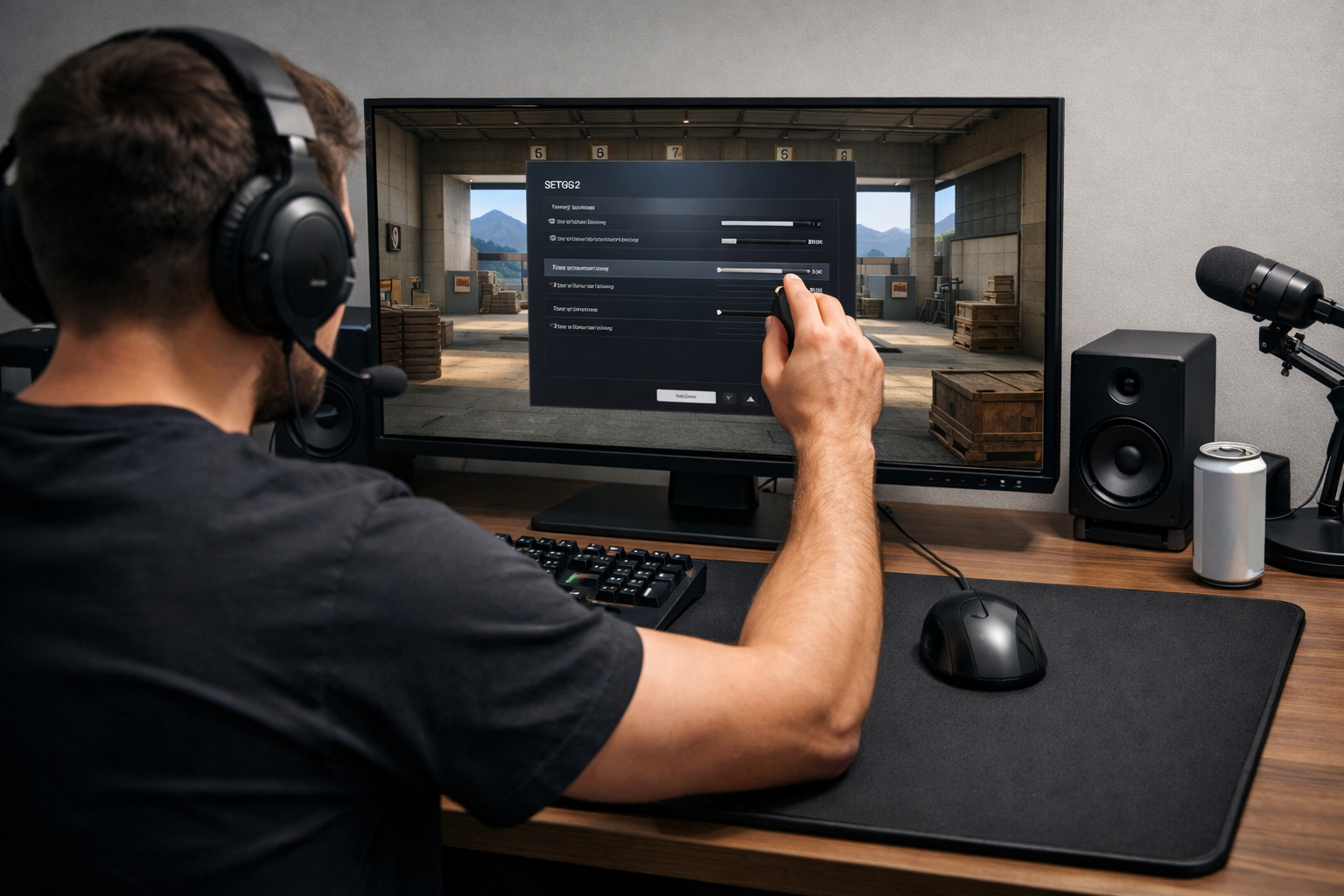
How to find your ideal edpi cs2
Your ideal eDPI CS2 is the sensitivity range that lets you clear angles, track targets, and micro-adjust without fighting your mouse. There is no single best number for everyone. The right approach is to understand what changes eDPI, spot the tradeoffs, and test in a repeatable way until your aim feels stable.
TL;DR
- eDPI is DPI multiplied by in-game sensitivity, and the right value depends on control, speed, and setup comfort.
- Lower eDPI often improves precision, while higher eDPI often helps turning and fast corrections.
- Test in small steps across several sessions and keep the setting that gives the most repeatable aim.
eDPI combines your mouse DPI and in-game sensitivity into one number, so it is the easiest way to compare settings across players and setups. If you want to find your ideal eDPI CS2, focus on control first, then speed, because stable crosshair placement usually improves faster than raw flick range.
A simple formula handles the basics: DPI × in-game sensitivity = eDPI. That means 800 DPI at 1.0 sensitivity equals 800 eDPI, while 400 DPI at 2.0 also equals 800 eDPI. If you want more settings context after this guide, the CS2 guides hub is a useful next step.
What actually changes your ideal eDPI CS2
Your ideal eDPI CS2 depends on how much mouse movement you can make comfortably, how often you need to micro-correct, and how disciplined your crosshair placement is. Players with cleaner pre-aim can often stay lower because they need fewer emergency flicks.
Mousepad space matters more than many players expect. A low eDPI can feel excellent for rifle control, but it can become awkward if your pad is small or your desk setup limits arm movement. In that case, a slightly higher value can be more practical.
Your role and habits also matter. Entry-heavy players often want faster turns and easier recovery from imperfect peeks, while anchor or lurk players may prefer extra steadiness for holding lines. Neither approach is automatically correct.
Hardware can influence comfort too, even if it does not decide the answer by itself. If your headset clamps hard or your setup feels cramped, long sessions can change how consistently you move your arm and wrist, which is why overall comfort still matters alongside aim settings.
Break eDPI into the variables that matter most
The first variable is your balance between arm aiming and wrist aiming. Lower eDPI usually pushes more movement into the arm, which can help smooth tracking and recoil control. Higher eDPI usually leans more on the wrist, which can help with quick corrections and tighter spaces.
The second variable is your common engagement type. If you miss because you overflick small head-level corrections, your eDPI may be too high. If you often feel late when clearing close angles or turning from flashes, your eDPI may be too low.
The third variable is consistency across sessions. A setting that feels amazing for ten minutes but falls apart after an hour is not your ideal eDPI CS2. The better choice is the one you can reproduce when tired, under pressure, or after a long match.
Useful signs your eDPI is too high
- You overshoot small head-level adjustments often.
- Your spray corrections look shaky at medium range.
- Holding tight angles feels nervous instead of steady.
- Your crosshair drifts when you try to stop precisely.
Useful signs your eDPI is too low
- You struggle to clear close corners smoothly.
- You run out of pad during fast turns.
- Recovering after a missed first bullet feels slow.
- Tracking wide swings feels heavy or delayed.
The main tradeoff: speed versus precision
The core tradeoff is simple. Lower eDPI often gives better fine control, while higher eDPI often gives easier turning and faster broad movement. Your ideal eDPI CS2 sits where neither weakness is costing you too much.
For most players, the mistake is choosing a setting based on one highlight scenario. A sensitivity that helps one flashy flick can still hurt your average duel quality. In CS2, repeatable first-bullet accuracy and clean angle clearing usually matter more than occasional hero shots.
This is why copying a pro number rarely solves the problem by itself. Looking at examples can help you understand ranges, but you still need to match the setting to your own mechanics. If you want reference points, you can compare pages like NiKo CS2 settings or ZywOo CS2 settings and then test what feels controllable for you.
There is also a hidden tradeoff between confidence and tension. Very high sensitivity can make players hesitate on tiny corrections because every movement feels risky. Very low sensitivity can create panic in close fights because the mouse has to travel too far. The best setting reduces both kinds of hesitation.
A simple routine to find your ideal eDPI CS2
Start with your current setting unless it is obviously extreme. Play a short warmup, then run three tests: small head-level corrections, medium-range spray transfer, and fast angle clearing. Write down what fails most often instead of changing settings based on one good round.
Next, adjust in small steps. A change of around 40 to 80 eDPI is usually enough to notice without destroying your muscle memory. If you are overshooting, go lower. If you feel stuck or slow on turns, go higher.
Use the same routine for at least two or three sessions before deciding. Your ideal eDPI CS2 should survive normal variance, not just one comfortable day. Keep everything else stable while testing, including resolution, mouse grip, and desk position.
A practical sequence looks like this: test your baseline, move slightly lower, then slightly higher, and compare notes. The winner is not the setting that feels fastest. It is the one that gives the cleanest average crosshair stops and the least forced correction.
If you want a broader benchmark after narrowing your range, checking another player profile such as karrigan CS2 settings can help you see how different styles still stay within workable sensitivity bands.
Final recommendation: choose the lowest eDPI you can control comfortably
For most players, the best starting rule is to use the lowest eDPI that still lets you clear close angles, turn reliably, and react without lifting your mouse constantly. That usually gives a better balance of precision and speed than chasing a very high setting.
If you are between two values, pick the one that keeps your micro-adjustments calmer. In many cases, slightly more control helps more than slightly more flick speed. That is especially true if your crosshair placement is already improving.
Do not keep changing sensitivity every day. Once you find a narrow range, stay there long enough to build consistency. If another part of your setup is affecting comfort, such as audio isolation during long sessions, it can also help to review gear options like the best headset for CS2.
The short version is clear: your ideal eDPI CS2 is not a magic number. It is the setting range where your aim stays repeatable, your movement feels natural, and your mistakes become easier to diagnose and fix.
FAQ
What is a good eDPI range in CS2?
A good range is the one you can control consistently, not a universal number. Many players perform well in moderate ranges because they balance micro-adjustments with turning speed. Start near your current setting, then move in small steps until your aim feels steady in both close and medium-range fights.
Should I copy a pro player's eDPI?
You can use pro settings as reference points, but copying them directly often does not solve your own aim issues. Desk space, mouse grip, role, and movement habits all affect comfort. Use pro pages to understand possible ranges, then test those ranges with your own routine.
How often should I change my CS2 sensitivity?
Change it only when you can identify a clear problem, such as constant overshooting or slow angle clearing. Frequent random changes make it harder to build consistency. After each adjustment, keep the setting for several sessions so you can judge average performance instead of one short streak.