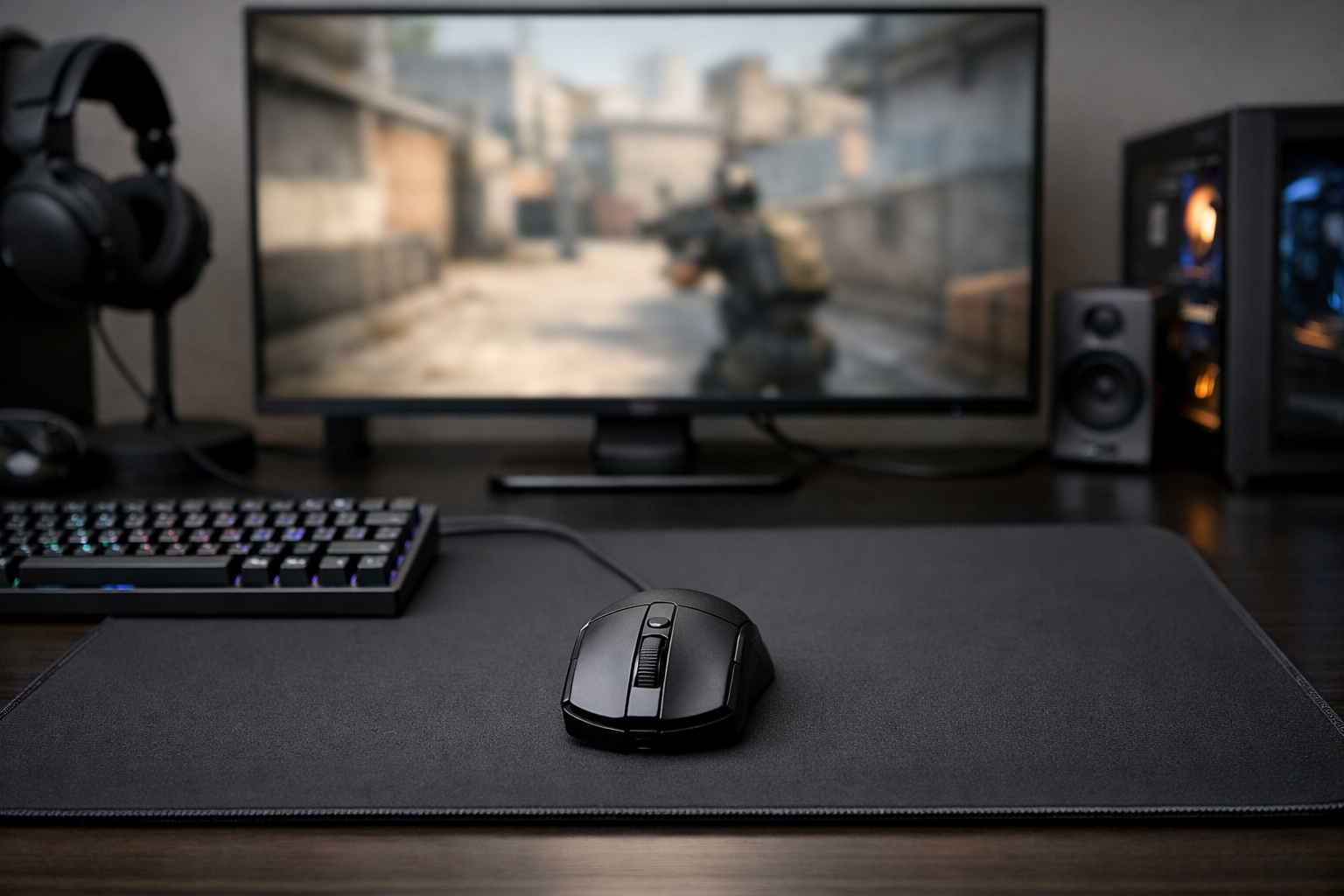
Best mouse for cs2: what actually matters
The best mouse for CS2 is the one that fits your hand, grip, and aiming style without adding friction. For most players, shape matters more than raw specs. If you want the best mouse for CS2, focus on comfort, control, weight, and click feel before chasing extra features.
TL;DR
- Shape matters more than headline specs for most CS2 players.
- Lightweight can help, but control and stopping power still matter.
- Choose by hand size, grip style, and mousepad pairing.
Picking the right mouse in CS2 can affect tracking, micro-adjustments, and how stable your aim feels in duels. The best mouse for CS2 is rarely the one with the longest feature list. It is usually the model that feels predictable over many rounds and lets you repeat the same motion under pressure.
That is why many players start with shape first, then check weight, coating, clicks, and wireless performance. If you want a broader shortlist, see our best mouse picks for more model-specific options.
What makes the best mouse for CS2?
The biggest factor is shape. A mouse can have a top sensor and low latency, but if the hump, width, or side curves fight your grip, your aim can feel inconsistent. In CS2, that often shows up during flick stops, spray transfers, and small corrections around head level.
Weight comes next. Lighter mice can feel faster and easier to move, especially for low sensitivity players using large arm swipes. Heavier mice can offer a more planted feel, which some players prefer for controlled rifling. Neither is automatically better.
Click feel also matters more than many buyers expect. Crisp, consistent clicks can help with tap timing and burst control. Side buttons matter too, even if you only use them for voice chat or utility binds, because poor placement can affect grip security.
- Shape should match your hand size and grip.
- Weight should support your sensitivity and swipe style.
- Clicks should feel consistent and easy to spam.
- Coating should stay stable when your hands get warm.
- Wireless performance should feel as reliable as wired.
Sensor quality is important, but modern gaming mice are already very good. For most players, the difference between strong current sensors is much smaller than the difference between a good shape and a bad one.
How do shape and grip style affect aim?
Shape changes how your hand locks onto the mouse. Palm grip users often like more support in the rear hump and a fuller body. Claw grip users often want a shape that gives finger control without feeling too long. Fingertip users often prefer lower-profile mice that stay easy to lift and reposition.
Width is just as important as length. A mouse that is too wide can slow down finger adjustments. A mouse that is too narrow can feel unstable during spray control. The best mouse for CS2 should let you reset your grip quickly between fights without thinking about it.
Ergonomic shapes can feel natural for players who want comfort and locked-in control. Symmetrical shapes can feel more flexible for mixed aiming styles. Many players switch between rifle and AWP roles, so a balanced shape can often make sense.
If you want to compare how competitive players build their setups around comfort and consistency, check the degster settings page. It is a useful reference point when you want to see how a full setup fits together.
Should you choose ergonomic or symmetrical?
Choose ergonomic if you want your hand guided into one stable position. Choose symmetrical if you want more freedom to adjust grip during different aim tasks. In many cases, symmetrical shapes are easier to recommend broadly, while ergonomic shapes can feel better when they match your hand well.
Does hand size matter?
Yes, because hand size affects where your fingers sit and how much leverage you have over the shell. Small hands can struggle with long or tall mice. Large hands can feel cramped on compact shapes, especially in tense rounds where grip pressure increases.
Should you buy a lightweight mouse for CS2?
Often, yes, but only if the shape still works for you. Lightweight mice can reduce fatigue and make fast resets easier. That can help low sensitivity players who move across a large mousepad and need repeated long swipes during a match.
Still, very low weight is not always ideal. Some players feel that ultra-light shells become too lively during spray control or tiny angle holds. The best mouse for CS2 should feel easy to start and easy to stop. That balance matters more than chasing the lowest number.
Mouse feet and pad pairing also change the result. A light mouse on a very fast pad can feel slippery. A slightly heavier mouse on a controlled surface can feel more stable. If your current setup feels too fast or too loose, look at your best mousepad for CS2 options before replacing the mouse.
Wireless is now a safe choice for CS2. Good wireless mice can offer excellent latency and a cleaner desk feel. For many players, the lack of cable drag improves consistency more than small spec differences ever will.
Which features matter less than people think?
Extreme DPI ranges are mostly marketing. CS2 players usually stay within practical sensitivity ranges, so you do not need huge DPI numbers. Stable tracking, low latency, and a shape you trust matter much more.
RGB lighting is also low priority for a competitive setup. It adds little to actual performance and can affect battery life on wireless models. Build quality, scroll wheel reliability, and coating durability are better things to judge.
Software depth is useful, but only to a point. Once DPI, polling rate, and button binds are set, many players rarely open the software again. The best mouse for CS2 should perform well without constant tweaking.
- Ignore inflated DPI claims.
- Prioritize shape over feature count.
- Check battery life if you play long sessions.
- Consider your mousepad before changing everything.
If you are building a full competitive setup, your display also affects how aim feels. A smoother screen can make motion easier to read, so our best monitor for CS2 guide is a good next step.
How should you choose the best mouse for CS2?
Start with your grip style, hand size, and current complaints. If your mouse feels hard to stop, too wide, or tiring after long sessions, write that down first. Those issues point you toward the right shape and weight faster than any spec sheet.
Then think about your role and sensitivity. Low sensitivity riflers often benefit from lighter mice with easy lift-off and stable side curves. Players who value planted control may prefer a slightly fuller shell. The best mouse for CS2 is the one that removes friction from your own habits.
Do not copy a setup blindly just because it is popular. Use pro setups as references, not rules. If you want another example of how players tune their gear and settings together, browse the woro2k settings page and compare the broader setup choices.
A simple way to decide is to test for comfort over time. If a mouse feels good for ten minutes but awkward after two hours, it is probably not the right fit. Long-session consistency is what matters in CS2, where small aim errors decide rounds.
So, what is the best mouse for CS2? For most players, it is the mouse with the right shape first, sensible weight second, and reliable clicks and wireless performance after that. Start there, and your choice will usually be much better than buying by hype alone.
FAQ
What is the most important mouse feature in CS2?
Shape is usually the most important feature because it affects comfort, grip stability, and repeatable aim. A strong sensor helps, but most modern gaming mice already track well. If the shape does not suit your hand, your aim can still feel inconsistent.
Are lightweight mice always better for CS2?
Not always. Lightweight mice can feel faster and reduce fatigue, especially for low sensitivity players. Still, some players prefer a slightly heavier mouse for more planted control. The better choice depends on your grip, mousepad speed, and how you stop your flicks.
Should I copy a pro player’s mouse choice?
You can use pro setups as a reference, but you should not copy them blindly. Pros often choose gear based on personal comfort, hand size, and long-term habit. A mouse that works well for one player can feel awkward or unstable for someone else.