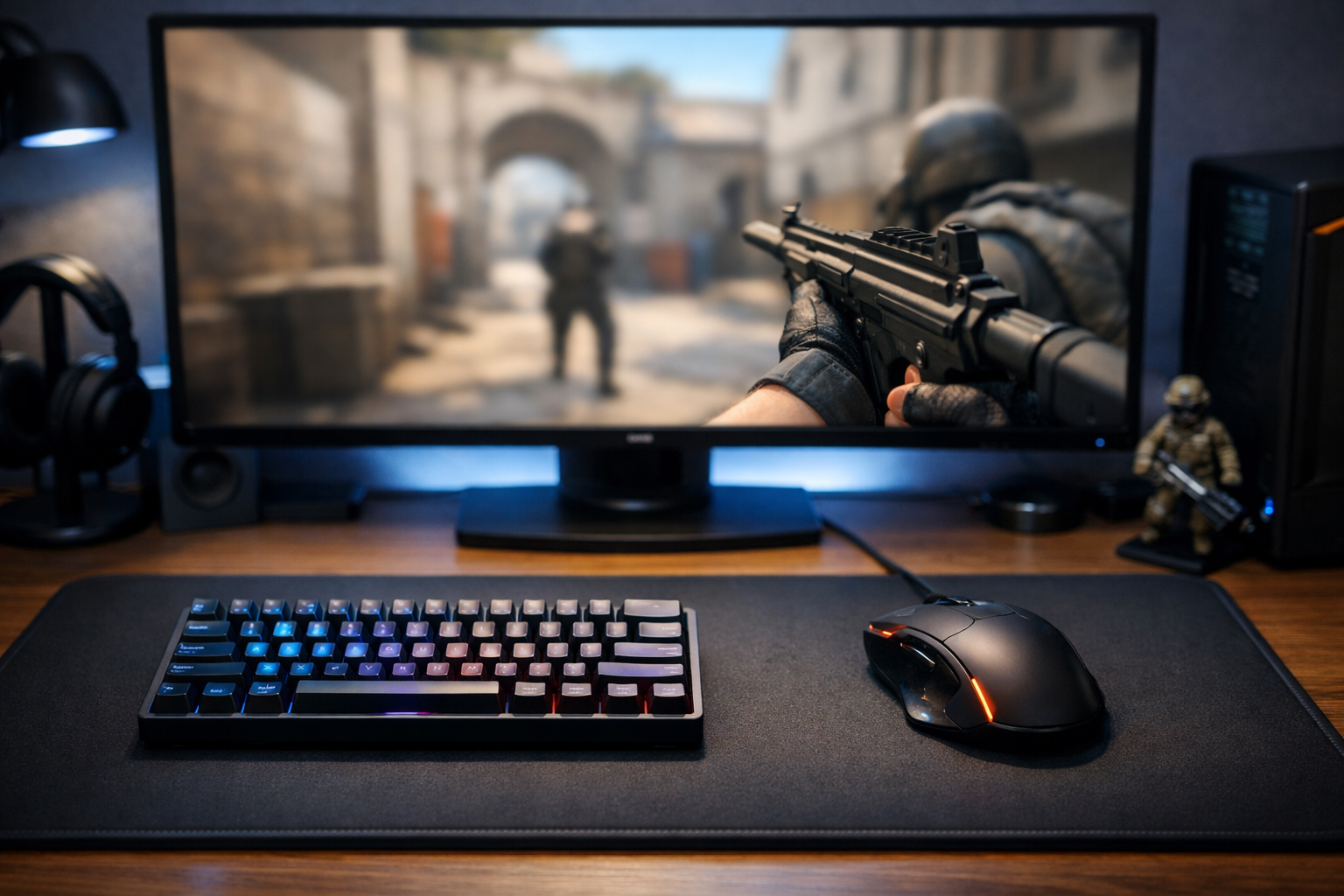
Best keyboard for cs2 in 2026: speed vs control tradeoffs
The best keyboard for CS2 in 2026 is usually the one that matches your movement habits, desk space, and budget. For most players, rapid trigger and adjustable actuation can help movement feel cleaner, but those features also bring tradeoffs in consistency, price, and learning curve.
TL;DR
- Hall effect keyboards offer the most movement upside, but they cost more and can feel too sensitive for some players.
- TKL boards are the safest all-around choice for competitive CS2 because they balance space, comfort, and familiar key access.
- The best keyboard for CS2 depends on your movement style, desk space, and whether you value tuning features or simple consistency.
Choosing the best keyboard for CS2 is less about raw specs and more about what you gain and what you give up. A faster switch can improve counter-strafing feel, but it can also make accidental inputs more common if your touch is heavy.
That is why the real comparison is not simply mechanical versus Hall effect, or full-size versus 60%. The better question is which keyboard traits help your movement in CS2 without creating new problems in peeks, jiggles, and weapon swaps.
If you want a broader starting point before narrowing your pick, the keyboard guide for CS2 gives a useful overview of common options and features.
What the best keyboard for CS2 really trades off
The main tradeoff is speed versus control. Boards with very light switches, short actuation, or rapid trigger can feel more responsive in strafing, but they can also punish sloppy finger pressure.
In CS2, that matters because movement inputs are constant. You are not only pressing A and D for wide swings. You are also making tiny corrections while holding angles, shoulder baiting, and stopping cleanly before a shot.
A compact keyboard can also free mouse space, which often helps low-sensitivity players. The downside is fewer dedicated keys and a layout that may feel cramped if you use many binds for utility, jump-throw variants, or communication.
Price is another clear tradeoff. Premium gaming keyboards often offer analog-style features, better software, and stronger build quality, but many players will not use every advanced option. In many cases, a simpler board with stable switches and a comfortable layout can still be the best keyboard for CS2 for that user.
What gets better, and what gets worse, with each keyboard type
The easiest way to compare the best keyboard for CS2 options is by keyboard type rather than brand alone. Features affect movement feel more than marketing labels do.
| Keyboard type | What improves | What gets worse | Best fit |
|---|---|---|---|
| Hall effect / rapid trigger | Fast reset, adjustable actuation, cleaner movement potential | Higher cost, more setup, easier accidental presses | Players focused on movement precision |
| Traditional mechanical TKL | Balanced layout, familiar feel, easier transition | Less switch customization, usually slower reset behavior | Most competitive players |
| 60% mechanical | More mouse room, compact desk setup | Fewer keys, more layer dependence | Low-sens players with simple binds |
| Full-size mechanical | Maximum key access, easy daily use | Takes mouse space, less ergonomic for tight setups | Mixed gaming and work use |
Hall effect boards are often the first place people look for the best keyboard for CS2. That makes sense, because rapid trigger and adjustable actuation can help movement feel sharper during counter-strafes and repeated direction changes.
Still, those boards are not automatic upgrades. If your fingers rest heavily on movement keys, ultra-sensitive settings can create unwanted micro-inputs. That can make your movement feel twitchy instead of clean.
Traditional mechanical TKL boards remain a strong middle ground. They usually offer enough space savings for mouse movement while keeping a familiar layout. For many players, that balance is more useful than chasing the fastest possible switch behavior.
Sixty percent boards help when desk space is tight. If your mouse arm needs room for broad swipes, a smaller board can improve comfort immediately. That said, the missing keys can become annoying if you use many binds or switch between CS2 and general desktop tasks often.
- Rapid trigger helps most when your movement inputs are already disciplined.
- TKL is often the safest competitive layout for most players.
- 60% works best when mouse space matters more than extra keys.
- Full-size is practical, but usually weaker for tight FPS setups.
If you are comparing a premium Hall effect option, the Wooting 60HE V2 Black Split is a useful reference point for the kind of features many players want from a high-end CS2 keyboard.
Common assumptions that lead players to the wrong pick
A common mistake is assuming the most expensive board is automatically the best keyboard for CS2. In practice, the best choice depends on how you move, how much desk space you have, and whether you will actually tune the keyboard.
Another wrong assumption is that faster always means better. Faster input can help, but only if it improves your timing without increasing mistakes. If a keyboard causes extra taps, missed utility binds, or awkward hand position, the speed advantage can disappear.
Some players also overvalue software features they will never touch. Adjustable actuation sounds great, but if you set it once and never revisit it, build quality, key feel, and layout may matter more over months of play.
There is also a habit of copying gear choices without understanding context. Looking at a pro settings example can help you see how competitive players structure their setups, but it should not replace your own comfort and movement testing.
Finally, many players ignore the rest of the setup. Keyboard feel affects movement, but sound cues and positional clarity matter too. If your current audio is weak, improving it through a CS2 headset guide can matter just as much as changing your board.
Which keyboard path makes sense for your play style
If you want the clearest recommendation path, think in terms of player type. The best keyboard for CS2 is different for a player chasing movement precision than for someone who wants a stable, no-fuss competitive setup.
Pick Hall effect if movement feel is your priority
This path fits players who care about counter-strafe timing, repeated direction changes, and tuning actuation behavior. It can be the best keyboard for CS2 if you are willing to spend more and adapt your touch.
It is especially appealing for players who already know they prefer compact boards and want every bit of desk space possible. The edge case is heavy-handed users, who may need time to avoid accidental movement inputs.
Pick TKL or 60% mechanical if you want balance
A TKL is often the safest answer for most players. It keeps the layout practical, saves space compared with full-size boards, and avoids some of the sensitivity issues that can come with aggressive rapid trigger settings.
A 60% mechanical makes sense when your setup is cramped or your mouse movement is wide. It can be the best keyboard for CS2 for low-sensitivity players, but only if you are comfortable losing dedicated keys.
If you are still comparing options, start from the main CS2 gear hub and narrow your choice by layout, switch type, and budget rather than chasing one feature alone.
Summary: the right keyboard depends on the tradeoff you accept
The short answer is simple. For many players, a Hall effect board offers the highest movement upside, while a TKL mechanical offers the safest balance of comfort, control, and value.
If you want the best keyboard for CS2 for pure movement tuning, look at rapid trigger and adjustable actuation. If you want fewer surprises and easier long-term comfort, a solid TKL is often the smarter buy.
The best result usually comes from matching the keyboard to your actual play habits. Choose the board that improves movement consistency without hurting comfort, binds, or mouse space, and you will make a better decision than by following hype alone.
FAQ
Are Hall effect keyboards better for CS2?
They can be better for CS2 if you want rapid trigger and adjustable actuation for movement control. Those features often help with counter-strafing feel, but they also cost more and can cause accidental inputs if your key presses are heavy or inconsistent.
Is a 60% keyboard good for CS2?
A 60% keyboard can be very good for CS2 because it frees more room for mouse movement. That matters most for low-sensitivity players. The tradeoff is fewer dedicated keys, which can be annoying if you use many binds or want easier everyday use.
Should I buy TKL or full-size for CS2?
TKL is usually the better choice for CS2 because it saves desk space without removing too many keys. Full-size boards are still fine if you want a keyboard for both gaming and work, but they often leave less room for comfortable mouse movement.