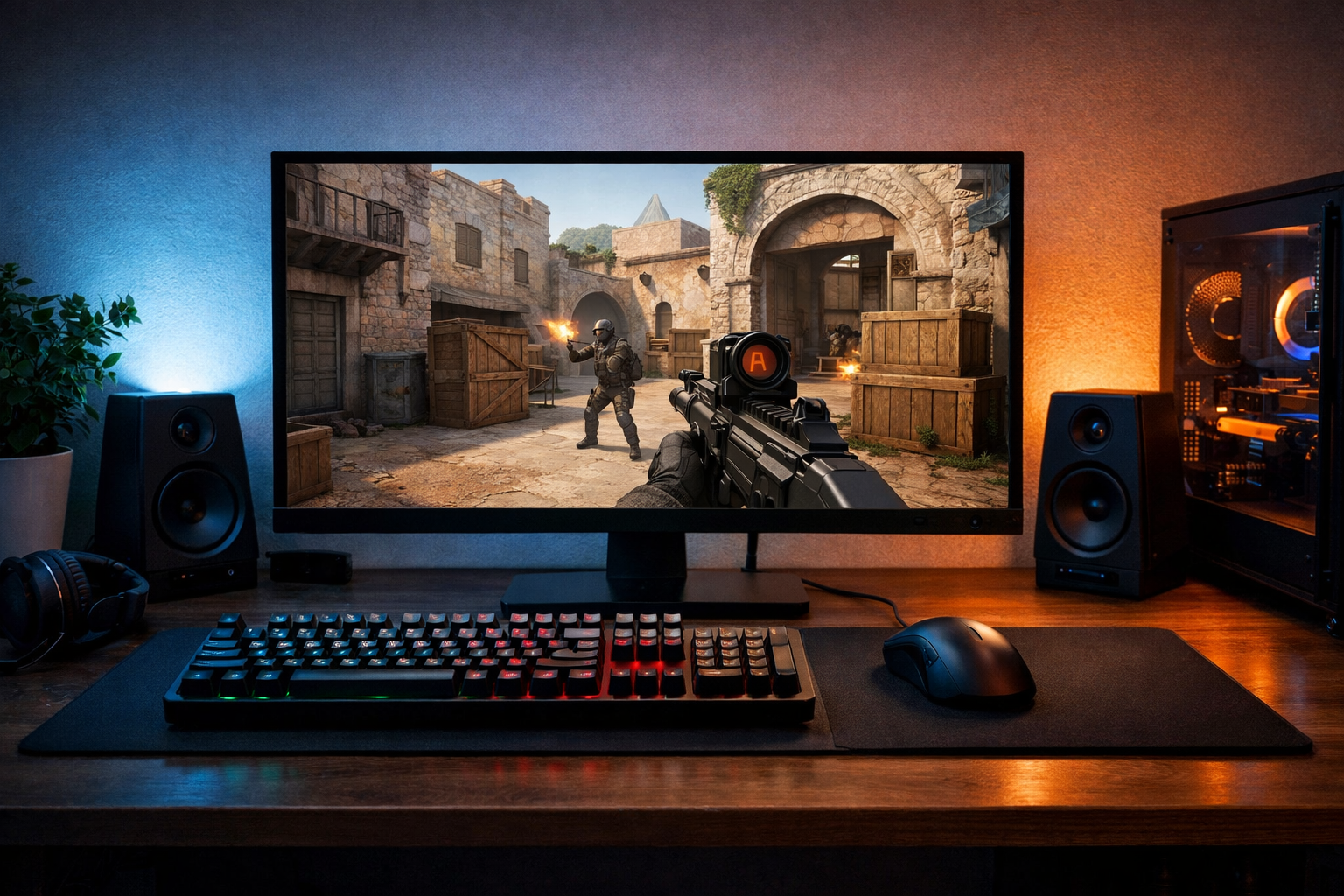
Best budget monitor for cs2: how to choose the right one
The best budget monitor for CS2 is usually a 24-inch 1080p display with at least 144Hz refresh rate and low input lag. If you want the best budget monitor for CS2, the right choice depends on whether you value motion clarity, price, or a better-looking panel.
TL;DR
- A 24-inch 1080p 144Hz or 165Hz monitor is the safest budget choice for CS2.
- Refresh rate and motion clarity matter more than extra resolution or large screen size.
- Only consider budget 240Hz if your PC can hold very high FPS consistently.
Picking the best budget monitor for CS2 is less about brand names and more about the few specs that actually affect aim, tracking, and reaction timing. In CS2, smooth motion and clear target visibility matter more than extra resolution or flashy features.
For most players, a budget monitor should give you high refresh rate first, acceptable response behavior second, and everything else after that. If you are still building your setup, the broader CS2 configs hub can help you compare the rest of your gear around the same goal.
What matters most when choosing a budget CS2 monitor
The first filter is refresh rate. A 144Hz or 165Hz monitor is the real entry point for competitive CS2, because it can make enemy movement look smoother and reduce the choppy feel common on 60Hz screens.
The second filter is response performance, which is not always the same as the advertised response time. Many budget screens claim 1ms, but actual ghosting and overshoot can vary a lot, so a clean 144Hz experience often matters more than a marketing label.
Panel type also changes the experience. TN panels often favor speed and clarity, IPS panels usually offer better colors and viewing angles, and VA panels can look good in darker scenes but may show more smearing in motion.
Resolution is simpler for this topic. For the best budget monitor for CS2, 1080p is usually the smart choice because it keeps prices lower and is easier to drive at high frame rates, especially if your system is mid-range. If you are unsure whether your hardware can hold those frames, this best GPU for CS2 guide is a useful next step.
- Prioritize 144Hz or 165Hz refresh rate
- Choose 24-inch 1080p for the best value
- Prefer low ghosting over extra visual features
- Pick IPS or TN before VA for competitive focus
- Check if your PC can actually feed high FPS
Main budget monitor options and their trade-offs
The most common option is a 24-inch 1080p 144Hz monitor. This is the safest answer for the best budget monitor for CS2 because it balances price, motion smoothness, and manageable hardware demands.
A 24-inch 1080p 165Hz monitor is the next step up. The jump from 144Hz to 165Hz is not huge, but if the price difference is small, it can be the better buy since many newer budget models land in this range.
Some players look at 27-inch 1080p monitors because they seem like a better deal for screen size. For CS2, that can be a mixed choice. The larger screen can feel immersive, but pixel density is lower, so the image may look softer at normal desk distance.
Budget 240Hz monitors also exist, but they are not always the best value. If the panel has weak motion tuning or your PC cannot stay near that frame rate, the extra refresh rate may not help as much as a stronger 144Hz or 165Hz model.
| Option | Best use case | Main benefit | Main limitation |
|---|---|---|---|
| 24-inch 1080p 144Hz | Most players | Best price-to-performance | Less headroom than 165Hz |
| 24-inch 1080p 165Hz | Value-focused competitive play | Slightly smoother motion | Can cost a bit more |
| 27-inch 1080p 144Hz | Players wanting a larger screen | Bigger image | Softer pixel density |
| 1080p 240Hz budget model | High-FPS systems | Higher refresh ceiling | Often weaker value |
Which budget monitor fits your CS2 setup?
If you play CS2 seriously and want the safest recommendation, a 24-inch 1080p 144Hz or 165Hz IPS monitor is usually the best fit. It gives you a competitive refresh rate, decent image quality, and a size that works well for close desk setups.
If your budget is very tight, an older or discounted 144Hz model can still be a strong upgrade from 60Hz. In many cases, moving to high refresh rate matters more than chasing a slightly better panel or extra screen size.
If your PC already pushes very high frame rates, then a budget 240Hz monitor can make sense. That said, the best budget monitor for CS2 is not automatically the highest refresh option. It has to match your frame rate, your desk distance, and the panel’s real motion behavior.
If you also plan to use the monitor for general media or work, IPS becomes easier to recommend. TN can still be appealing for pure competitive focus, but IPS budget models are often the more balanced choice now.
Players building a full low-cost setup should also think about the rest of the chain. A weak keyboard will not ruin motion clarity, but a complete setup still matters, so this best keyboard for CS2 guide can help round out your choices.
A simple recommendation path before you buy
Start with your frame rate, not the monitor listing. If your system cannot stay well above 144 FPS in CS2, spending extra on 240Hz is often hard to justify.
Next, choose size and resolution. For most buyers searching for the best budget monitor for CS2, 24 inches and 1080p remain the easiest recommendation because they keep both cost and GPU load under control.
Then compare panel type. If you want the most balanced budget option, go IPS. If you care mainly about speed and can accept weaker colors, TN can still work. VA is usually the least attractive for CS2-first use because dark smearing can be distracting.
Finally, compare the actual price gap between 144Hz and 165Hz models. If the difference is small, 165Hz is often the better value. If the gap is large, a solid 144Hz display is still a smart answer for the best budget monitor for CS2.
If you want a broader look at higher-end and non-budget picks before deciding, check the best monitor for CS2 guide. For most readers here, though, the practical recommendation is simple: buy a 24-inch 1080p 144Hz or 165Hz monitor from a reliable line, prioritize clean motion over extra features, and only stretch to 240Hz if your PC can support it consistently.
FAQ
Is 144Hz enough for competitive CS2 play?
Yes, 144Hz is enough for competitive CS2 for most players. It is a major step up from 60Hz and usually offers the best value in the budget range. A good 144Hz monitor can feel smoother and clearer than a weaker budget 240Hz option.
Should I buy IPS or TN for CS2?
IPS is usually the better budget choice now because it balances speed, image quality, and viewing angles well. TN can still work if you care mostly about competitive focus and lower cost, but many players prefer IPS for a more rounded setup.
Does 27-inch 1080p make sense for CS2?
It can make sense if you want a larger screen, but it is not the default recommendation. On a 27-inch 1080p monitor, the image often looks softer than on a 24-inch model, which can be less ideal for a sharp competitive view.