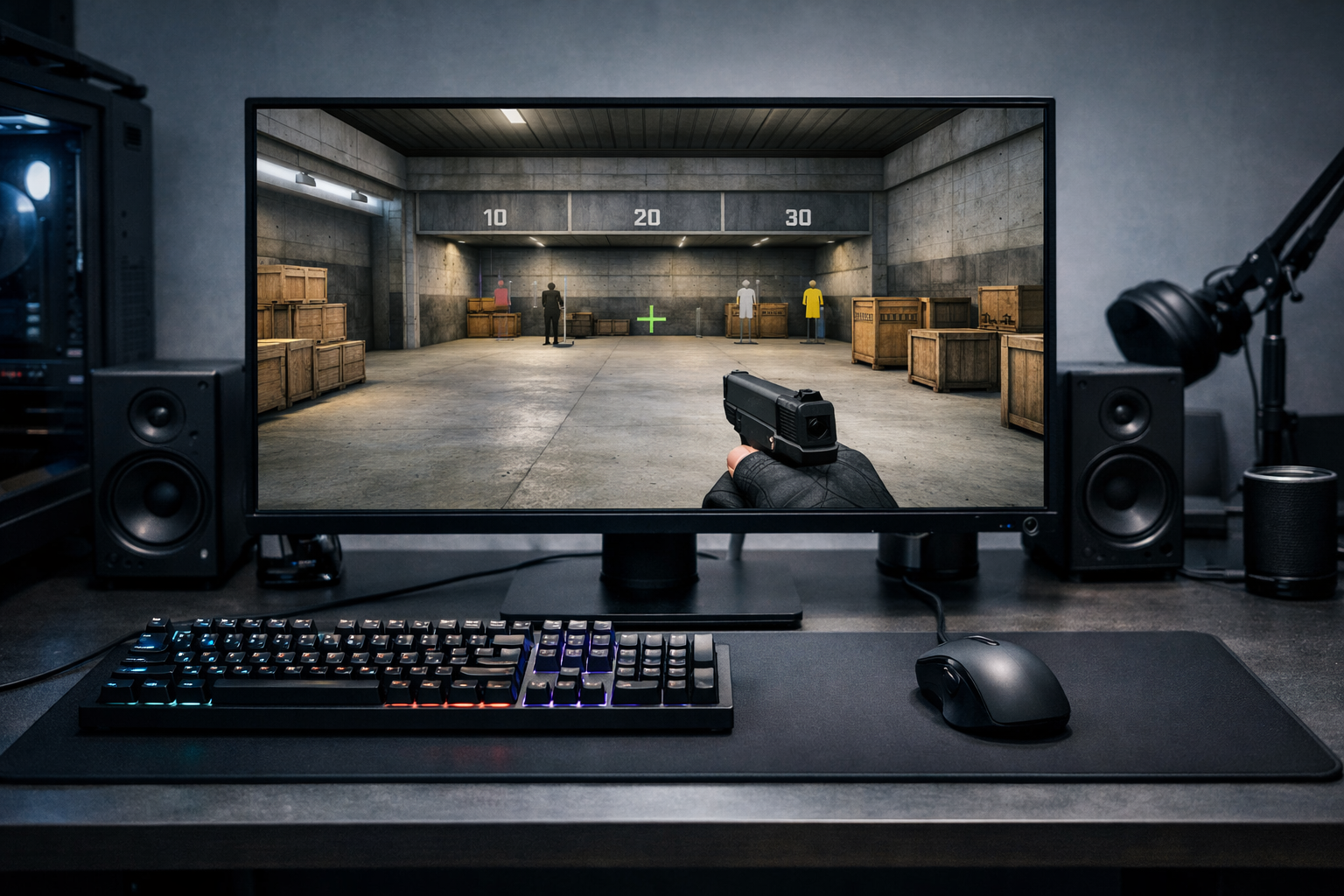
B1t cs2 settings and crosshair profile
b1t CS2 settings are a common reference point for players who want a clean, controlled setup. b1t CS2 settings can help you understand the kind of crosshair and sensitivity style many riflers prefer, but the real value is learning how to adapt that style to your own aim.
TL;DR
- b1t CS2 settings are best used as a clean rifler-style baseline, not a guaranteed fix.
- Start with the crosshair, then test sensitivity and gear feel one change at a time.
- Use the setup logic of clarity and control, then adapt it to your own aim.
b1t is widely associated with sharp rifle aim, disciplined positioning, and a simple visual setup. That is why many players search for b1t CS2 settings instead of only looking for highlight clips. They want a practical starting point that reflects a stable, low-distraction approach to Counter-Strike.
When people look up a player profile like this, they are usually trying to answer two questions. First, what kind of setup fits a precise rifler style. Second, which parts of that setup are worth copying directly, and which parts should be adjusted for personal comfort.
The easiest place to start is the crosshair, because it changes how clearly you track heads and hold angles. If you want to compare different clean reticle styles before making changes, the CS2 crosshair examples page gives useful context without forcing one exact look.
Why b1t is often used as a settings reference
b1t is commonly discussed as a model for efficient rifle play. His style suggests control, repeatability, and confidence in first-bullet accuracy rather than flashy visual choices or unusual input settings.
That matters because b1t CS2 settings are usually interesting for structural reasons, not because they are magic. Players often expect a pro profile to fix aim on its own, but settings mainly support habits that are already consistent.
In many cases, a player searching for b1t CS2 settings is really searching for a setup philosophy. Clean crosshair visibility, manageable sensitivity, and minimal clutter can make it easier to focus on crosshair placement and recoil control.
This is also why comparing one player profile with another can help. Looking at a different rifler page such as qikert CS2 settings can show how similar roles often lead to similar setup priorities, even when exact values differ.
What players usually mean by b1t CS2 settings
Most searches for b1t CS2 settings include more than one category. Players usually want the crosshair first, then sensitivity, resolution, video settings, and sometimes gear. In practice, the crosshair gets the most attention because it is easy to copy and easy to judge immediately.
A b1t-style crosshair is generally expected to be compact, readable, and stable during rifle duels. That kind of crosshair can help with head-level holds, short burst corrections, and target clarity at medium range.
Sensitivity is more personal. Many strong riflers prefer a range that supports controlled micro-adjustments without making turns feel sluggish. If you copy b1t CS2 settings too literally without checking your mouse space, desk setup, and arm movement, the result can feel worse instead of better.
Gear also shapes how settings feel. Mouse shape, pad speed, and click feel can change how easy it is to stop on target. For example, a shape like the VAXEE ZYGEN NP-01S is often relevant when players think about precise rifle aim and controlled tracking.
Crosshair first, then sensitivity
If you are copying a profile for the first time, start with the crosshair before changing everything else. A crosshair gives instant visual feedback, while sensitivity changes can disrupt movement timing, spray control, and angle clearing all at once.
That order also makes testing cleaner. If your aim feels off after a full setup copy, you will not know whether the issue came from the crosshair, sensitivity, or video changes.
How to use a b1t-style setup without forcing it
The best way to use b1t CS2 settings is as a baseline, not a rulebook. Copy the visual logic of the setup first: clear center point, low distraction, and enough visibility to track heads against different backgrounds.
Then test that setup in common rifle situations. Hold a tight angle, pre-aim a swing, burst at medium range, and transfer to a second target. If the crosshair disappears into bright surfaces or feels too large during taps, adjust it slightly instead of abandoning the idea immediately.
A practical way to do this is to build a close version in the CS2 crosshair generator. Small edits to thickness, gap, or outline can preserve the b1t-style feel while making the crosshair easier for your own monitor and resolution.
For sensitivity, test whether your setup supports both micro-corrections and fast defensive turns. Many players copy a pro value and then discover they either overflick at close range or cannot comfortably clear multiple angles in sequence.
That is why b1t CS2 settings should be treated as a profile, not a promise. They can point you toward a disciplined setup, but they still need to fit your mouse control, posture, and map habits.
Simple signs a copied setup is working
- Your first bullets land where your eyes expect.
- Your crosshair stays easy to read on most maps.
- Your spray corrections feel smaller, not more frantic.
- Your angle holds feel calmer during peeks.
If those signs are missing after a fair test, make one change at a time. That approach is slower, but it gives clearer feedback and usually leads to a more reliable final setup.
What to do next after copying the profile
Once you have a b1t-inspired setup, spend a few sessions judging outcomes instead of chasing constant tweaks. Focus on whether your opening duels feel cleaner, whether your burst timing improves, and whether your crosshair placement stays more disciplined under pressure.
It can also help to compare another experienced player profile to see what remains consistent across strong riflers. A page like karrigan CS2 settings offers a different role perspective, which can show which setup choices are personal and which are broadly practical.
If your goal is to copy b1t CS2 settings exactly, keep expectations realistic. Exact values can change over time, and even perfect copies do not transfer muscle memory. What does transfer is the logic behind the setup: clarity, control, and repeatable aim decisions.
That makes this profile useful even without treating it as a strict template. Use b1t CS2 settings to narrow your options, test the crosshair carefully, and keep only the parts that improve your rifle consistency in real matches.
FAQ
Are b1t CS2 settings good for beginners?
They can be a useful starting point because the style is usually simple and easy to read. Still, beginners should avoid copying every value blindly. Crosshair visibility may transfer well, but sensitivity and gear feel often need personal adjustment to stay comfortable.
Should I copy b1t crosshair exactly?
You can start with an exact copy if you want a clear baseline. After that, test it on different maps and lighting conditions. If the crosshair feels too small, too bright, or hard to track during bursts, make small changes rather than replacing it immediately.
What matters most in b1t CS2 settings?
For most players, the crosshair and sensitivity matter more than anything else. Those two settings affect visual clarity and mouse control in nearly every duel. Gear can also matter, but only after your core setup already feels stable and repeatable.