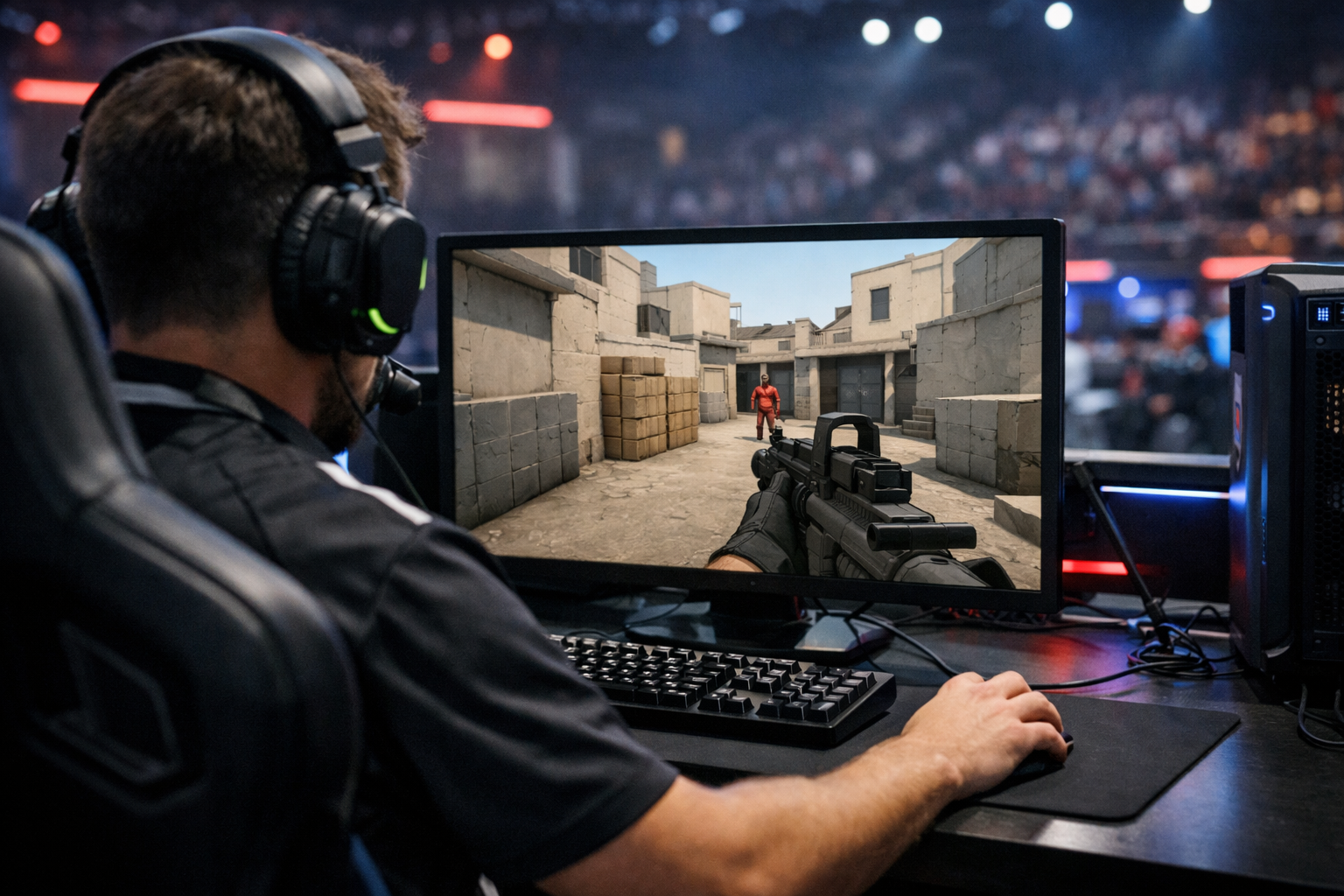
Why pros use cs2 low graphics settings
CS2 low graphics settings are popular because they can make the game clearer, smoother, and more consistent in fights. For most players, the main reason is simple: lower settings often reduce visual clutter and help keep frame rate stable, which can make aiming and tracking feel more reliable.
TL;DR
- Pros use CS2 low graphics settings mainly for steadier performance and clearer visuals.
- Low settings do not improve skill by themselves, but they can reduce clutter and stutter.
- Beginners should test settings gradually and keep the image clear enough to read comfortably.
When new players see tournament clips or copied config files, one question comes up fast: why do so many competitive players avoid maxed-out visuals? In CS2, the answer is usually not about making the game look bad. It is about keeping the screen readable and the game responsive when rounds get hectic.
CS2 low graphics settings can help by reducing distractions, limiting frame drops, and making motion easier to read. That does not mean every option should always be set to the minimum. It means pros usually value consistency over visual effects.
If you also want to clean up what you see on screen, pairing graphics changes with a simpler CS2 crosshair setup can make the game easier to read in duels.
The simple reason pros prefer CS2 low graphics settings
The biggest reason is performance stability. In a tactical shooter, a small drop in smoothness can matter more than prettier shadows or richer lighting. Players want the game to feel the same in an empty server, a smoke-heavy retake, and a crowded site hit.
CS2 low graphics settings often help maintain higher average FPS, but average FPS is only part of the story. More important is frame-time consistency. If the game delivers frames at a steadier pace, mouse movement and target tracking can feel more predictable.
Pros also care about visual clarity. Extra effects can make scenes look impressive, yet they can also make edges, movement, and utility harder to read in many cases. Lower settings can simplify the image enough that enemies stand out faster.
There is also a practical reason. Competitive players usually want fewer variables between practice and officials. A cleaner, lighter setup can reduce the chance that one map area, smoke bloom, or explosion effect causes a sudden dip at the wrong moment.
What beginners often misunderstand about low settings
A common mistake is thinking low settings automatically improve skill. They do not. CS2 low graphics settings can support better consistency, but they cannot replace crosshair placement, timing, or positioning.
Another misunderstanding is that every low option improves visibility. Some settings can affect how sharp the image looks, how jagged edges appear, or how easy it is to spot detail at range. That is why many players use a mixed setup instead of blindly choosing the lowest value for everything.
It also helps to separate three ideas that beginners often combine into one:
- FPS: how many frames your PC can render each second.
- Frame-time stability: how evenly those frames arrive.
- Visual clarity: how easy it is to read enemies, utility, and map detail.
You can have high FPS and still get uneven feeling gameplay if frame times spike. You can also have decent performance but poor clarity if the image is too noisy. Pros usually tune settings around all three, not just one number.
Another point beginners miss is that pro setups are personal. One player may prefer a very stripped image, while another keeps a few options higher for comfort. If you browse a REZ settings page or compare another woro2k setup, the useful lesson is the logic behind the choices, not blind copying.
How lower graphics can affect real gameplay
In actual rounds, the benefit of CS2 low graphics settings usually shows up in small moments. Clearing a site, tracking a wide swing, or adjusting after a flash all depend on how quickly your eyes and hands process the scene.
Lower settings can reduce background detail that competes for attention. When the image is less busy, enemy movement can become easier to notice. This is especially useful in common duel spots where reaction time matters more than scenery.
They can also help during utility-heavy situations. Smokes, molotovs, and explosions put more load on the system and more information on screen. If your PC is already near its limit, those moments can create stutter, which is exactly when you need control.
Input feel matters too. Players often describe a smoother game as more connected or more direct. That feeling can come from steadier frame delivery rather than a huge jump in average FPS. In a game built around precise first bullets, that difference can be meaningful.
This is one reason many competitive players keep their setup conservative even if their hardware can run higher settings. They are not chasing screenshots. They are trying to keep every peek, spray transfer, and micro-adjustment as repeatable as possible.
Why visual clutter matters
Visual clutter is anything on screen that pulls attention away from the information you actually need. In CS2, that usually means enemy models, utility, angles, and movement cues. Fancy effects are not always harmful, but they can compete with those priorities.
For beginners, this matters because target recognition is still developing. A cleaner image can reduce hesitation. You spend less time sorting the scene and more time reacting to the player in front of you.
Why consistency matters more than peak FPS
Many players focus on the highest FPS number they can reach. Pros usually care more about the lowest moments and the overall feel across a full match. A setup that stays stable in every round is often better than one that looks great but dips during action.
That is why CS2 low graphics settings remain common even on strong PCs. The goal is not only speed. The goal is dependable performance under pressure.
Safe ways to apply CS2 low graphics settings
The safest approach is to change settings with a purpose. Do not drop everything at once and assume lower is always better. Test one group of options, play a few matches, and pay attention to both smoothness and readability.
A simple checklist helps:
- Lower demanding effects first, then check FPS and feel.
- Keep settings that preserve a clear, sharp image for your eyes.
- Test on maps and sites where your performance usually drops.
- Judge changes during fights, not only while standing still.
It is also smart to watch for over-tuning. If the game becomes too blurry, too jagged, or uncomfortable to track, you may have gone too far. The best competitive setup is the one you can read quickly for hours, not the one with the lowest possible menu values.
If you want a reference point before adjusting your own setup, checking a player profile like k1to CS2 settings can give you a practical example of how competitive players structure their configs.
Remember that hardware changes the result. A lower-end PC may gain a lot from reduced settings, while a stronger system may only need a few tweaks to stay stable. In both cases, CS2 low graphics settings are best treated as a tool for consistency, not a magic fix.
What to do next if you are new
Start with your problem, not with someone else’s config. If your issue is stutter in executes, focus on performance-heavy options. If your issue is spotting enemies, focus on clarity and screen noise.
Then play enough rounds to judge the change honestly. One death does not prove a setting is bad, and one good match does not prove it is perfect. Look for patterns over time: steadier aim, fewer distracting dips, and easier target recognition.
For most players, the practical takeaway is simple. CS2 low graphics settings are used because they can make the game cleaner and more stable, which supports consistent aim and decision-making. Use that idea as a starting point, then tune around your own PC, monitor, and comfort.
If you are already refining your setup, the next useful step is to compare your visuals, crosshair, and player configs together instead of changing one piece in isolation.
FAQ
Do low graphics settings improve aim in CS2?
Not directly. Low graphics settings can make aiming feel more consistent by reducing stutter, smoothing motion, and lowering visual clutter. That can help you track targets and react faster, but your mechanics, positioning, and timing still matter more than any single graphics preset.
Should every CS2 setting be set to low?
No. Many players use a mixed setup because some low options help performance while others can make the image harder to read. The better approach is to lower demanding effects first, then keep the settings that still give you a clear and comfortable picture.
Why do pros care about frame-time stability?
Frame-time stability affects how evenly the game feels from moment to moment. Even with high average FPS, sudden spikes can make mouse movement and tracking feel inconsistent. Pros value stable performance because it helps keep peeks, sprays, and reactions more predictable during intense rounds.