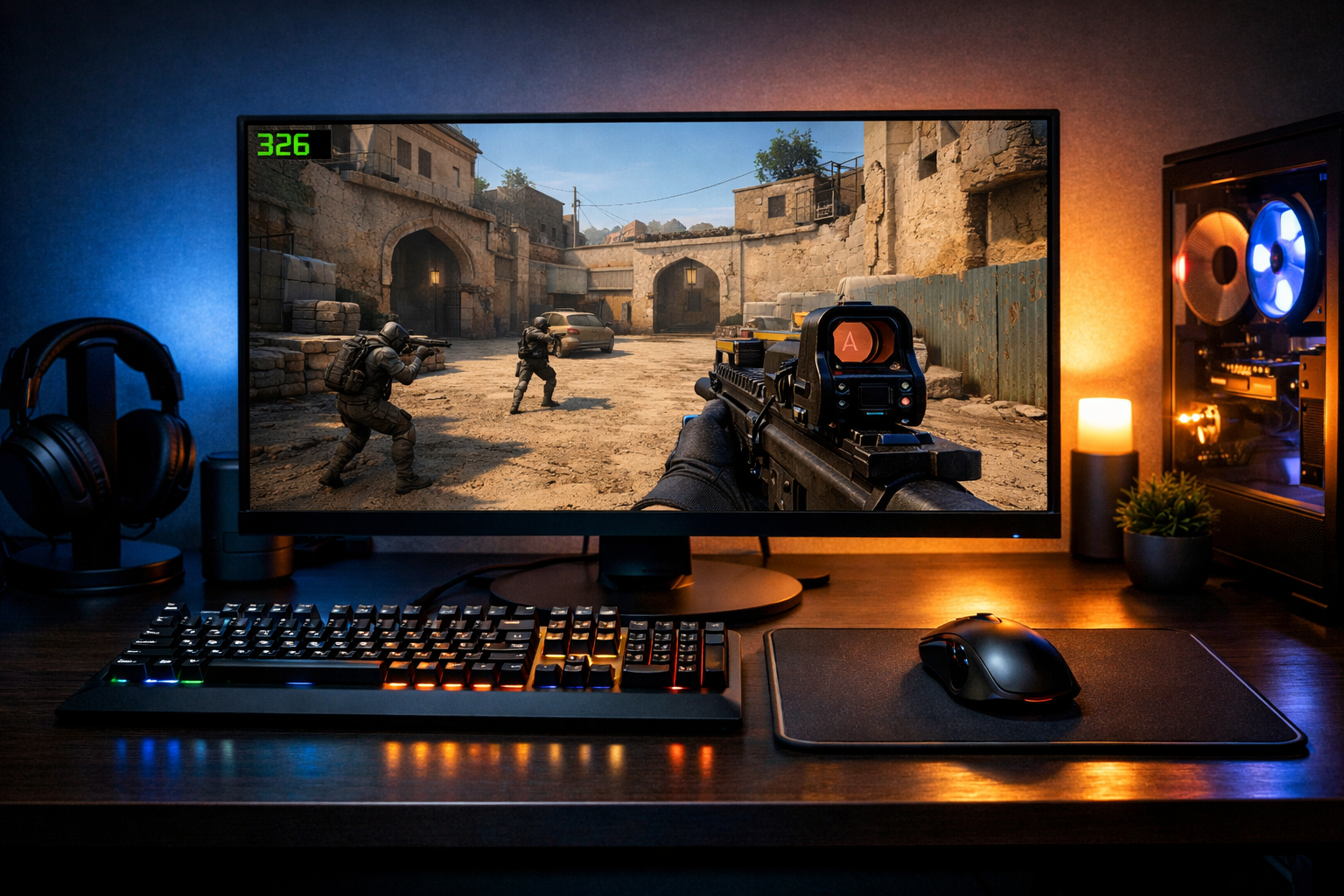
What fps for cs2 is enough?
FPS for CS2 is the frame rate your PC delivers while you play, and “enough” depends on your monitor and how consistent those frames stay. For most players, fps for CS2 matters less as a huge number and more as a stable number that matches your refresh rate.
TL;DR
- Enough FPS in CS2 depends on your monitor, but stability matters more than peak numbers.
- For 144Hz, 180 to 240 FPS is a strong target; for 240Hz, aim for 240+ if possible.
- Average FPS matters less than consistent frame times and solid lows during real matches.
When players ask about fps for CS2, they usually mean one thing: how many frames do I actually need before extra performance stops helping? The short answer is that enough FPS is the point where the game feels responsive, clear, and stable for your monitor.
That number is not identical for everyone. A player on 144Hz needs a different target than someone on 240Hz or 360Hz, and frame consistency often matters more than a flashy peak FPS reading.
What “enough FPS” means in CS2
In simple terms, FPS is how many images your PC renders each second. Higher FPS can reduce perceived blur, improve motion clarity, and make mouse input feel more immediate in many cases.
For CS2, “enough” does not mean the highest number your hardware can show in an empty server. It means a frame rate you can hold during fights, utility, and busy rounds without sharp drops.
If your monitor is 60Hz, around 120 FPS already gives a smoother feel than a locked 60 in many cases. On 144Hz, many players aim for at least 180 to 240 FPS so dips do not drag the experience below the monitor’s refresh window.
On 240Hz, a practical target is often 240 FPS or higher, with headroom above that for heavy moments. On 360Hz displays such as the ASUS ROG Swift 360Hz, the value of extra frames is tied closely to whether your system can sustain them in real matches.
This is why fps for CS2 should be viewed as a range, not a single magic number. Stable 220 FPS can feel better than unstable 350 FPS if the higher result comes with frequent drops and uneven frame times.
Why FPS matters beyond a bigger number
More FPS can help, but the benefit is not only visual smoothness. In CS2, frame rate affects how clearly you track moving targets and how consistent the game feels while counter-strafing, spraying, or clearing angles.
The key practical term here is frame time. FPS tells you how many frames you get per second, while frame time tells you how evenly those frames arrive. Uneven delivery can make the game feel stuttery even when the average FPS looks high.
That is why players sometimes upgrade a monitor, mouse, or pad and still feel the game is off. If your system cannot hold stable fps for CS2, the rest of the setup cannot fully compensate, even if your aim tools are solid.
For example, if you are refining visual consistency with different CS2 crosshair styles, unstable performance can make it harder to judge whether the issue is your crosshair or your frame pacing.
There is also a point of diminishing returns. Going from 60 to 144 FPS is a major jump for most players. Going from 144 to 240 is still meaningful, especially in a tactical shooter. Going from 240 to 360 can help, but the gain is smaller and depends more on your skill level, monitor, and system stability.
Practical FPS ranges for different players
A useful way to think about fps for CS2 is by matching your target to your display and your level of sensitivity to input delay and motion clarity.
- 60Hz monitor: 120 FPS is a solid baseline, 144+ feels better if stable.
- 144Hz monitor: 180 to 240 FPS is a strong target for competitive play.
- 240Hz monitor: 240+ FPS is ideal, with extra headroom helping during chaotic rounds.
- 360Hz monitor: 300+ FPS can make sense, but only if frame times stay clean.
These are not hard rules. Many players perform well below them, especially if their game feels consistent and they are used to the setup. The problem starts when your average looks acceptable but your lows are far below what your monitor can show.
For that reason, 1% lows often matter more than a screenshot of maximum FPS. If your game averages 260 but regularly dips to 140 in fights, the experience can feel less reliable than a system averaging 220 with tighter lows.
Hardware balance matters too. A fast monitor paired with a shape you control well, such as the VAXEE ZYGEN NP-01S, can feel more useful than chasing extreme FPS while ignoring comfort and consistency.
Common misunderstandings about FPS in CS2
One common mistake is assuming more FPS always equals better results. Higher frame rates can help, but only when they are stable and paired with a monitor that can display the extra information.
Another mistake is focusing only on average FPS. CS2 can feel fine while moving around the map, then become uneven during executes, smokes, and close fights. Those stressful moments are where “enough” FPS is really tested.
Players also confuse FPS with refresh rate. Your FPS is what the PC renders. Your refresh rate is what the monitor can display. If you have 300 FPS on a 144Hz monitor, you may still gain some responsiveness, but you will not see all 300 frames as distinct updates.
There is also no universal pro-level number that guarantees better aim. Most pros prefer high and stable performance, but that does not mean every player needs the same target. Comfort, consistency, and clean motion usually matter more than chasing a benchmark.
What you should do with this information
If you want a practical answer, start by matching your FPS target to your monitor. Then leave extra headroom so your game stays smooth during utility-heavy rounds, crowded sites, and fast swings.
For many players, enough fps for CS2 means around 180 to 240 on a 144Hz display, and 240 or more on a 240Hz display. If you are on 60Hz, even 120 stable FPS can already feel noticeably better than a lower cap.
Do not judge performance from one empty practice map. Check how the game feels in real matches, especially when multiple smokes, molotovs, and players are on screen. That is where your true baseline appears.
If you are planning upgrades, prioritize the weakest link first. A high-refresh monitor like the 360Hz display option can help, but only if your PC can feed it. If your current setup is already stable, a comfort-focused change elsewhere may be more useful.
In short, enough fps for CS2 is the point where your frame rate stays above your practical needs instead of collapsing in key moments. Once you reach that point, the next gains are usually smaller than players expect.
Use that as your benchmark: stable, match-ready performance first, then extra FPS if your hardware can deliver it cleanly.
FAQ
Is 144 FPS enough for CS2?
Yes, 144 FPS is enough for CS2 for many players, especially on a 144Hz monitor. The bigger issue is whether that frame rate stays stable during fights, smokes, and crowded rounds. A steady 144 often feels better than a higher average with frequent drops.
Do I need 240 FPS in CS2?
You do not always need 240 FPS in CS2. It becomes more useful if you use a 240Hz monitor and want smoother motion and lower perceived delay. On 144Hz or lower, 240 FPS can still help, but the improvement is usually smaller.
Why does CS2 feel bad with high FPS?
CS2 can feel bad even with high FPS if frame times are uneven, background tasks cause stutter, or your lows drop hard in busy moments. Average FPS alone does not guarantee smooth play. Monitor settings, system stability, and in-match consistency all affect the result.