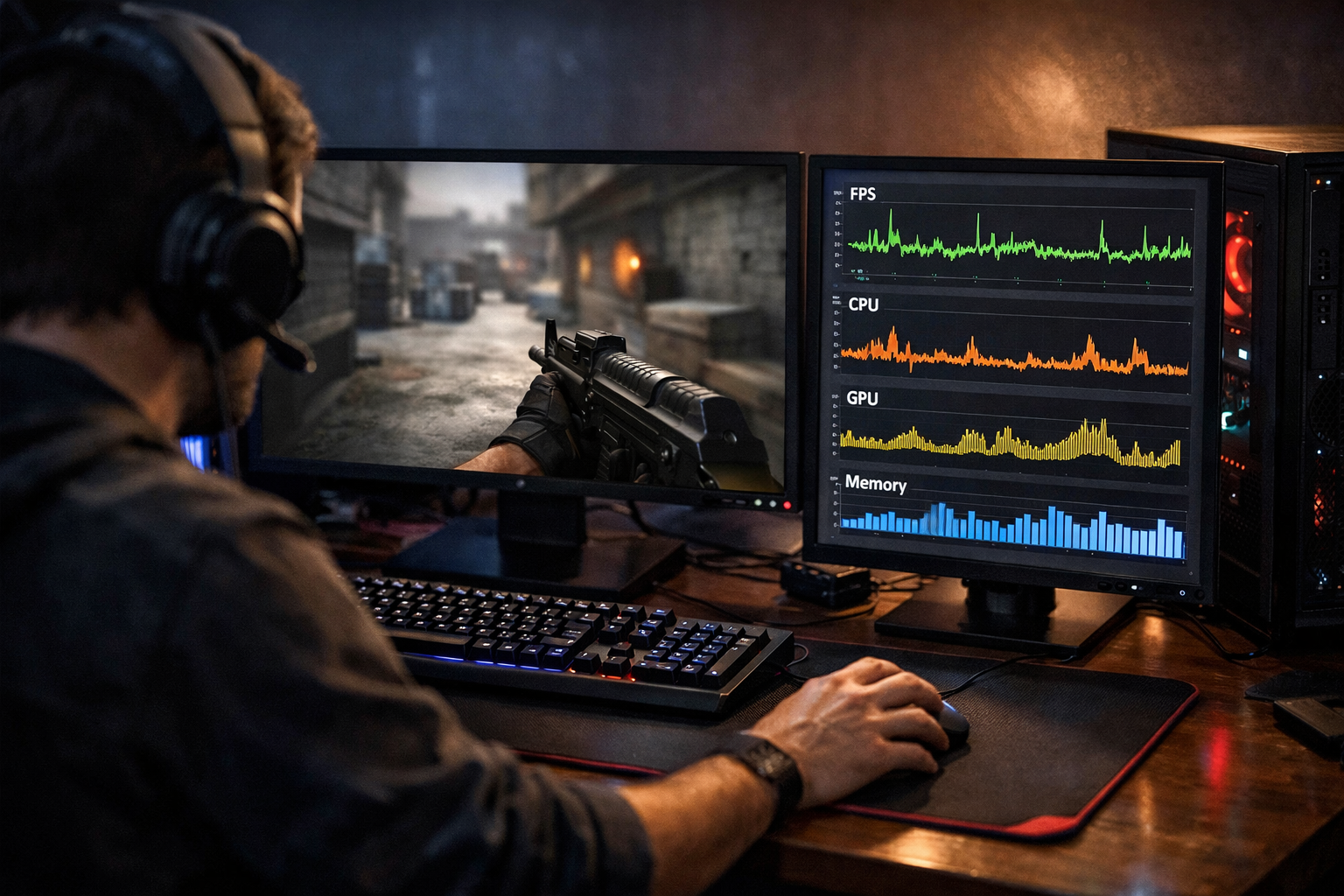
How to fix stuttering in cs2
If you want to fix stuttering CS2, start with the simple causes first: unstable frame pacing, bad video settings, background apps, and driver issues. Fix stuttering CS2 usually means smoothing frame delivery, not only raising average FPS.
TL;DR
- Stutter in CS2 is usually a frame pacing problem, not just low average FPS.
- Start with safe fixes: close background apps, cap FPS, use fullscreen, and check drivers.
- Verify the fix in real match conditions, not only in spawn or menus.
Stuttering in CS2 can feel worse than low FPS. The game may show decent frame numbers, yet movement still looks jerky during peeks, sprays, or fast turns. That usually points to frame pacing problems, shader loading, or system conflicts rather than one single graphics setting.
If you want a broader baseline before changing too much, the CS2 guides hub is a useful place to compare common setup advice. Start there, then return to the steps below in order so you can isolate the real cause.
How to tell if CS2 stutter is your real problem
Before you change settings, confirm the symptom. Stutter is not the same as low FPS, packet loss, or input delay. In many cases, players describe all of them as lag, which makes troubleshooting slower.
CS2 stutter usually looks like short hitches, uneven camera motion, or sudden micro-freezes when enemies appear, utility lands, or you enter a new area. You may also notice the game feels smooth in spawn but rough during fights.
- Average FPS looks acceptable, but motion still feels uneven.
- Short freezes happen during peeks, smokes, or first rounds on a map.
- Mouse movement feels inconsistent even when ping is stable.
- The issue appears after alt-tabbing, driver updates, or setting changes.
- Stutter is worse in full matches than in an empty server.
If your issue is only online and comes with rubber-banding, that can be network related instead. If it happens offline too, your focus should stay on local performance and frame delivery.
Most likely causes of CS2 stutter
To fix stuttering CS2, it helps to group causes by risk and likelihood. Most cases come from unstable frame times, not from one extreme hardware fault.
The first common cause is a settings mismatch. Very high effects, uncapped FPS swings, or aggressive upscaling can create uneven frame delivery. A system that jumps between 400 FPS and 180 FPS can feel worse than one that stays near a lower but stable number.
The second common cause is background activity. Browser tabs, overlays, recording tools, RGB software, and update services can interrupt CPU time. CS2 is sensitive to those interruptions, especially during fights when CPU load spikes.
Drivers and Windows changes can also matter. A fresh GPU driver can help, but a bad install or conflicting feature can create new hitches. The same applies to Game Bar, hardware acceleration in apps, and power plans that let clocks fluctuate too much.
Another cause is shader or asset loading. This often shows up as first-match stutter, first-round hitching, or brief pauses after a map loads. It can improve after a few rounds, which is a clue that the issue is not purely raw GPU power.
Input devices can contribute too, though less often. High polling rate mice, unstable USB behavior, or software conflicts can make motion feel rough. If you are comparing setups, a lightweight shape like the VAXEE XE V2 White shows the kind of gear many players prefer for consistent tracking, but the main fix is still system stability.
Fixes to try first, from safest to more advanced
Start with the changes that are easy to reverse. That is the fastest way to fix stuttering CS2 without creating new variables.
Safe fixes that solve many cases
First, restart the PC and launch only Steam and CS2. Close browsers, Discord overlays, capture tools, motherboard utilities, and RGB apps for one test session. This quickly shows whether background software is the trigger.
Next, cap your FPS at a stable level your system can hold in fights. A lower stable cap often feels smoother than a high fluctuating one. If your FPS swings hard, reduce a few CPU-heavy or effect-heavy settings instead of chasing the highest average number.
Use fullscreen mode and avoid frequent alt-tabbing during testing. Alt-tab behavior can sometimes introduce odd frame pacing or refresh issues. Keep your refresh rate set correctly in Windows and in-game before judging results.
Then check your GPU driver status. If stutter started right after an update, a clean reinstall can help in many cases. If you have not updated in a long time, moving to a stable recent driver may also help.
Finally, verify game files and test one map for several rounds. First-load hitches can happen, but repeated stutter every round usually means the problem is elsewhere.
Advanced fixes when the easy steps fail
If the issue remains, test with overlays fully disabled. Steam overlay, Discord overlay, GeForce Experience features, and third-party monitoring tools can all interfere. Disable one group at a time so you know what changed.
Set Windows power mode to a high-performance option if your clocks are dropping too aggressively. On some systems, balanced behavior can cause uneven boosts during sudden combat load. This does not always help, but it is a reasonable test.
Check mouse polling rate if stutter seems tied to aim movement. Some systems handle very high polling rates poorly, especially with other USB devices active. Dropping to a lower stable rate for one match is a clean way to rule that out.
If you want a reference point for streamlined setups, player pages like oSee settings or tabseN settings can help you compare practical in-game choices. Do not copy everything blindly, but use them to spot overly heavy or unusual settings in your own config.
As a last step, reset custom launch options and remove old tweaks you no longer understand. Many stutter complaints come from stacked changes made over time. A cleaner baseline often performs better than a heavily edited setup.
How to confirm the stutter is actually fixed
Do not judge the result after thirty seconds in spawn. To fix stuttering CS2 properly, you need to verify it under the same conditions that caused the problem.
Use one map, one resolution, and one short test routine. Play a few rounds, throw utility, take fast turns, and repeat the same paths. If the game now feels even during fights and camera motion stays consistent, your fix is likely real.
Watch for frame pacing, not only average FPS. A system that loses a little peak FPS but removes hitching is usually the better competitive setup. Smoothness matters more than a headline number when you are clearing angles.
If stutter returns only after changing one setting, you found a likely trigger. Keep a short note of what you changed so you can roll back quickly. That simple habit saves time and prevents random guesswork later.
Final check: if offline play is smooth but online matches still feel rough, compare server conditions before changing more graphics options. If both offline and online are smooth after these steps, you likely did enough to fix stuttering CS2 in a stable way.
FAQ
Why does CS2 stutter with high FPS?
High average FPS does not guarantee smooth frame delivery. CS2 can still feel jerky if frame times spike during fights, utility, or background CPU interruptions. In many cases, a stable FPS cap and fewer background apps improve smoothness more than chasing a higher peak number.
Should I cap FPS to reduce CS2 stutter?
Yes, in many cases an FPS cap helps because it reduces large swings in frame time. If your system cannot hold very high FPS consistently, a lower stable cap can feel smoother. Test a cap your PC can maintain during combat, not only in empty areas.
Can mouse polling rate cause stutter in CS2?
It can on some systems, though it is not the most common cause. Very high polling rates may add instability when combined with USB issues, overlays, or background software. A quick test at a lower polling rate is a safe way to rule it out.