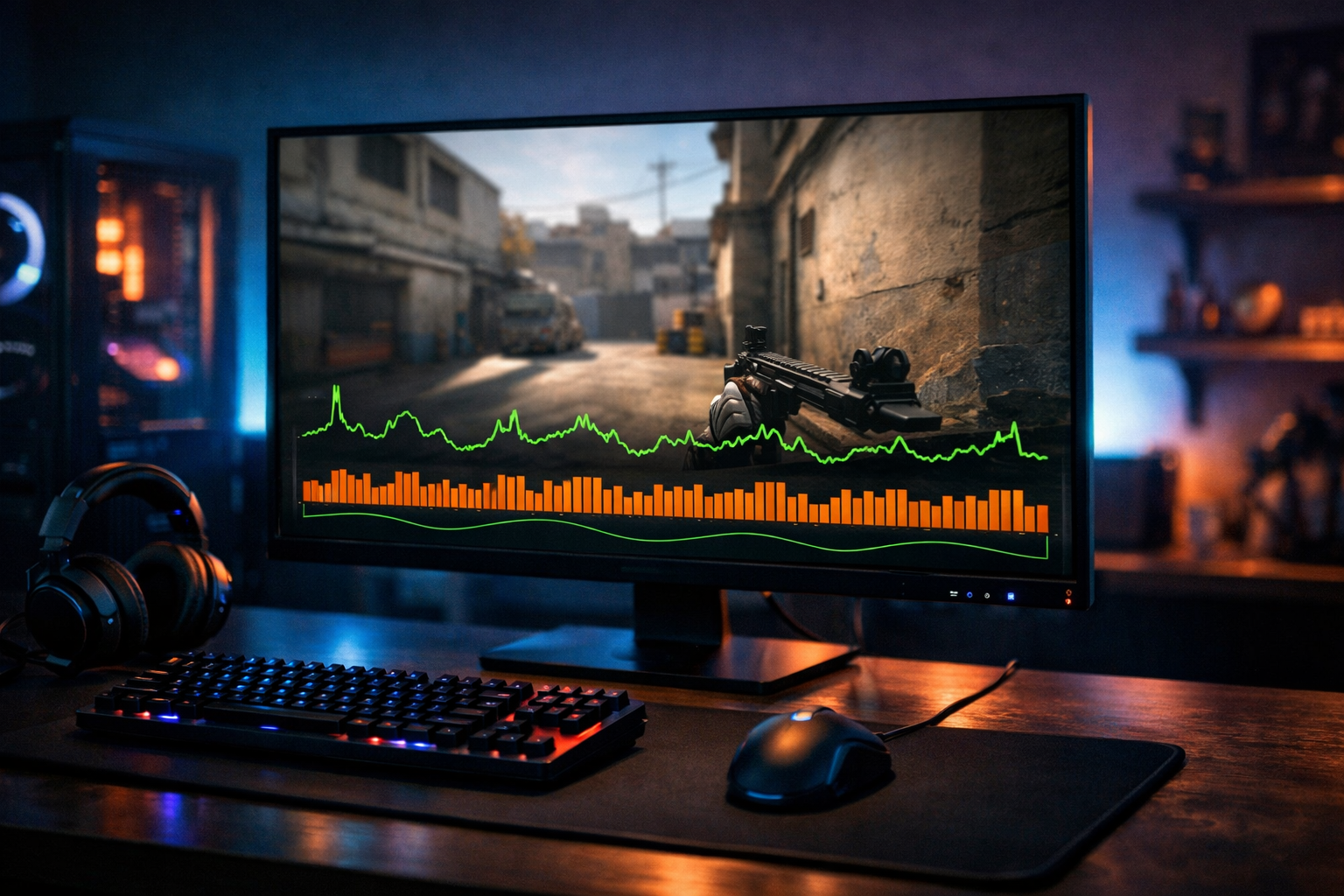
CS2 frame time explained: what it means and why it matters
CS2 frame time is the time your system needs to render each frame. It matters because smooth aim in Counter-Strike 2 depends on stable delivery, not just high FPS. If your game feels choppy despite decent frame rates, cs2 frame time is often the missing piece.
TL;DR
- CS2 frame time is the time each frame takes to render, measured in milliseconds.
- Stable frame time often matters more for smoothness than a high average FPS number.
- Uneven frame pacing can make CS2 feel choppy even when FPS looks good.
Many players watch FPS first, but FPS does not tell the whole story. In Counter-Strike 2, a stable image can matter more than a high average number. That is where cs2 frame time becomes useful.
Frame time is measured in milliseconds, and it shows how long each frame takes to appear on screen. Lower and more consistent values usually feel smoother. If one frame arrives quickly and the next one arrives late, the game can feel uneven even when the FPS counter looks fine.
This matters most in a tactical shooter because visual consistency affects tracking, peeking, and timing. If you are already refining visual clarity with a crosshair generator tool, understanding frame pacing is the next step toward a cleaner feel.
What cs2 frame time actually means
The simplest definition is this: frame time is the delay between one rendered frame and the next. A game running at 100 FPS averages about 10 milliseconds per frame. At 200 FPS, that average drops to about 5 milliseconds.
That sounds similar to FPS because the two are directly related, but they are not read the same way. FPS is a rate over time, while frame time shows the spacing between frames. In practice, spacing is often easier to connect to smoothness.
For example, a match can average 180 FPS and still feel rough if frame delivery jumps between 4 ms, 6 ms, and 14 ms. The average remains high, but the inconsistency creates visible stutter. That is why many players look at frame time graphs instead of only checking a single FPS number.
In CS2, people also use related terms like frame pacing, frametime spikes, and microstutter. These terms all point to the same core issue: frames are not arriving evenly. When that happens, movement can look less fluid and mouse input can feel less predictable.
Why frame time matters more than average FPS in matches
Average FPS is useful, but it can hide short performance drops. In a live round, those drops often happen during utility, fast swings, or crowded fights. A brief frametime spike at the wrong moment can feel worse than a lower but stable frame rate.
That is why cs2 frame time matters in real play. Consistent frame delivery can make strafing, recoil control, and target transitions feel more reliable. In many cases, players describe this as the game feeling responsive or clean.
Consider two systems. One runs CS2 at a steady 220 FPS with tight frame pacing. Another swings between 300 FPS and sudden dips with uneven frame times. The second system may look stronger on paper, but the first can feel better in actual rounds.
This is also why hardware discussions often focus on latency and consistency, not only peak numbers. Input devices can help with control, but they cannot fix unstable rendering. If you compare gear choices like the Endgame Gear OP1 8K or the SteelSeries Apex Pro Mini, remember that smooth frame pacing still depends on the full system.
Common examples of bad frame pacing in CS2
The easiest sign is a game that feels choppy even when the FPS counter stays high. You may notice this while turning quickly, clearing angles, or moving through smoke and molotov effects. The image does not always freeze, but it can look uneven.
Another common example is a sudden hitch during fights. That can happen when the CPU, GPU, or background processes interrupt stable rendering. In CS2, those short spikes are often more noticeable than in slower games because every duel depends on timing.
What players usually notice first
Most players do not say, “my frame time graph looks bad.” They say the game feels off. Mouse movement can seem inconsistent, sprays can feel harder to read, and peeks may look less smooth than expected.
That is why cs2 frame time is a practical concept, not just a technical one. It connects system behavior to what you actually feel in a match. If your aim feels different from one round to the next, unstable frame pacing can be part of the reason.
Related terms that often get mixed up
Stutter, lag, input delay, and low FPS are not identical. Stutter usually points to uneven frame delivery. Low FPS means frames are arriving slowly overall. Input delay is about the time between your action and the result on screen.
These issues can overlap, which is why players sometimes misread the problem. A system can have high FPS, acceptable ping, and still feel poor because cs2 frame time is unstable. That distinction helps when you are trying to diagnose performance.
How to use frame time information without overcomplicating it
You do not need to obsess over every millisecond. The useful goal is simple: aim for low and steady frame times rather than chasing the highest possible FPS number. Stability often gives a better result than aggressive settings that create spikes.
Start by watching whether your game feels smooth in the same situations every match. If problems appear during heavy action, your system may be struggling with consistency. Lowering demanding settings can often reduce spikes more effectively than chasing cosmetic improvements.
It also helps to keep expectations realistic. Not every rough moment comes from one setting, and not every player needs the same hardware target. Many players benefit more from a stable setup than from constant tweaking.
If you want a reference point for how competitive players build a clean setup around consistency, check a page like Stewie2K CS2 settings. Use that kind of example for context, then adjust based on your own system and feel.
What to remember when evaluating smoothness
The key takeaway is that cs2 frame time explains smoothness better than average FPS alone. It tells you whether frames are arriving evenly, which is what your eyes and hands notice during play.
When the game feels choppy despite decent numbers, frame pacing is often the first thing to question. Stable rendering can improve how movement, aim, and visual feedback feel across a full match.
So if you are trying to understand why CS2 sometimes feels worse than the FPS counter suggests, start with frame time. It is one of the clearest ways to connect performance data to actual gameplay.
Key takeaways
- Focus on practical fit first.
- Test changes in realistic conditions.
- Use examples as reference, not as rules.
FAQ
Is frame time the same as FPS in CS2?
No. FPS shows how many frames are rendered each second, while frame time shows how long each frame takes to appear. They are related, but frame time is often better for spotting uneven delivery and stutter during actual matches.
Why does CS2 feel choppy with high FPS?
High average FPS can still hide short frametime spikes. If frames arrive unevenly, movement and fights can look rough even when the counter stays high. That is why a stable frame time often feels better than a higher but inconsistent FPS result.
What is a good frame time for CS2?
Lower is generally better, but consistency matters most. Around 5 ms feels very fast, while 8 to 10 ms can still feel good if it stays steady. Large jumps between frames are usually more noticeable than the average number itself.