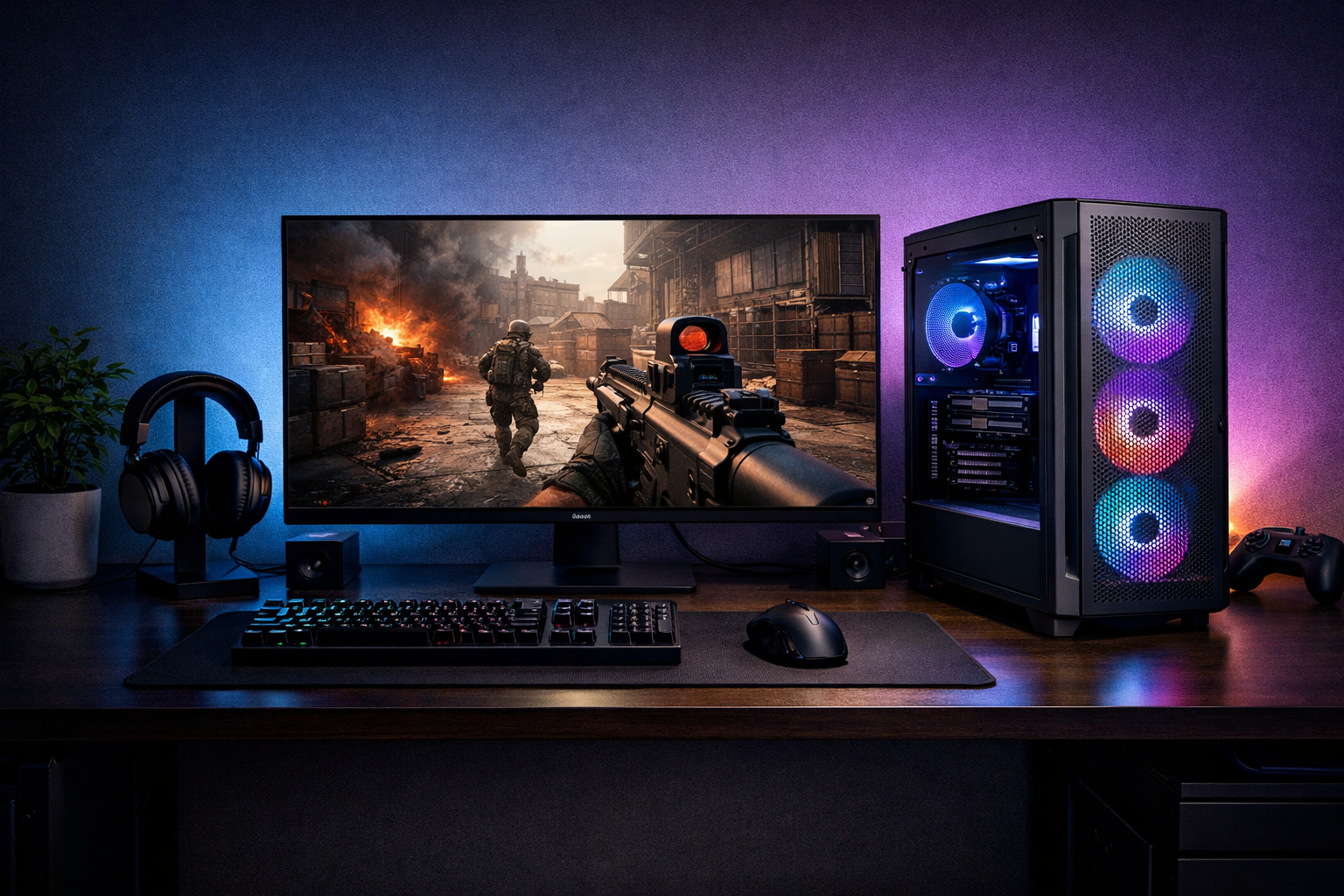
Best prebuilt pc for cs2 in 2026: what you gain and what you give up
The best prebuilt PC for CS2 in 2026 is the one that balances high FPS, stable cooling, and a sensible upgrade path for your budget. For most players, that means choosing a CPU-first system rather than chasing the biggest GPU in a flashy case.
TL;DR
- For CS2, CPU strength, cooling, and RAM setup usually matter more than buying the biggest GPU.
- Upper-midrange prebuilts are often the best value for 240Hz-focused CS2 players.
- Avoid flashy prebuilts with weak motherboards, poor airflow, or single-channel memory.
Buying the best prebuilt PC for CS2 is less about raw marketing specs and more about tradeoffs. CS2 rewards strong CPU performance, low frame-time variance, and stable clocks during long sessions. A prebuilt can deliver that convenience, but the wrong one can spend too much on looks, RGB, or an oversized GPU while cutting corners on cooling and memory.
If you want a broader baseline before comparing systems, check the best PC for CS2 guide. It helps frame what matters most before you decide whether a prebuilt or custom route fits you better.
Where the real tradeoff sits in a CS2 prebuilt
The main tradeoff is simple: convenience and fast setup versus part efficiency and upgrade freedom. The best prebuilt PC for CS2 saves time and avoids build mistakes, but many prebuilts bundle parts that look premium without improving CS2 performance much.
In CS2, a stronger CPU often matters more than moving from an already capable GPU to a much larger one. That means a balanced prebuilt with a fast gaming CPU, decent airflow, and low-latency RAM can outperform a more expensive system that leans too hard on GPU branding.
Another tradeoff is motherboard and power supply quality. Some prebuilts use locked-down boards, weaker VRMs, or basic PSUs. Those choices may not hurt day one performance, but they can limit future CPU upgrades, fan control, and long-term stability.
Storage is also part of the equation, though it is not the deciding factor for FPS. Fast NVMe storage helps load times and general responsiveness, but it will not compensate for a weak CPU cooler or single-channel memory.
What gets better, and what gets worse, as you move up price tiers
The best prebuilt PC for CS2 changes depending on the frame-rate target. A player aiming for smooth 240Hz play needs a different balance than someone targeting 144Hz on a tighter budget.
| Prebuilt tier | What improves | What often gets worse | Best fit |
|---|---|---|---|
| Entry-midrange | Good value, enough FPS for 144Hz, lower cost | Basic cooling, limited motherboard features | Competitive players on a budget |
| Upper-midrange | Better CPU, stronger cooling, steadier frame times | Price climbs quickly | Most players seeking 240Hz |
| High-end | More headroom, quieter operation, stronger multitasking | Diminishing returns in CS2, higher GPU overspend risk | Players who stream or want longer upgrade runway |
At the lower end, value can be excellent if the builder avoids weak memory and poor airflow. These systems can feel very good in CS2, especially at competitive settings, but they are more sensitive to thermal limits and background tasks.
Upper-midrange prebuilts are often the sweet spot for the best prebuilt PC for CS2. This is where you usually get the CPU strength needed for high refresh play, plus cooling that keeps boost behavior more consistent over time.
High-end systems improve comfort more than they improve CS2 results. You may get lower noise, better multitasking, and more upgrade room, but the FPS gain can be modest if the extra budget mostly goes into a top-tier GPU.
- Spend first on CPU quality and cooling.
- Prioritize dual-channel RAM with sensible speed and timings.
- Do not overpay for GPU class beyond your monitor target.
- Check motherboard and PSU quality before buying.
- Favor airflow cases over glass-heavy designs.
If you are unsure how much GPU matters in your target resolution, the best GPU for CS2 breakdown can help you avoid overspending on graphics power that CS2 may not fully use.
Common mistakes when comparing prebuilt PCs for CS2
A common mistake is assuming the most expensive GPU automatically creates the best prebuilt PC for CS2. In many cases, CS2 performance is held back sooner by CPU behavior, memory setup, or cooling than by the graphics card.
Another mistake is trusting a parts list without checking implementation. Two prebuilts can list similar CPUs and GPUs, yet one runs hotter, louder, and less consistently because of a weaker cooler, tighter case, or more aggressive power limits.
Many buyers also ignore RAM details. A prebuilt with 16GB or 32GB sounds fine on paper, but single-stick memory or loose timings can reduce performance and responsiveness. For CS2, memory configuration can matter more than many storefront pages suggest.
Noise is another overlooked factor. A system that reaches your FPS target but ramps fans hard under load can become distracting during long sessions. The best prebuilt PC for CS2 should not only hit high frames, but do so without unstable thermals or constant fan spikes.
Why flashy specs can hide weak value
Prebuilt listings often highlight GPU model, RGB, and storage size first because those are easy to market. That can hide weaker essentials such as a budget motherboard, entry PSU, or a cooler that barely handles the CPU.
For CS2, those hidden parts matter because they affect sustained clocks, frame consistency, and future upgrades. A less flashy system with better airflow and board quality can be the smarter buy.
When the general advice changes
There are edge cases. If you also play heavier AAA games at high settings, stream regularly, or edit video, a stronger GPU and more cores can make more sense. In that case, the best prebuilt PC for CS2 may also be a broader all-purpose gaming machine rather than a CS2-first build.
Likewise, if you plan zero upgrades and just want a clean, ready-to-use setup, paying a bit more for a well-assembled prebuilt can be reasonable. Convenience has value when the parts balance is still sensible.
Which prebuilt path makes sense for your setup?
For most players, the best path is an upper-midrange prebuilt with a strong gaming CPU, competent air or AIO cooling, 16GB to 32GB of dual-channel RAM, and a GPU chosen around your monitor target. That profile usually gives the best mix of CS2 FPS, smoothness, and long-term value.
If you play on 1080p with a 144Hz monitor, a value-focused prebuilt can be enough. Put more attention on CPU quality than on chasing a premium GPU tier. That approach often lands closer to the real best prebuilt PC for CS2 than a flashy but unbalanced system.
If you use a 240Hz or 360Hz display, prioritize frame-time stability and cooling. Those players benefit most from stronger CPUs, better airflow, and memory that is configured correctly from the start. For more hardware context, browse the wider CS2 guides hub for related setup decisions.
Your desk setup matters too. Once the PC is sorted, pairing it with a consistent surface can help your aim feel more predictable. If you are refining the full setup, see the best mousepad for CS2 options as a practical next step.
Bottom line: the best prebuilt PC for CS2 is usually the balanced one
The best prebuilt PC for CS2 is usually not the one with the biggest GPU or the loudest marketing. It is the system that puts budget into CPU performance, cooling, memory configuration, and a usable upgrade path.
For most buyers in 2026, the safest recommendation is a balanced upper-midrange prebuilt. It can deliver the high refresh experience CS2 players want without paying too much for hardware that adds little in actual matches.
If you compare prebuilts through that tradeoff lens, bad value becomes easier to spot. Look past the headline specs, check the supporting parts, and buy for your monitor target rather than for showroom appeal.
FAQ
Is a prebuilt PC good for CS2?
Yes, a prebuilt PC can be very good for CS2 if the parts are balanced well. The key is not the prebuilt label itself, but whether the system has a strong gaming CPU, proper dual-channel RAM, and cooling that keeps performance stable during long matches.
What matters most in a CS2 prebuilt?
For most players, CPU performance matters most, followed by cooling, RAM configuration, and then GPU choice. CS2 often benefits more from strong frame-time consistency than from paying extra for a graphics card tier that your monitor and settings may not fully use.
Should I buy high-end or midrange for CS2?
Midrange to upper-midrange is often the smarter choice for CS2. High-end systems can be useful if you also stream, multitask heavily, or play demanding AAA games, but many buyers get better value from a balanced system built around refresh-rate goals.