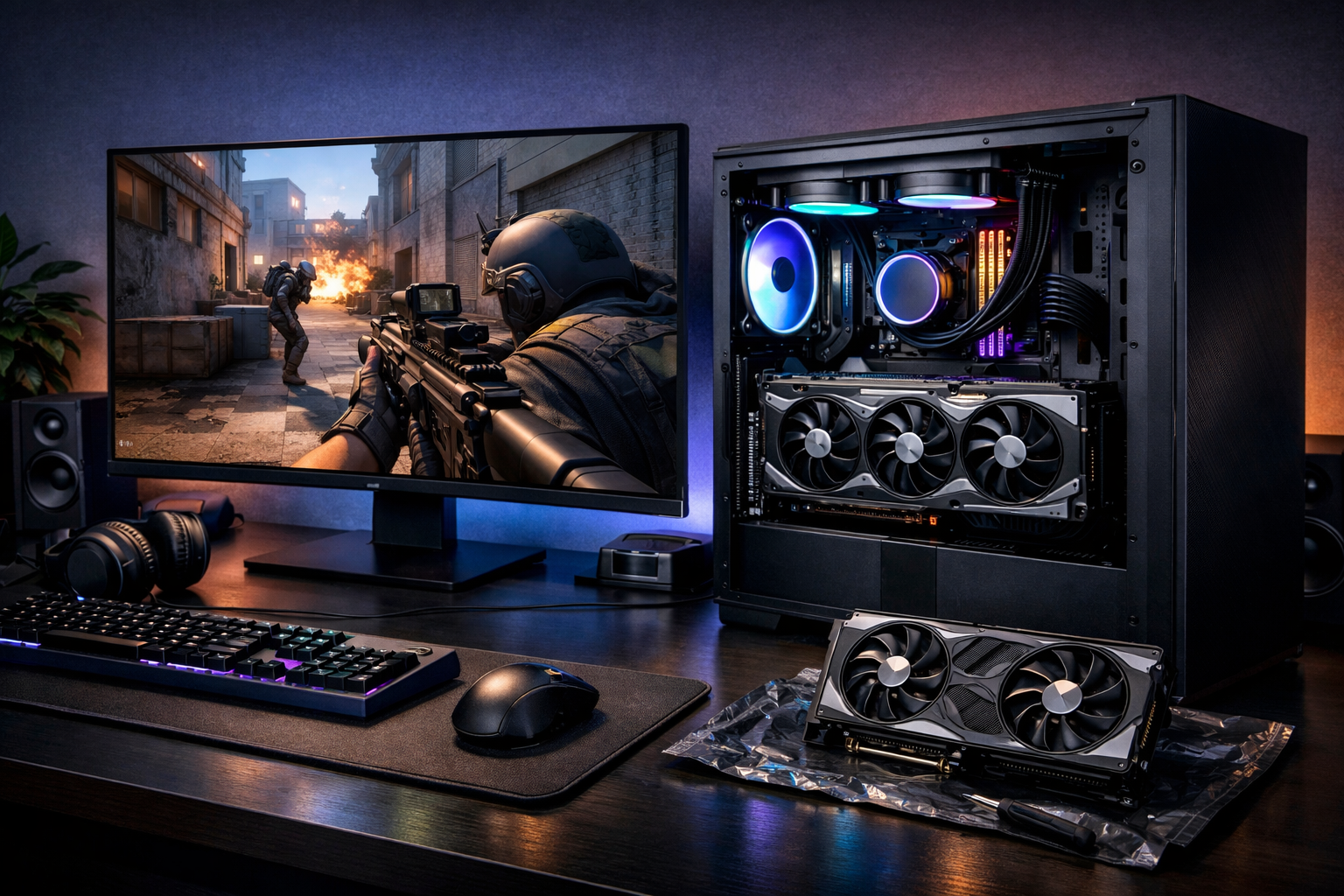
Best gpu for cs2 in 2026: what to buy for smooth fps
The best GPU for CS2 in 2026 is the one that matches your target FPS, monitor refresh rate, and CPU, not simply the most expensive card. For most players, the best GPU for CS2 is a mid-to-high tier option that keeps frame times stable at competitive settings.
TL;DR
- The best GPU for CS2 is the card that matches your FPS target, monitor, and CPU balance.
- Upper mid-range GPUs are the best fit for most 240Hz-focused CS2 players in 2026.
- High-end GPUs make sense mainly for 360Hz, 1440p, or broader multi-game builds.
CS2 can look light compared with many modern shooters, but buying a graphics card for it is still about more than average FPS. The best GPU for CS2 should deliver stable lows, low input delay, and enough headroom for smokes, utility, and busy retake rounds.
If you want a deeper hardware baseline, our best GPU for CS2 guide covers the same topic from a broader build angle. This article focuses on the buying decision in 2026 and which class of card makes the most sense for different players.
What makes the best GPU for CS2?
In CS2, “best” should be defined by fit, not by raw price. A top-end GPU can be excessive if your CPU, monitor, or settings target does not let you use that extra performance.
The best GPU for CS2 is usually the card that keeps your frame rate above your monitor refresh rate with room to spare. That extra margin helps when action gets heavy and frame times become more important than peak numbers.
For competitive play, many players lower visual settings to reduce clutter and keep performance consistent. In that setup, the GPU still matters, but CPU balance matters just as much. If your processor is weak, a stronger graphics card can hit diminishing returns.
That is why the best GPU for CS2 often sits in the middle of the market rather than at the very top. You want enough power for stable 240Hz or 360Hz play, but not so much that the rest of the system becomes the limit.
The selection factors that matter most
Before choosing a card, decide what kind of CS2 experience you actually want. A player on a 144Hz display needs a different GPU than someone chasing very stable 360Hz performance.
- Target refresh rate: 144Hz, 240Hz, and 360Hz each change the value of a GPU tier.
- Resolution: 1080p is still the main competitive target, while 1440p needs more headroom.
- CPU pairing: CS2 can become CPU-limited fast, especially on low settings.
- Frame-time stability: Smooth lows often matter more than headline FPS.
- Budget efficiency: The best value card is often the smarter buy than the fastest card.
VRAM matters, but not in the same way it does in heavier single-player games. For CS2 alone, you do not need to chase extreme memory capacity. A balanced card with solid drivers and good efficiency is often the better pick.
Power draw and cooling also affect the experience. A cooler, quieter GPU can help keep your setup comfortable during long sessions, especially if you play faceit, pugs, or scrims for hours at a time.
If you are building around a full system upgrade, compare your graphics choice with this best PC for CS2 breakdown. It helps show when the GPU is the right upgrade and when the CPU or memory matters more.
Which GPU tier fits your use case?
The best GPU for CS2 depends on the level of performance you are trying to lock in. Instead of naming one universal winner, it is more useful to split the market into practical tiers.
Best for most players: upper mid-range GPUs
For most people, upper mid-range cards are the sweet spot. They usually offer enough power for very high FPS at 1080p and strong 1440p performance, while keeping cost and power draw under control.
This is the tier that often makes the most sense for 240Hz players. It gives you enough overhead for competitive settings without paying a premium for performance you may never feel in real matches.
If your goal is smooth ranked play, this is usually the best GPU for CS2 from a value perspective. You get strong performance, better longevity, and fewer compromises than with entry-level options.
Best for budget builds and best for advanced setups
Budget GPUs can still work well for 144Hz play, especially at 1080p with optimized settings. They are a good fit for newer players, secondary PCs, or anyone upgrading from much older hardware.
High-end GPUs make more sense for advanced use cases. That includes 360Hz targets, 1440p competitive play, streaming on the same machine, or keeping extra headroom for future updates and other games.
Still, the best GPU for CS2 is not automatically the flagship model. In many cases, the premium tier gives smaller gains per dollar than the upper mid-range tier, especially if your CPU becomes the bottleneck first.
Players who care about a clean competitive setup should also think beyond hardware. A stable image, readable HUD, and clear aim point matter too, so it can help to compare a few CS2 crosshair options once your performance is sorted.
How to choose confidently without overspending
Start with your monitor. If you use 144Hz, you do not need to shop like a 360Hz player. If you use 240Hz, aim for a GPU that can stay comfortably above that target rather than barely touching it.
Next, check your CPU and memory. CS2 rewards balanced systems, so a GPU upgrade alone may not solve stutter or poor lows. That is one reason the best GPU for CS2 can vary so much from one build to another.
A simple buying framework can help:
| Use case | Best choice | Why it fits |
|---|---|---|
| 1080p 144Hz | Budget to mid-range GPU | Enough FPS without wasting budget on unused headroom |
| 1080p 240Hz | Upper mid-range GPU | Best balance of stable performance and value |
| 1080p 360Hz | High upper mid-range or high-end GPU | More overhead for lows and heavy utility moments |
| 1440p competitive play | Upper mid-range to high-end GPU | Higher resolution needs more consistent rendering power |
If you want the safest recommendation, buy for the next step above your current need. That gives you room for patches, map changes, and background tasks without forcing you into the most expensive tier.
For players who like to compare setups, checking a pro settings page can help frame realistic performance goals. A page like Jame’s CS2 settings is useful for seeing how competitive players often prioritize clarity and consistency over flashy visuals.
The final recommendation is simple. For most users in 2026, the best GPU for CS2 is an upper mid-range card paired with a strong CPU and a 240Hz-focused setup. If you are on a tighter budget, a lower tier can still be enough. If you are chasing 360Hz or 1440p, move up a class only when the rest of your system can support it.
If you are still deciding, start with the linked hardware guides and compare your full build before buying. That approach is usually better than chasing the most expensive card and hoping it fixes every performance issue.
FAQ
Is CS2 more CPU or GPU heavy?
CS2 often leans heavily on the CPU, especially at low competitive settings where players chase very high frame rates. The GPU still matters for stable performance, visual effects, and higher resolutions, but many systems hit CPU limits before a top graphics card is fully used.
What GPU tier is enough for 240Hz CS2?
For most players, an upper mid-range GPU is the safest target for 240Hz CS2 in 2026. That tier usually offers enough overhead for strong average FPS and better lows, which helps matches feel smoother during utility-heavy rounds and crowded fights.
Should I buy a flagship GPU for CS2?
Only if the rest of your setup can benefit from it. A flagship GPU can make sense for 360Hz play, 1440p, streaming, or broader gaming needs, but for CS2 alone, many players get better value from a strong upper mid-range card.