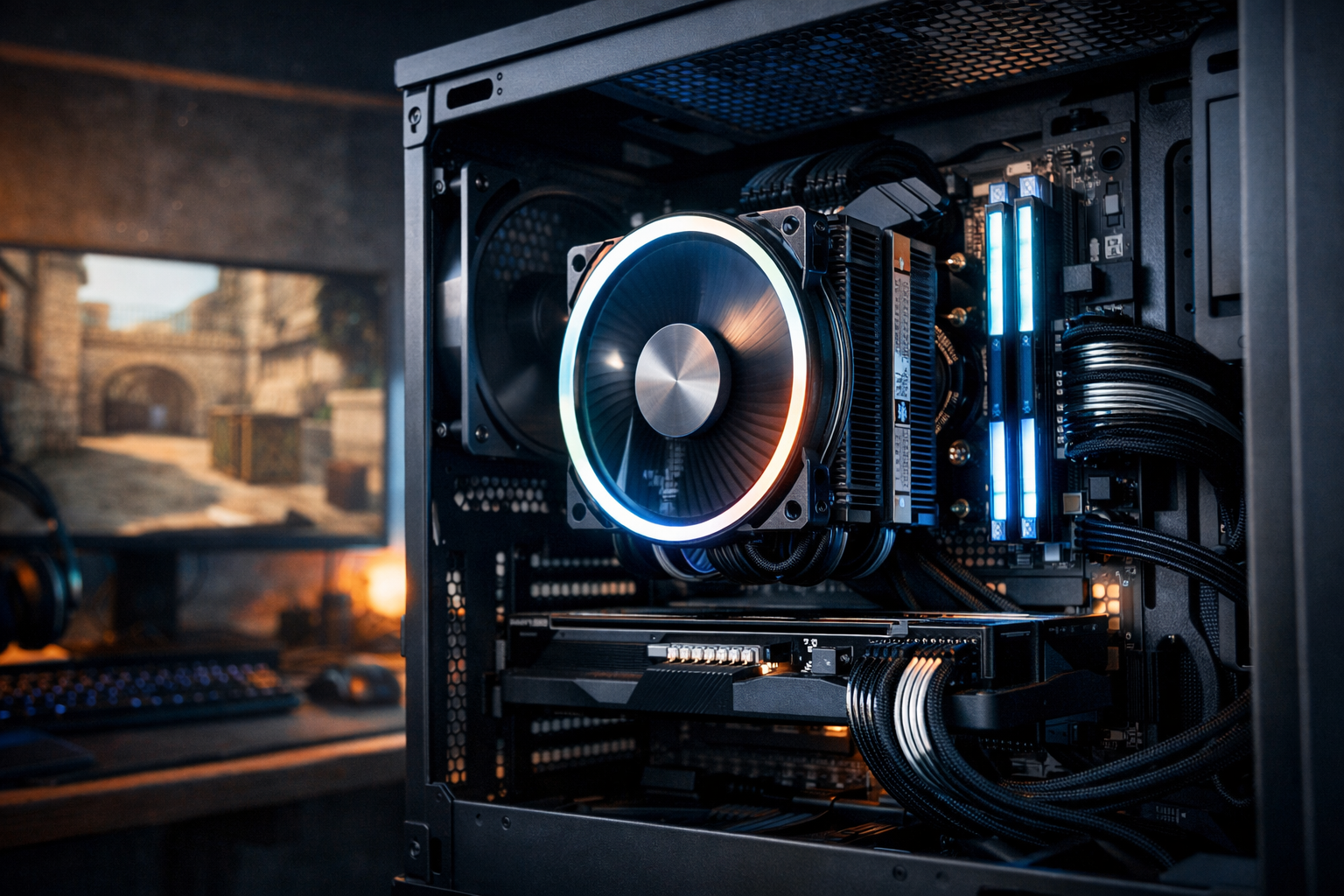
Best cpu for cs2 in 2026: which type fits your build
The best CPU for CS2 in 2026 is the one that delivers high frame rates, low frame-time spikes, and stable performance in busy rounds. For most players, the best CPU for CS2 is not simply the most expensive chip. It is the processor that matches your target refresh rate, GPU tier, and budget.
TL;DR
- The best CPU for CS2 is defined by frame-time stability, cache behavior, and refresh-rate goals, not just core count.
- Most players get the best value from a modern 6-core or 8-core gaming CPU rather than a flagship workstation-style chip.
- Match your CPU choice to your GPU, monitor, and platform cost before spending extra on top-end parts.
CS2 can reward strong single-thread speed, fast cache access, and consistent frame delivery more than raw core count alone. That is why choosing a processor for this game is different from shopping for a general productivity PC.
If you are planning a full setup, the broader CS2 guides hub can help you connect your CPU choice with the rest of your build. A balanced system matters more than one oversized part.
What makes the best CPU for CS2?
The best CPU for CS2 is the chip that keeps average FPS high while also protecting 1% lows during smokes, utility, and crowded fights. In CS2, smoothness often matters as much as peak numbers because inconsistent frame times can make aiming feel less predictable.
That usually points to CPUs with strong gaming architecture, high boost behavior, and enough cache to reduce memory-related slowdowns. Many players will get better results from a gaming-focused 6-core or 8-core chip than from a higher-core workstation model.
Platform value also matters. A processor can look great in isolation, but motherboard cost, RAM support, cooling needs, and upgrade path can change which option is actually best.
- Best for competitive FPS: strong single-core speed and low frame-time variance
- Best for value: enough gaming performance without forcing expensive cooling or boards
- Best for streaming and multitasking: solid gaming speed with extra core headroom
- Best long-term pick: good current CS2 performance plus a useful platform path
The selection factors that matter most
Clock speed still matters, but it should not be viewed alone. A newer architecture with better cache design can outperform an older chip with a higher advertised frequency.
Cache is especially important in games like CS2 that can benefit from fast access to repeated game data. In many cases, CPUs with larger effective cache can deliver stronger lows and a more stable feel, even when the average FPS gap looks modest on paper.
Core count matters less once you pass the point that CS2 can use efficiently. For a pure CS2 machine, 6 to 8 strong cores are often the sweet spot. If you also edit video, stream heavily, or run many background apps, then extra cores can make more sense.
Memory support and motherboard cost should be part of the decision. A cheaper CPU on an expensive platform can end up being worse value than a slightly pricier chip on a more sensible board. If you are pairing parts from scratch, this is easier to judge alongside a best PC for CS2 guide.
Why cache and frame times matter more than marketing
CS2 players often focus on average FPS because it is easy to compare. In practice, frame-time consistency can affect how responsive flicks, sprays, and tracking feel during real matches.
A CPU that holds steadier lows can feel better at 240Hz or 360Hz than one that posts a slightly higher benchmark peak. That is why the best CPU for CS2 should be judged by smoothness, not just headline numbers.
Why your GPU still changes the answer
At lower resolutions and competitive settings, CS2 can become CPU-limited quickly. At higher resolutions or with a weaker graphics card, the GPU can become the bottleneck and reduce the benefit of a premium processor.
If you are unsure where your budget should go, compare your processor plan with a best GPU for CS2 guide. The best CPU for CS2 only shows its full value when the graphics card can keep up.
Which CPU choice fits your kind of CS2 build?
For most competitive players, the best CPU for CS2 is a modern gaming-first chip in the upper mid-range. This tier usually gives enough performance for high refresh play without the steep price jump of flagship parts.
If you play at 1080p low settings on a 240Hz or 360Hz monitor, spending more on CPU quality can make sense. In that use case, stronger cache behavior and better gaming architecture can translate into more stable rounds and cleaner input feel.
For budget builds, the best CPU for CS2 is often the processor that avoids obvious bottlenecks while leaving room for a better GPU or monitor. A sensible mid-range CPU can be the smarter buy than chasing a top-end model and cutting corners elsewhere.
For mixed-use systems, look for balance. If you stream, record, browse heavily, or keep many apps open, an 8-core chip can be the safer choice. It may not always lead the pure gaming charts, but it can keep the whole system more comfortable under load.
| Use case | Best CPU profile | Why it fits CS2 |
|---|---|---|
| Budget competitive build | Modern 6-core gaming CPU | Strong value, enough headroom for high FPS |
| 240Hz ranked play | Upper mid-range 8-core gaming CPU | Better lows and smoother heavy-round performance |
| 360Hz focus | High-end gaming CPU with strong cache | Helps reduce frame-time dips at very high refresh |
| Gaming plus streaming | Balanced 8-core or higher CPU | Keeps background load from hurting match performance |
How to make the right final pick
Start with your monitor target. If you are aiming for 144Hz, you do not need the same processor class as someone trying to hold very high FPS for 360Hz play. Your display goal should shape the rest of the build.
Then check your GPU tier, cooling budget, and platform cost. The best CPU for CS2 is the one that fits the whole system without forcing weak compromises in graphics, RAM, or thermals.
If you want the simplest recommendation, choose a current-generation gaming CPU with proven value, prioritize cache and frame-time stability over raw core count, and avoid paying flagship prices unless you are truly chasing top-end refresh rates. That approach fits most players better than buying the most expensive chip available.
For the next step, compare complete part balance before you buy. The best PC for CS2 guide is a practical place to narrow your full build around the best CPU for CS2.
FAQ
How many cores does CS2 really need?
For a pure CS2 build, 6 strong modern cores are often enough, while 8 cores can add comfort for background tasks and streaming. Beyond that, extra cores can help mixed workloads more than in-game performance. Architecture, cache, and frame-time consistency usually matter more.
Is a high-end CPU worth it for CS2?
It can be worth it if you play at very high refresh rates, use low settings, and want stronger 1% lows in heavy rounds. For many players, though, an upper mid-range gaming CPU gives a better price-to-performance result and leaves more budget for the GPU or monitor.
Should I upgrade CPU or GPU for CS2 first?
That depends on your current bottleneck. If you play at low settings and your FPS drops despite a decent graphics card, the CPU may be the better upgrade. If you use higher resolutions or a weaker GPU, the graphics card can limit gains more than the processor.